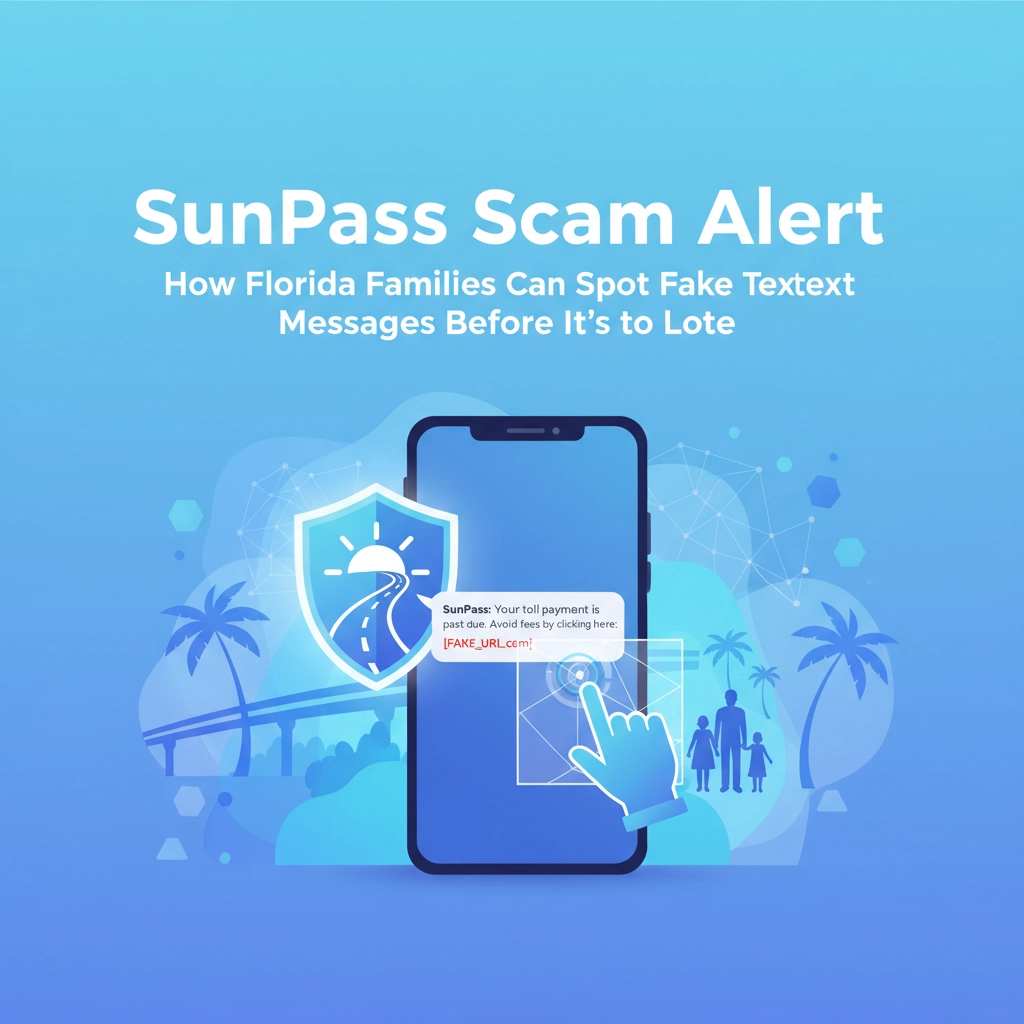

If you're a Florida driver, chances are you've either received one of these bogus SunPass texts or you're about to. These scam messages are hitting smartphones across the Sunshine State harder than a summer thunderstorm, and they're getting more convincing by the day.
Here's the thing – these aren't just annoying spam texts. They're sophisticated phishing attempts designed to steal your personal information, drain your bank account, and potentially give cybercriminals access to all your devices. As your friendly neighborhood IT experts here in Venice, we've seen firsthand how these scams can snowball into major computer and data security nightmares.
Let's dive into what these scams look like, how to spot them before they spot you, and most importantly, how to protect your family's digital life from these digital highway robbers.
The SunPass Scam Playbook: What These Fraudsters Are Up To
The basic formula is pretty simple, which is exactly why it works so well. You get a text message that looks like it's from SunPass claiming you owe money for unpaid tolls. The message creates urgency – pay now or face consequences like late fees, account suspension, or even legal action.
Here's a real example that's been making the rounds: "SunPass Alert: Your account has an outstanding balance of $3.95. Please pay immediately to avoid a $25 late fee. Click here to pay now: [suspicious link]"
Sounds legitimate, right? That's the problem. These scammers have done their homework. They know that most Florida drivers use toll roads regularly, and a small amount like $3.95 seems believable – not so big that you'd definitely remember the trip, but not so small that you'd ignore it.
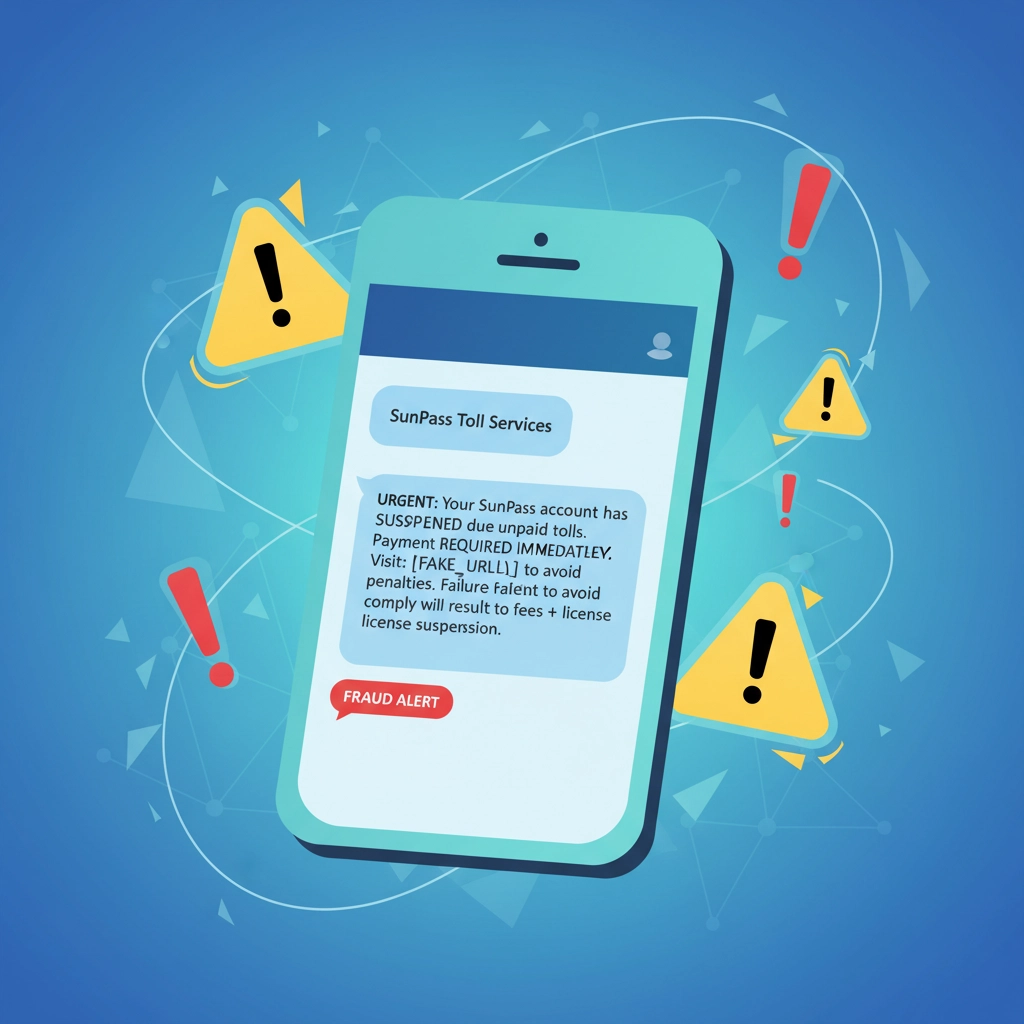
The really dangerous part happens when you click that link. You're taken to a fake website that looks exactly like the real SunPass portal. Enter your login credentials, credit card info, or personal details, and congratulations – you've just handed over the keys to your digital kingdom to criminals.
Red Flags That Scream "SCAM!"
Learning to spot these fakes is easier than you might think once you know what to look for. Here are the dead giveaways that should make you hit the delete button faster than you can say "I-75":
Check the sender's number or email. Real SunPass messages only come from three places: text number 786727, customerservice@sunpass.com, or noreply@sunpass.com. If it's coming from a random 10-digit number, especially with an out-of-state area code, it's fake.
Watch for urgent language and threats. Legitimate companies don't threaten you via text message. If the message is demanding immediate action or threatening legal consequences, that's a massive red flag. Real SunPass will send you actual mail if there's a serious issue with your account.
Look for poor grammar and spelling. While scammers are getting better at this, many still have telltale signs like awkward phrasing, random capitalization, or obvious typos. Professional companies proofread their communications.
Be suspicious of round numbers or weird amounts. Real toll charges are specific – like $2.75 or $1.50. If you're seeing charges like exactly $5.00 or oddball amounts like $3.95, that's often a sign someone made up the number.
What Legitimate SunPass Messages Actually Look Like
Real SunPass communications are pretty boring, and that's a good thing. They don't use flashy language, urgent demands, or threats. Instead, they're straightforward and professional.
Legitimate messages will:
- Come from the official numbers/emails mentioned above
- Use standard, professional language without urgency tactics
- Provide clear account information if you're a registered user
- Never ask you to click links to "verify" your account or payment information
- Include your actual license plate number if they're referencing specific trips
If SunPass really needs to contact you about a serious issue, they'll send you something in the mail to your registered address. They're not going to threaten you via text message.
Your Game Plan When You Get a Suspicious Message
Here's exactly what to do when one of these messages hits your phone:
Step 1: Don't click anything. Resist the urge to click the link, even if you're just curious about how fake it looks. Every click tells the scammers that your number is active and worth targeting again.
Step 2: Don't respond or call back. Even replying "STOP" can confirm to scammers that they've reached a real person. Just ignore it completely.
Step 3: Check your account independently. If you're genuinely concerned about potential toll charges, open a web browser and type in the official SunPass website directly (sunpass.com). Log into your account the normal way to check your real balance and activity.
Step 4: Report it. Forward the scam text to the FBI's Internet Crime Complaint Center or report it to your local law enforcement. The more people who report these scams, the better chance authorities have of shutting them down.
Step 5: Delete the message. Get it off your phone so you're not tempted to accidentally click on it later.
How This Connects to Your Overall Computer Security
Here's where things get really concerning from an IT perspective. These SunPass scams aren't just about stealing a few bucks from your bank account. They're often the first step in much larger identity theft and cybersecurity breaches.
When you click on these malicious links, you might be downloading malware onto your phone without knowing it. That malware can then spread to other devices on your home network – your laptop, your smart TV, your kids' tablets, even your home security system.
We've helped Venice and Sarasota families clean up messes that started with a simple click on a "harmless" toll scam link. Suddenly, their computers are running slow, their email accounts are sending spam to everyone they know, and their personal files are encrypted by ransomware.
The scary part is how these attacks have evolved. Modern malware can lie dormant on your devices for weeks or months, quietly collecting passwords, monitoring your online banking, and gathering information that cybercriminals can sell or use later.
Protecting Your Whole Digital Life
Defending against these scams isn't just about being smart with text messages. It's about building good cybersecurity habits that protect all your devices and data.
Keep your phone's operating system updated. Those annoying update notifications aren't just about new emojis – they often contain critical security patches that protect against the latest scam techniques.
Use different, strong passwords for different accounts. If scammers do manage to steal one password, you don't want them accessing everything you own online.
Consider enabling two-factor authentication on important accounts. Even if someone steals your password, they'd still need your phone to get into your accounts.
Be extra cautious about clicking links in any unsolicited messages, whether they're about tolls, package deliveries, or "urgent" account updates. When in doubt, go directly to the company's website instead of clicking through.
A Little Computer Humor to Brighten Your Day
Alright, let's take a break from all this serious cybersecurity talk for a moment. Here are some tech jokes that are so bad, they're good:
Why don't computers ever get cold? Because they have Windows!
What's a computer's favorite snack? Microchips!
Why did the smartphone go to therapy? It had too many hang-ups!
How do you know if a computer programmer is telling the truth? Their story compiles!
What do you call a computer superhero? A screensaver!
And here's a fun fact: The first computer bug was literally a bug. In 1947, Grace Hopper found an actual moth stuck in a Harvard Mark II computer relay. She taped it into the computer's logbook and wrote "First actual case of bug being found." That's why we still call computer problems "bugs" today!
When to Call in the Professionals
Sometimes, despite your best efforts, things go wrong. Maybe someone in your family accidentally clicked on a suspicious link, or you're not sure if your computer might be infected. That's when it's time to bring in professional help.
At Computers Done Right, we've been helping Venice, Sarasota, and surrounding Florida communities stay safe online for years. We can check your devices for malware, help you secure your home network, and teach your family how to spot and avoid the latest scams.
Don't wait until after a cyberattack to think about cybersecurity. If you're concerned about your family's digital safety or want to make sure your devices are properly protected, give us a call and speak with John Reed directly about what security solutions might work best for your specific situation.
The Bottom Line
These SunPass scams aren't going away anytime soon. As long as they keep working on some people, cybercriminals will keep sending them out. But now that you know what to look for and how to respond, you and your family can stay one step ahead of these digital thieves.
Remember, when it comes to cybersecurity, a little paranoia goes a long way. It's always better to be slightly inconvenienced by double-checking something than to deal with the major headache of identity theft or compromised devices.
Stay safe out there, Florida families. And remember, if something seems too urgent or too threatening in a text message, that's probably because it's fake.