Living in beautiful Sarasota means dealing with plenty of sunshine, occasional hurricanes, and unfortunately, an increasing number of computer repair scams targeting local residents. While we're busy enjoying our beaches and world-class arts scene, scammers are working overtime to separate us from our hard-earned money through increasingly sophisticated tech support schemes.
As someone who's seen every trick in the book, I want to arm you with the knowledge to spot these digital predators before they can strike. Here are seven critical red flags that every Sarasota resident needs to recognize.
Red Flag #1: The Dreaded Pop-Up Panic Attack
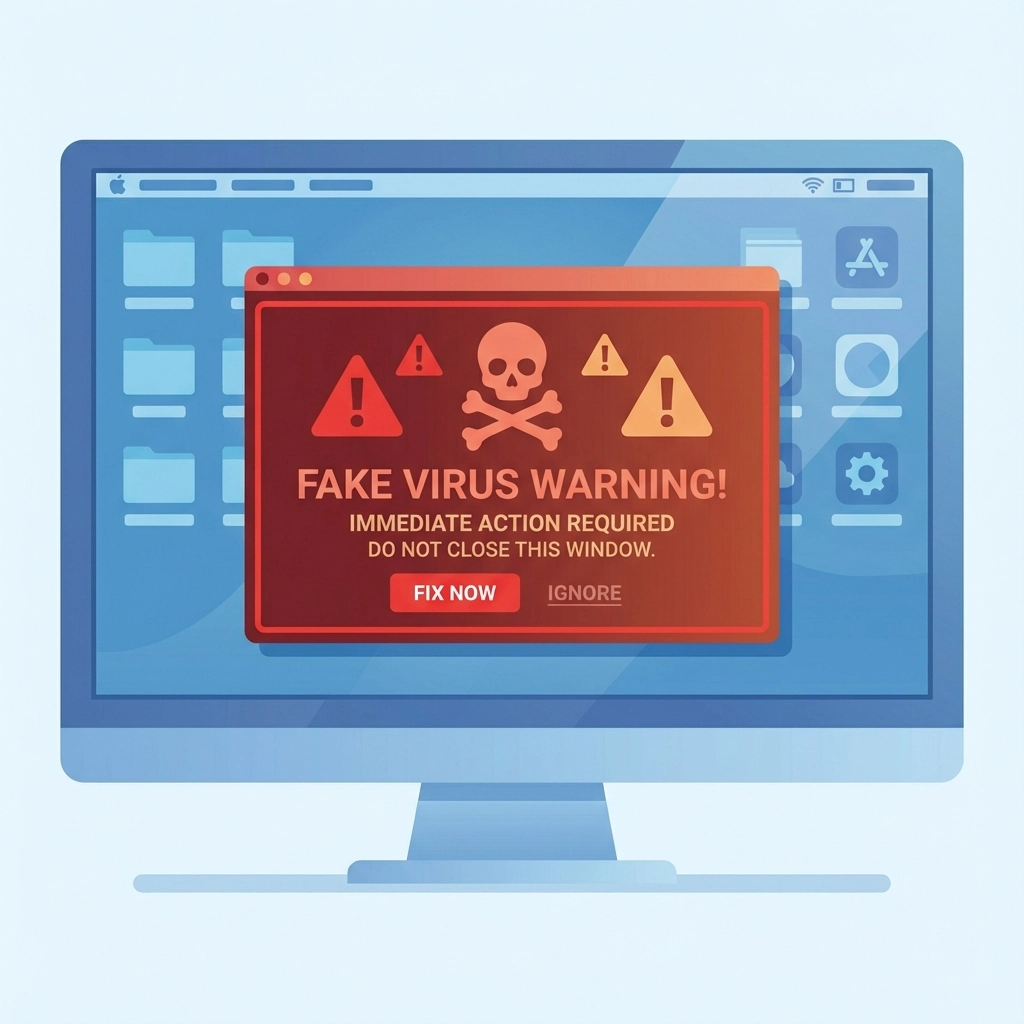
You're browsing the web, maybe checking out the latest events at the Van Wezel or reading Sarasota Magazine online, when suddenly your screen is hijacked by a terrifying pop-up warning. It screams that your computer is infected with dangerous viruses and your personal data is about to be stolen by cybercriminals.
These fake alerts are designed to look like they're from Microsoft, Apple, or other trusted companies. They'll often include flashing red warnings, countdown timers, and urgent messages telling you to "Call Now" or risk losing everything. The pop-up might even lock your browser, making it seem like your computer is truly compromised.
Here's the truth: legitimate security companies don't operate this way. Real antivirus software quietly handles threats in the background without creating Hollywood-style drama on your screen.
Red Flag #2: High-Pressure Tactics That Would Make a Used Car Salesman Blush
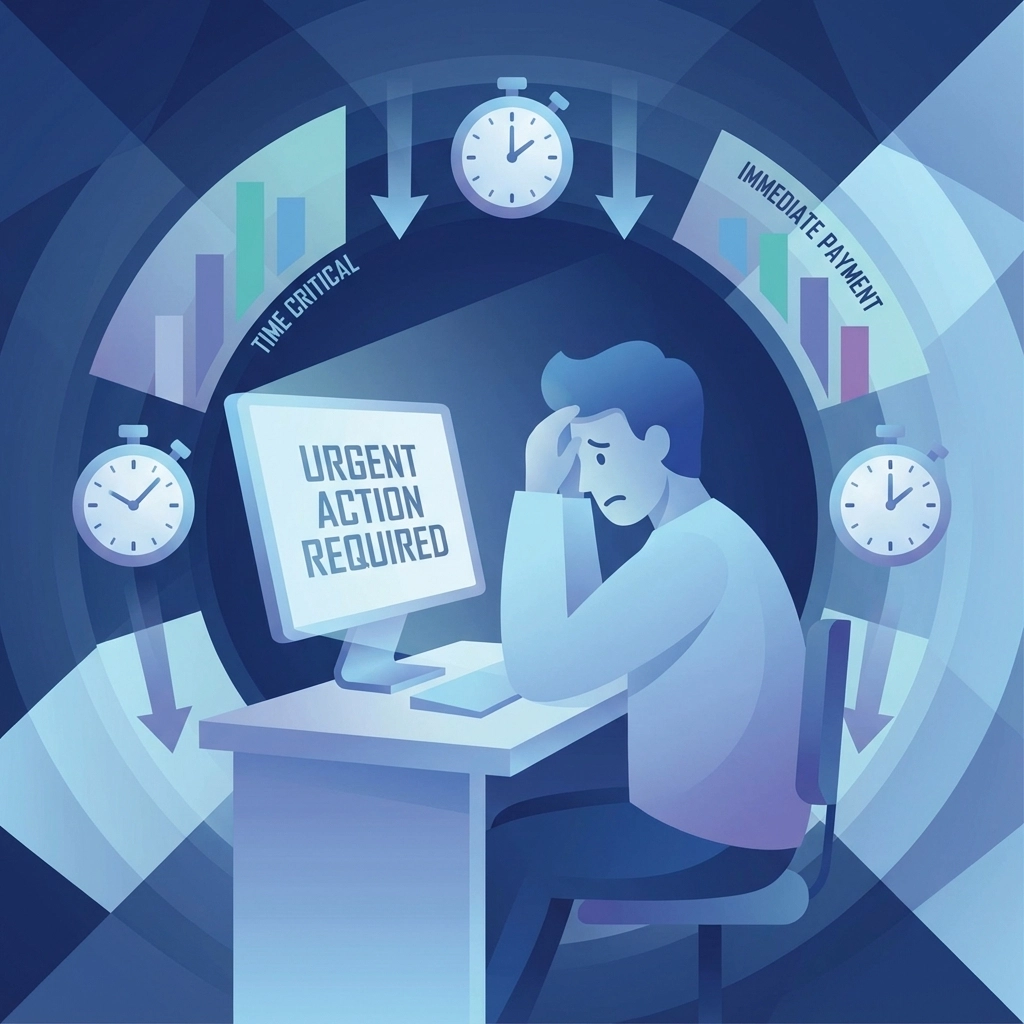
Once scammers have your attention, they'll turn up the pressure faster than a Florida thunderstorm. They'll claim your computer is about to crash, your bank accounts are compromised, or that you have only minutes to act before permanent damage occurs.
These criminals are masters of manufactured urgency. They might say things like "Your Social Security number is being used for illegal activities" or "We've detected suspicious activity that requires immediate attention." The goal is to bypass your logical thinking and push you into panic mode.
Remember: legitimate tech support never operates with this level of drama. Real computer problems rarely require split-second decisions, and authentic companies give you time to think and research your options.
Red Flag #3: "Just Give Us Remote Access" – The Digital Keys to Your Kingdom
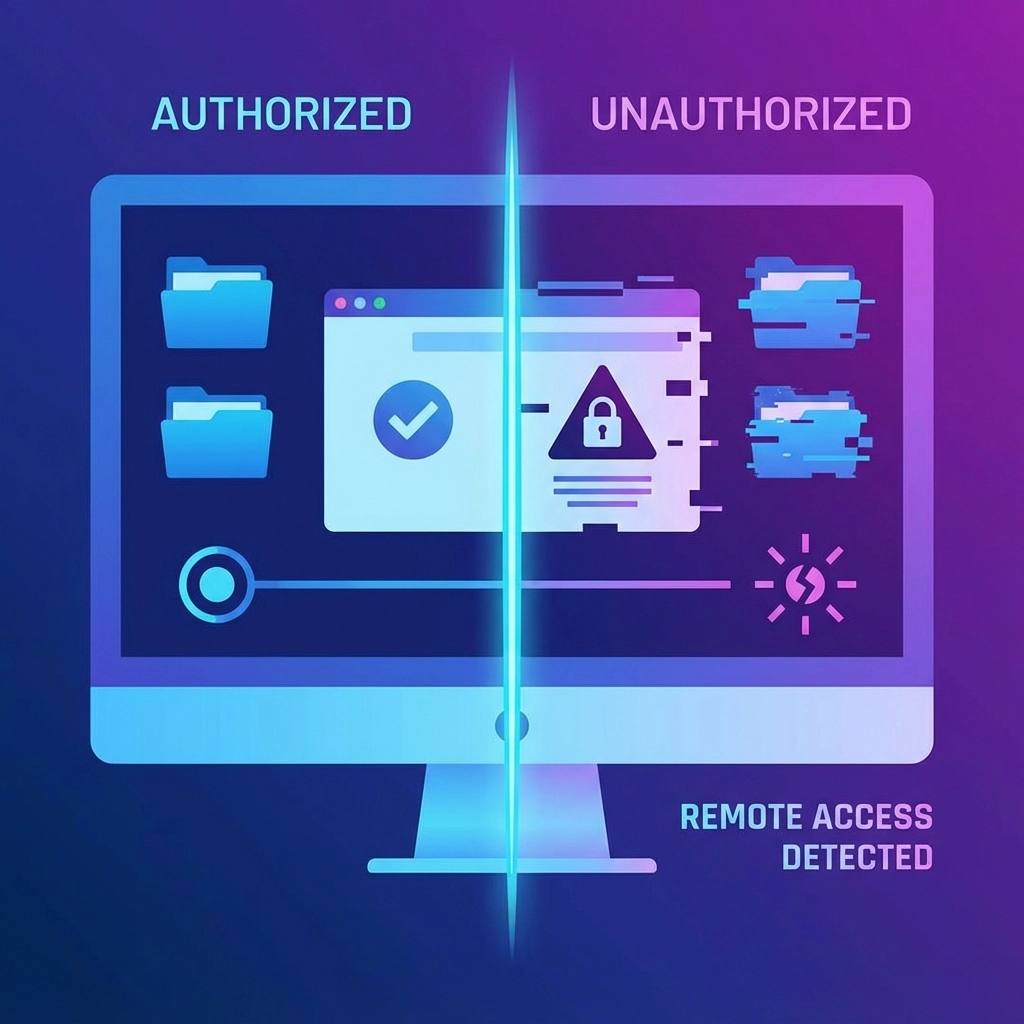
Perhaps the most dangerous red flag is when someone asks for remote access to your computer. Scammers will use software like TeamViewer or other remote desktop tools to take complete control of your machine, claiming they need to "diagnose the problem" or "remove the viruses."
Once they're in, the scammers can install actual malware, steal your personal files, access your passwords, or set up backdoors for future access. They might even show you legitimate system files and claim they're viruses to justify their "services."
Think of remote access like giving someone the keys to your house. You wouldn't hand them over to a stranger who knocked on your door claiming to be a security expert, would you?
Red Flag #4: The Magic System Scan That Always Finds "Critical Issues"
After gaining access to your computer, scammers will run system diagnostic tools that look official and impressive. These programs generate lots of technical-looking information, but here's the kicker: the scammers will claim to find serious problems regardless of what the scan actually reveals.
They'll point to normal system processes, temporary files, or standard registry entries and declare them "critical threats" or "severe infections." Some will even create fake error logs or modify legitimate diagnostic results to support their claims.
A real technician explains what they're finding in terms you can understand and shows you actual evidence of problems, not manufactured threats designed to sell unnecessary services.
Red Flag #5: Payment Methods That Sound Like Something from a Spy Movie
Here's where scam tactics get really creative. These criminals will ask for payment through unusual methods that are difficult to trace or reverse. They might request:
- Gift cards from major retailers (Apple, Google Play, Amazon)
- Wire transfers through services like Western Union
- Cryptocurrency transactions
- Pre-paid debit cards
- Direct bank account access
They'll often spin elaborate stories about why these payment methods are necessary – claiming gift cards are for "software licenses" or that wire transfers are required for "federal compliance." Some even offer fake "refunds" as bait to get your banking information.
Legitimate computer repair businesses accept normal payment methods like cash, checks, and credit cards. If someone insists on gift cards or Bitcoin, you're definitely dealing with a scammer.
Red Flag #6: Fee Structures More Confusing Than Hurricane Insurance
Some scammers operate pseudo-legitimate repair services that use deceptive pricing practices. They might advertise low diagnostic fees but then hit you with undisclosed charges for "emergency services," "weekend rates," or "specialized software licenses" that weren't mentioned upfront.
Others quote one price over the phone but present a much higher bill when the work is "complete." They'll claim additional problems were discovered or that extra services were necessary to prevent future issues.
Professional repair services provide clear, upfront pricing and explain any additional costs before performing extra work. If someone can't give you a straight answer about their fees, find someone who can.
Red Flag #7: The "You're Under Federal Investigation" Bombshell
This sophisticated scam combines tech support fraud with impersonation of federal agents. Scammers claim your computer has been used for illegal activities like money laundering, drug trafficking, or terrorism. They'll then transfer you to someone pretending to be from the FBI, DEA, or other federal agency.
These fake agents provide official-sounding badge numbers and case references. They'll claim you can resolve the situation by purchasing gift cards or transferring money to "secure government accounts" to prove your innocence.
Here's what you need to know: real federal agents don't call random citizens about computer crimes, and they certainly don't resolve investigations through gift card purchases.
The Computer Humor Corner: Debugging Life's Little Jokes
Why don't computers ever get tired? Because they have plenty of bytes and never need to sleep on it!
Tech Trivia Time: Did you know that the first computer bug was an actual bug? In 1947, Grace Hopper found a moth trapped in a Harvard Mark II computer relay. She taped the moth into the computer's logbook and wrote "First actual case of bug being found." The term "debugging" was born!
Here's a classic tech support joke: A user calls support saying, "My computer screen is blank." The technician asks, "Is the computer on?" The user replies, "I don't know, it's too dark to see!" Turns out there was a power outage.
Random Computer Fact: The average computer user blinks 7 times per minute, but when staring at a screen, that drops to just once per minute. No wonder our eyes get so dry during those long Netflix binges!
What to Do If You Encounter These Red Flags
If you spot any of these warning signs, hang up immediately. Don't argue, don't try to reason with the scammer, and definitely don't provide any information. Simply end the call and walk away from your computer if needed.
If a pop-up has locked your browser, don't panic. You can usually close it by using Ctrl+Alt+Delete to open Task Manager and ending the browser process, or simply restart your computer. Pop-ups cannot damage your computer just by appearing on your screen.
Report suspected scams to the Sarasota Police Department and the Federal Trade Commission. You can also contact the Sarasota County Fraud Hotline at (855) 506-0304 to report incidents and get guidance.
Protecting Yourself: The Sarasota Way
The best defense against these scams is education and skepticism. Remember that legitimate computer problems don't require immediate phone calls to unknown companies. If you're experiencing real technical issues, contact a local, established business that you can visit in person.
At Computers Done Right, we believe in transparent service and honest communication. When you need genuine computer repair or IT support, we're here to help without the drama, pressure tactics, or mysterious payment schemes.
Stay safe out there, Sarasota. Our beautiful city has enough real attractions without falling for these digital mirages.
For honest computer repair and IT services, contact John Reed at Computers Done Right. We'll give you straight answers about your computer problems and clear information about any services you might need – no pop-ups required.