Picture this: You're sipping your morning coffee at Siesta Key Beach, scrolling through your laptop, when disaster strikes. Not a hurricane this time: your hard drive just crashed, taking five years of family photos and business documents with it. "No worries," you think, "everything's backed up to the cloud." But when you try to restore your files, reality hits harder than a Gulf Coast thunderstorm.
As Sarasota's trusted PC repair experts, we've seen this scenario play out more times than we can count. The myth that cloud backup alone provides bulletproof protection is one of the most expensive misconceptions we encounter. Let's dive into why relying solely on cloud storage might leave your data more vulnerable than you think.
The Cloud Backup Mythology
Myth #1: "If it's in the cloud, it's 100% safe"
Truth: Cloud providers can experience outages, data corruption, or even go out of business. Remember when Google accidentally deleted some users' accounts in 2020? Even tech giants aren't immune to human error.
Myth #2: "Cloud backup means instant recovery"
Truth: Try downloading 500GB of data over your home internet connection. Depending on your speed, you could be waiting days or weeks for a full restore. That's not exactly "instant" when your business depends on those files.
Myth #3: "Cloud storage is unlimited and free"
Truth: Most cloud services start cheap but costs escalate quickly as your storage needs grow. Plus, many "free" services have strict limitations that aren't apparent until you need them most.
Why Cloud-Only Backup Falls Short
Cloud backup certainly has its place: it's great for off-site redundancy and protection against local disasters. But here's where it gets tricky: dependence on internet connectivity makes cloud backup vulnerable during the very moments you need it most.
Consider Sarasota's unique challenges. We're no strangers to severe weather events that can knock out power and internet for days. Hurricane season means potential weeks without reliable connectivity. When your business needs to get back online immediately after a storm passes, waiting for a cloud restore over spotty internet isn't an option.
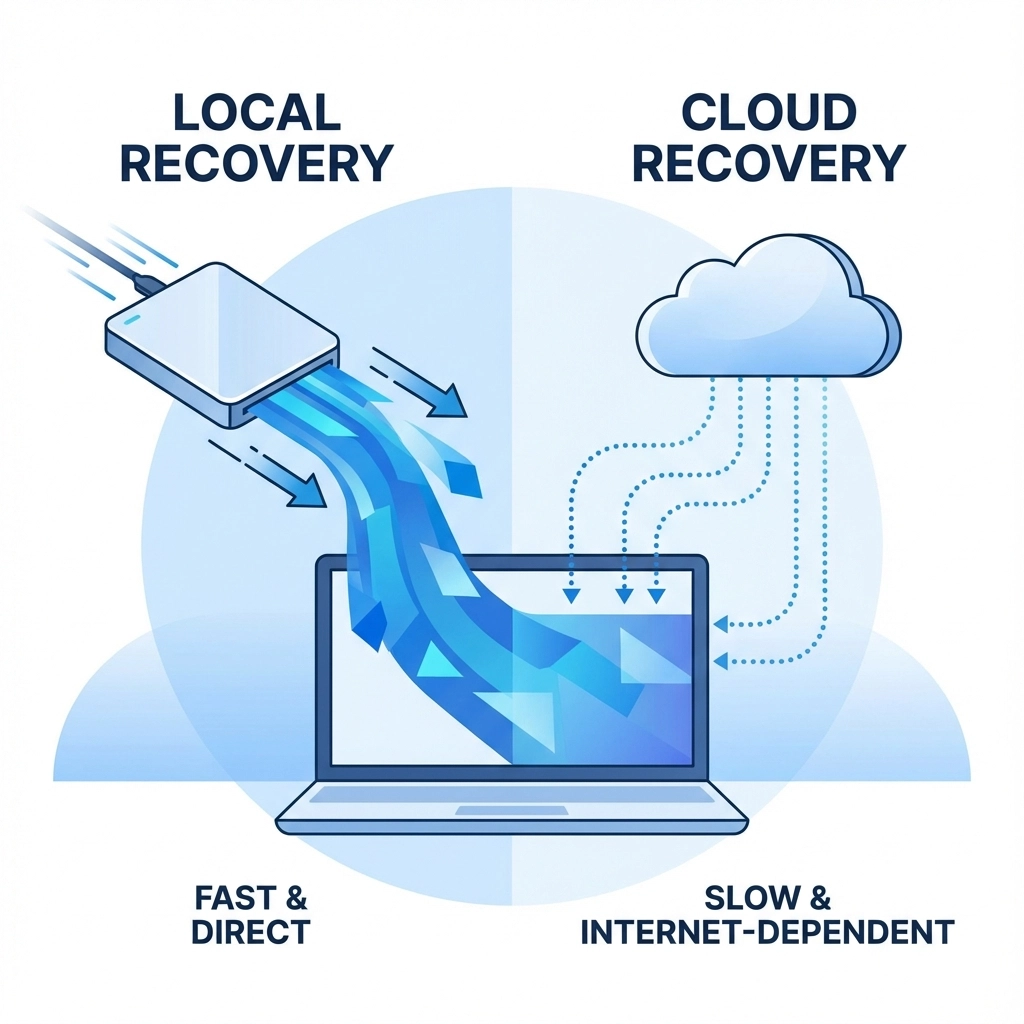
Local backups provide that crucial rapid recovery capability. When your main drive fails during a busy workday, you can swap in a local backup and be running again within minutes: not hours or days.
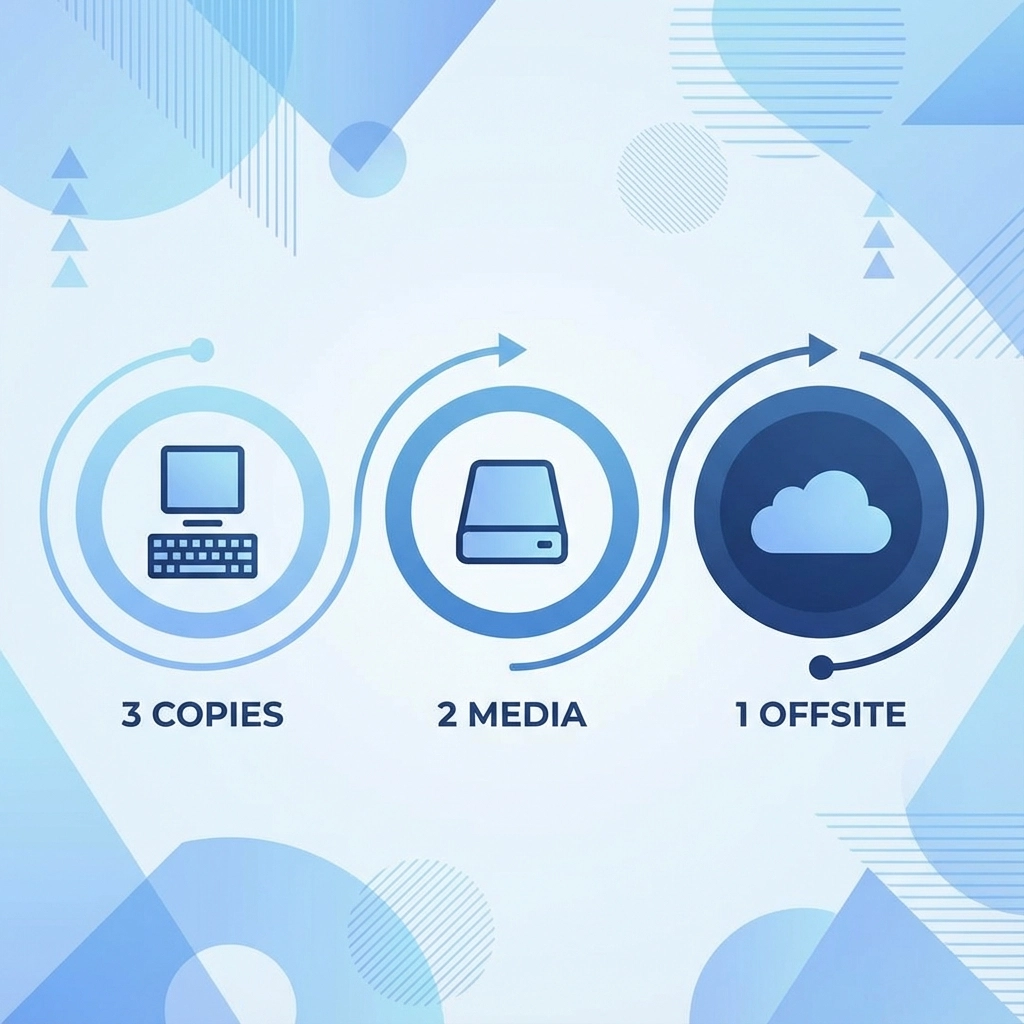
The 3-2-1 Rule: Your Data's Best Friend
Professional IT specialists swear by the 3-2-1 backup rule:
- 3 copies of important data
- 2 different storage types (like external drive + cloud)
- 1 copy stored off-site
This isn't overkill: it's smart redundancy. Think of it like Florida's hurricane preparedness: you don't just board up windows OR evacuate; you prepare multiple contingencies because you never know which scenario you'll face.
Here's how this works in practice for Sarasota residents and businesses:
Copy 1: Your working files on your main computer or server
Copy 2: Local backup on an external drive or network attached storage (NAS)
Copy 3: Cloud backup stored with a reputable provider
This setup gives you the speed of local recovery with the security of off-site protection. If ransomware hits your network, the cloud backup saves the day. If internet goes down during a storm, your local backup keeps you operational.
Local Backup: The Unsung Hero
Local backups often get dismissed as "old school," but they're actually your first line of defense against common data disasters. External drives, NAS devices, and local servers provide several key advantages:
Lightning-fast recovery: USB 3.0 and newer connections can restore gigabytes of data in minutes, not hours.
No internet dependency: When Comcast or Spectrum has an outage (and we all know how that goes), your local backup still works perfectly.
Complete control: You're not at the mercy of a cloud provider's terms of service changes or business decisions.
Cost-effective for large amounts of data: Once you hit terabytes of storage, local drives become much more economical than ongoing cloud subscription fees.
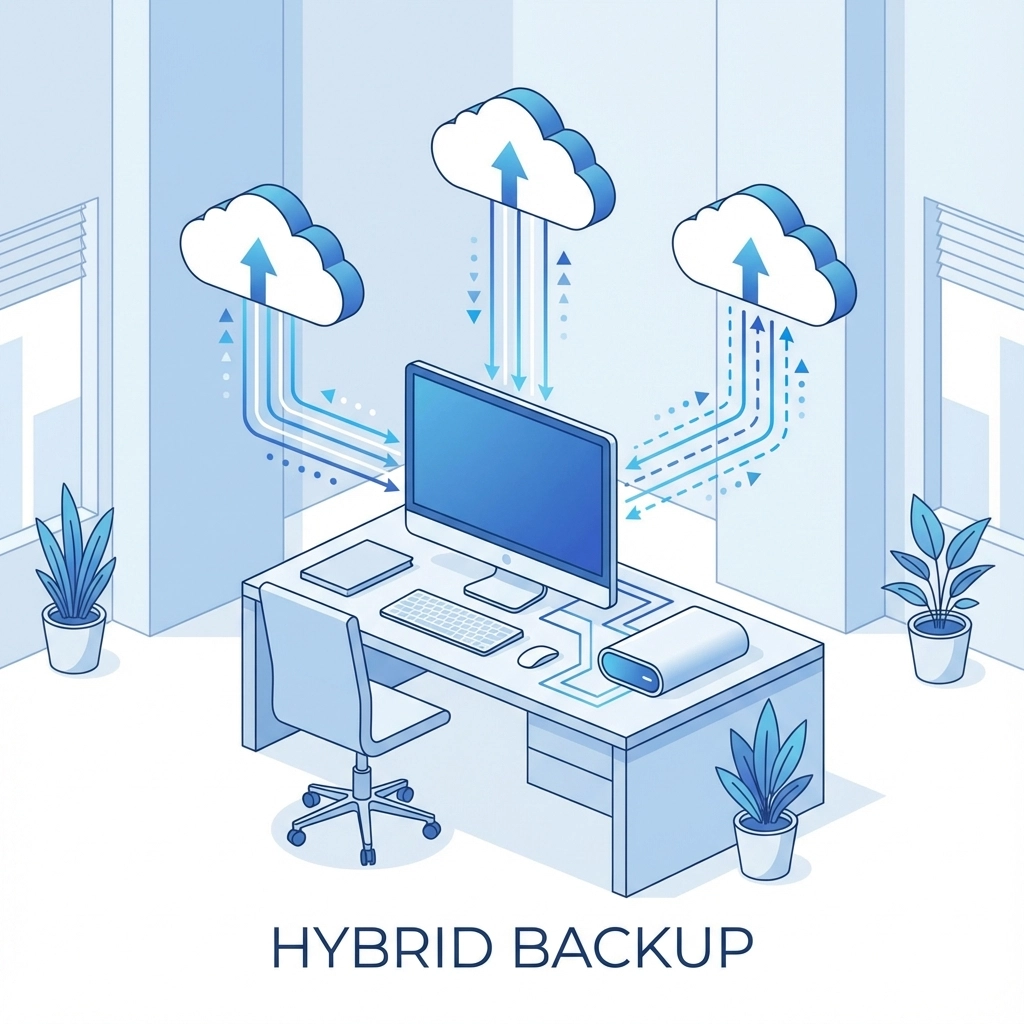
The Sarasota Smart Approach: Hybrid Backup Strategy
Living in Southwest Florida means dealing with unique environmental factors that affect your backup strategy. High humidity can impact electronic components, salt air from the Gulf can cause corrosion, and our beautiful but powerful thunderstorms can cause sudden power surges.
A smart hybrid approach for Sarasota residents includes:
Automated daily local backups to a quality external drive or NAS device, stored in a climate-controlled environment away from your main computer.
Weekly cloud syncing of critical documents and irreplaceable files like photos and business records.
Monthly verification that both backup types are working correctly: because a backup you can't restore is worse than no backup at all.
Storm season protocols: Before hurricane season, ensure your cloud backups are current and consider temporarily moving local backup drives to a secure off-site location.
Real-World Backup Scenarios We've Seen
The Wedding Photographer's Nightmare: A local photographer lost an entire wedding when their laptop died, thinking their cloud backup was current. Turns out, their internet had been too slow to complete the upload, and they lost irreplaceable memories.
The Small Business Save: A downtown Sarasota restaurant lost their point-of-sale system to a power surge during a thunderstorm. Because they had local backups, they were processing orders again within 30 minutes instead of waiting days for cloud restoration.
The Student's Close Call: A New College student's thesis disappeared when their cloud storage account was compromised. Fortunately, they had a local backup from the previous week and only lost a few days of work.
Backup Humor Break: Data Jokes That Don't Crash and Burn
Q: Why did the computer keep sneezing?
A: It had a virus and forgot to back up to tissues!
Backup Trivia: The term "backup" in computing actually comes from the practice of keeping backup tapes in case the main computer system failed. The first computer backup was performed in 1951 on the EDVAC computer, using magnetic tape that could store a whopping 1,000 characters!
Dad Joke Alert: Why don't computers ever panic about losing data? Because they know how to keep their files together! (But seriously, keep your files together with proper backups.)
Fun Fact: If you stacked all the backup tapes created in the 1980s, they would circle the Earth approximately 23 times. Today's cloud storage would require building a data center the size of Rhode Island to hold the same amount of physical storage!
Cloud Provider Reality Check
Not all cloud services are created equal, and understanding the fine print can save you from nasty surprises. Some providers automatically delete files after a certain period of inactivity. Others have "soft delete" policies where your "deleted" files aren't actually removed for weeks or months: which sounds good until you realize it's eating into your storage quota.
Bandwidth limitations can also catch you off-guard. Many providers throttle upload speeds for free accounts, meaning that "unlimited" backup might take unlimited time to complete.
Making the Right Choice for Your Situation
The best backup strategy depends on your specific needs, but here's our general recommendation for different Sarasota user types:
Home users: External drive for daily backups plus cloud storage for photos and important documents. Budget-friendly and covers most scenarios.
Small businesses: NAS device for local backups, business-grade cloud service for off-site redundancy, and documented recovery procedures for employees.
Creative professionals: High-speed local storage for active projects, multiple cloud providers for redundancy, and regular testing of restore procedures.
Students and remote workers: Combination of external drive and cloud sync, with special attention to version control for important documents.
The Bottom Line on Backup Security
Cloud backup is an excellent part of a comprehensive data protection strategy, but it shouldn't be your only line of defense. Just like you wouldn't rely on a single levee to protect against storm surge, you shouldn't depend on a single backup method to protect your irreplaceable data.
The most reliable approach combines the convenience and off-site security of cloud backup with the speed and independence of local backup solutions. This hybrid strategy protects you against the widest range of potential disasters, from simple hard drive failures to major regional emergencies.
Remember, the best backup is the one that actually works when you need it. Whether you choose external drives, NAS devices, cloud services, or a combination of all three, make sure to test your backups regularly and understand exactly how to restore your data.
Don't wait for disaster to strike before thinking about backup. As we say in the PC repair business: "There are two types of people: those who backup their data, and those who will."
For personalized backup recommendations tailored to your specific situation and budget, contact John Reed at Computers Done Right. We'll help you design a backup strategy that actually fits your life and keeps your data safe, whether you're dealing with everyday computer hiccups or riding out the next big storm.