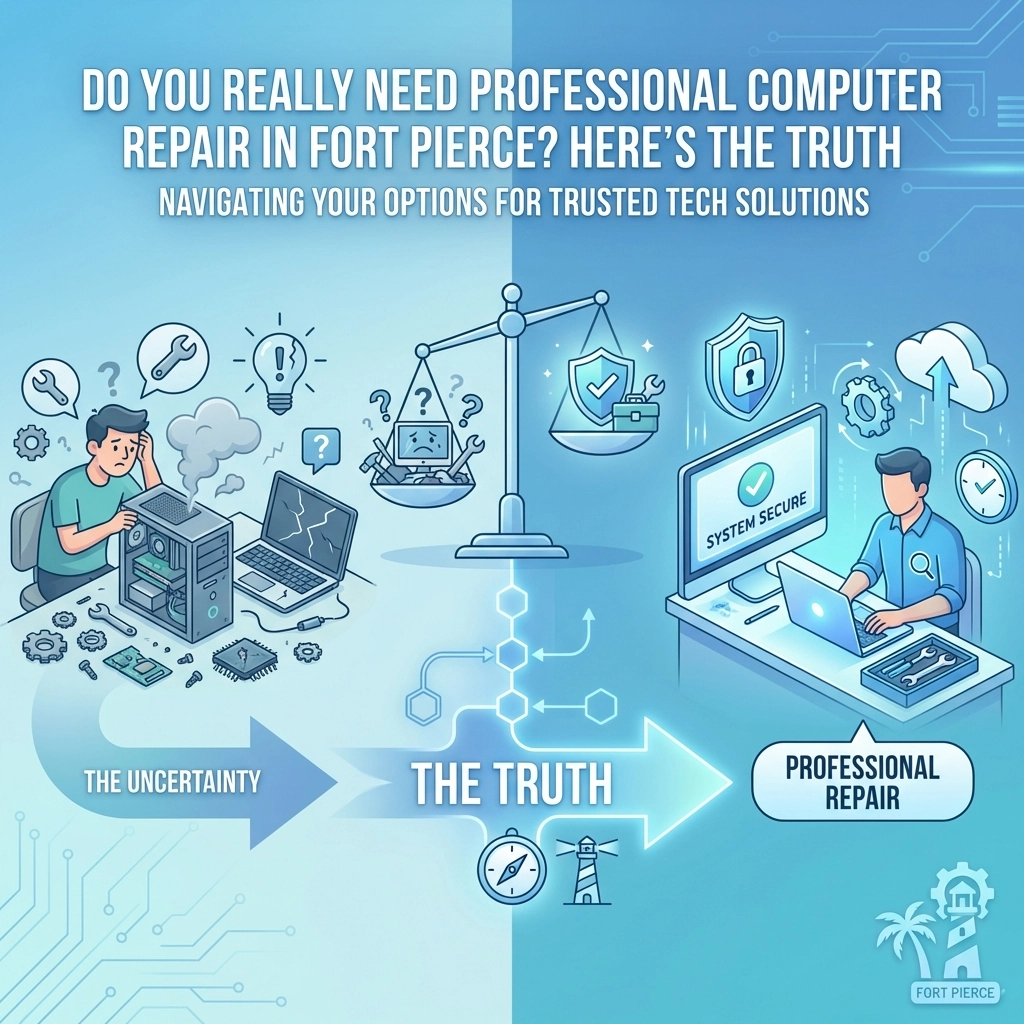

Your computer just froze for the third time today. The screen went blue. There's a weird clicking noise coming from somewhere inside the case. And now you're sitting there wondering: should I try to fix this myself, or is it time to call in a professional?
If you're in Fort Pierce, you've got options. But before you grab a screwdriver or start Googling "how to fix my computer," let's have an honest conversation about when DIY makes sense and when calling a pro is the smarter move.
The DIY Temptation: When It Actually Works
Look, we get it. There's something satisfying about fixing your own stuff. And honestly? Sometimes you can handle computer issues on your own. Here are situations where rolling up your sleeves might be the right call:
Software glitches and freezes: If your computer is running slow or programs keep crashing, sometimes a simple restart, clearing your cache, or running a basic malware scan can do the trick. These are low-risk fixes that most people can handle.
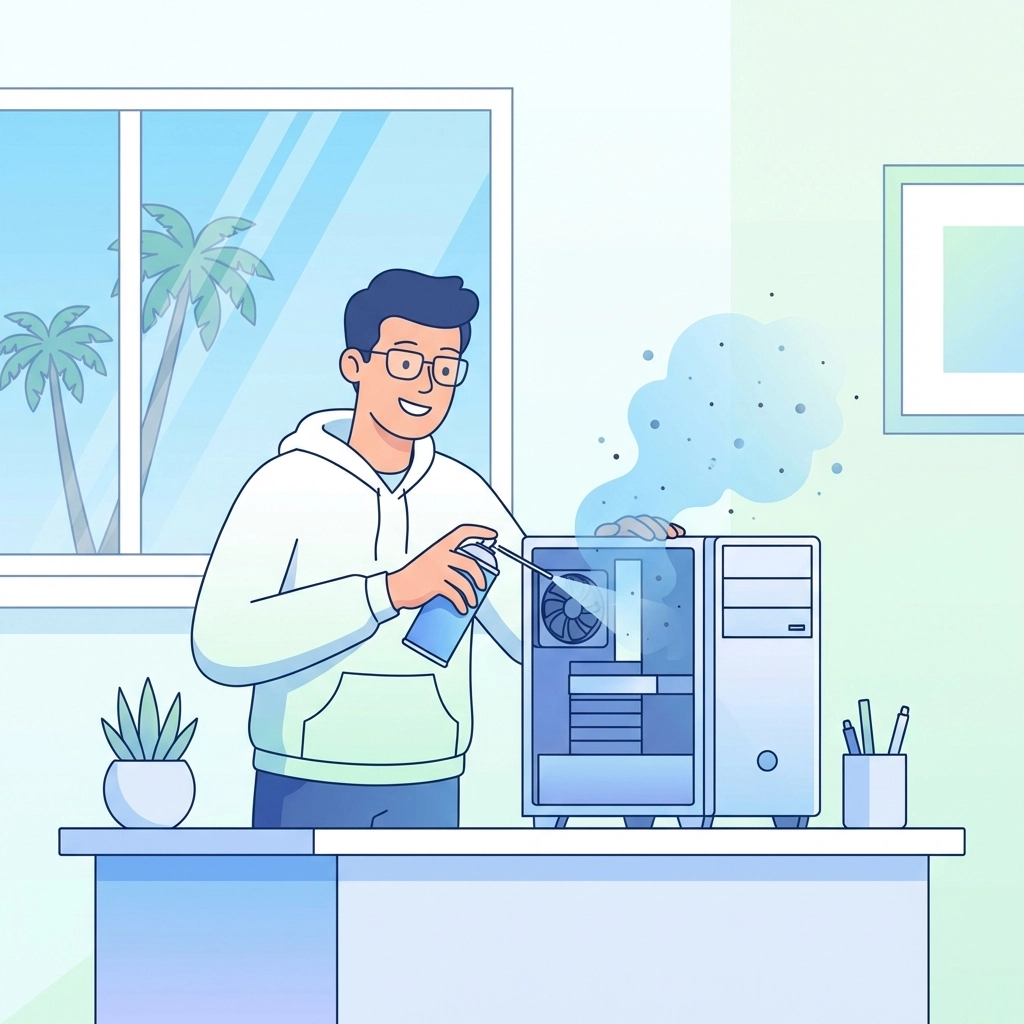
Dust buildup: If your computer sounds like a jet engine taking off, it might just need a good cleaning. A can of compressed air and some patience can work wonders on dusty vents and fans.
Simple peripheral issues: Keyboard not working? Mouse acting weird? Sometimes it's just a matter of unplugging and plugging it back in, or updating a driver. Nothing too scary here.
Basic software updates: Keeping your operating system and programs updated is something you should be doing regularly anyway. No professional needed for clicking "update now."
When DIY Goes Wrong: Signs You Need a Pro
Here's where things get real. Some computer problems look simple on the surface but can snowball into expensive disasters if you don't know what you're doing. If any of these situations sound familiar, it's time to step away from the YouTube tutorials:
Hardware failures: That clicking noise from your hard drive? That's not something you want to experiment with. Hard drive issues, motherboard problems, and power supply failures require professional diagnosis and repair. One wrong move and you could lose all your data permanently.
Virus and malware infections: Sure, you can run a basic antivirus scan. But if your computer is seriously infected, especially with ransomware or rootkits, you need someone who knows how to properly clean and secure your system without making things worse. As we've covered before, your antivirus may be letting you down more than you realize.
Data recovery: Accidentally deleted important files? Hard drive crashed? This is NOT the time to experiment. Professional data recovery requires specialized tools and clean environments. Every attempt you make on your own could make recovery harder, or impossible.
Network and connectivity issues: If your internet keeps dropping or your business network is acting up, there could be dozens of potential causes. A professional can diagnose the actual problem instead of having you replace equipment that wasn't broken in the first place.
Mysterious symptoms: Computer randomly shutting down? Blue screens with error codes that look like alien messages? These could indicate anything from overheating to failing components to software conflicts. Without proper diagnostic tools, you're just guessing.

The Fort Pierce Factor: Why Location Matters
Living in Fort Pierce comes with its own set of computer challenges that folks in other parts of the country might not think about:
Humidity and heat: Florida's climate is tough on electronics. The combination of high humidity and heat can accelerate wear on components, cause corrosion, and lead to overheating issues. If your computer has been struggling during our hot, humid summers, there might be environmental damage that needs professional attention.
Power fluctuations: Thunderstorms are practically a daily event during certain seasons. Power surges and outages can damage sensitive computer components in ways that aren't immediately obvious. A professional can check for hidden damage that might cause problems down the road.
Salt air: If you're near the coast, salt air can corrode connectors and components over time. This is one of those sneaky issues that builds up gradually until something stops working.
The Money Question: Repair vs. Replace
One of the biggest questions we hear is: "Should I even bother fixing this, or should I just buy a new computer?"
Here's a general rule of thumb: if the repair cost would be more than half the price of a comparable new computer, replacement usually makes more sense. But there are exceptions:
- If your computer is relatively new and was working great before the problem started, repair is often worth it
- If you have important data on the machine that hasn't been backed up, you'll want professional help regardless
- If the computer has sentimental value or specialized software that would be difficult to reinstall, repair might be the better choice
The best approach? Get a professional diagnosis first. Don't guess. A good technician can tell you exactly what's wrong and give you honest advice about whether repair makes sense for your situation.
For any questions about costs or to get a professional assessment, give our office a call and ask for John Reed. He'll give you straight answers without the tech jargon.
Tech Humor Break: Because Laughter Is the Best Reboot
Let's lighten things up for a second. Here are some computer jokes to share with your fellow Fort Pierce tech sufferers:
Why did the computer go to the doctor?
Because it had a virus!
What's a computer's least favorite food?
Spam.
Why was the computer cold?
It left its Windows open.
How does a computer get drunk?
It takes screenshots.
What do you call a computer that sings?
A-Dell.
Okay, okay, we'll stop. But hey, sometimes you need a laugh when your computer is giving you grief, right?

How to Choose the Right Computer Repair Service in Fort Pierce
Not all repair services are created equal. Here's what to look for when you're ready to call in the pros:
Certified technicians: Make sure the people working on your computer actually know what they're doing. Certifications matter.
Clear communication: A good repair service will explain the problem in plain English, not drown you in technical jargon. If they can't explain what's wrong in a way you understand, that's a red flag.
Honest assessments: Beware of services that always recommend the most expensive fix. A trustworthy technician will tell you when repair doesn't make sense and when a simple fix will do the job.
Data protection: Your computer contains your life: photos, documents, financial information. Make sure any repair service takes data security seriously.
Local reputation: Check reviews and ask around. Fort Pierce is a community, and word gets around about who does good work and who doesn't.
At Computers Done Right, we've built our reputation on being straight shooters. We'll tell you what's actually wrong, what it'll take to fix it, and whether it's worth fixing at all. No upselling, no scare tactics: just honest advice from people who actually care about getting your technology working right.
The Bottom Line
So, do you really need professional computer repair in Fort Pierce? The honest answer is: it depends.
Simple software issues, basic maintenance, and minor glitches? You can probably handle those yourself. But hardware failures, serious infections, data recovery, and mysterious problems? That's when calling a professional saves you time, money, and a whole lot of frustration.
The worst thing you can do is ignore a problem and hope it goes away. Computer issues almost never fix themselves: they usually get worse. And the longer you wait, the more expensive and complicated the repair becomes.
If your computer is acting up and you're not sure what to do, give us a call. We're happy to help you figure out whether it's a DIY situation or something that needs professional attention. Either way, you'll get honest advice from people who know Fort Pierce and know computers.
Because at the end of the day, technology should make your life easier( not harder.)