
Working from home in Sarasota has its perks, hello, year-round sunshine and zero commute through traffic on US-41! But here's the thing: your home office PC is now handling sensitive work data, client information, and maybe even access to your company's entire network. That's a lot of responsibility sitting on your desk next to that half-finished cup of coffee.
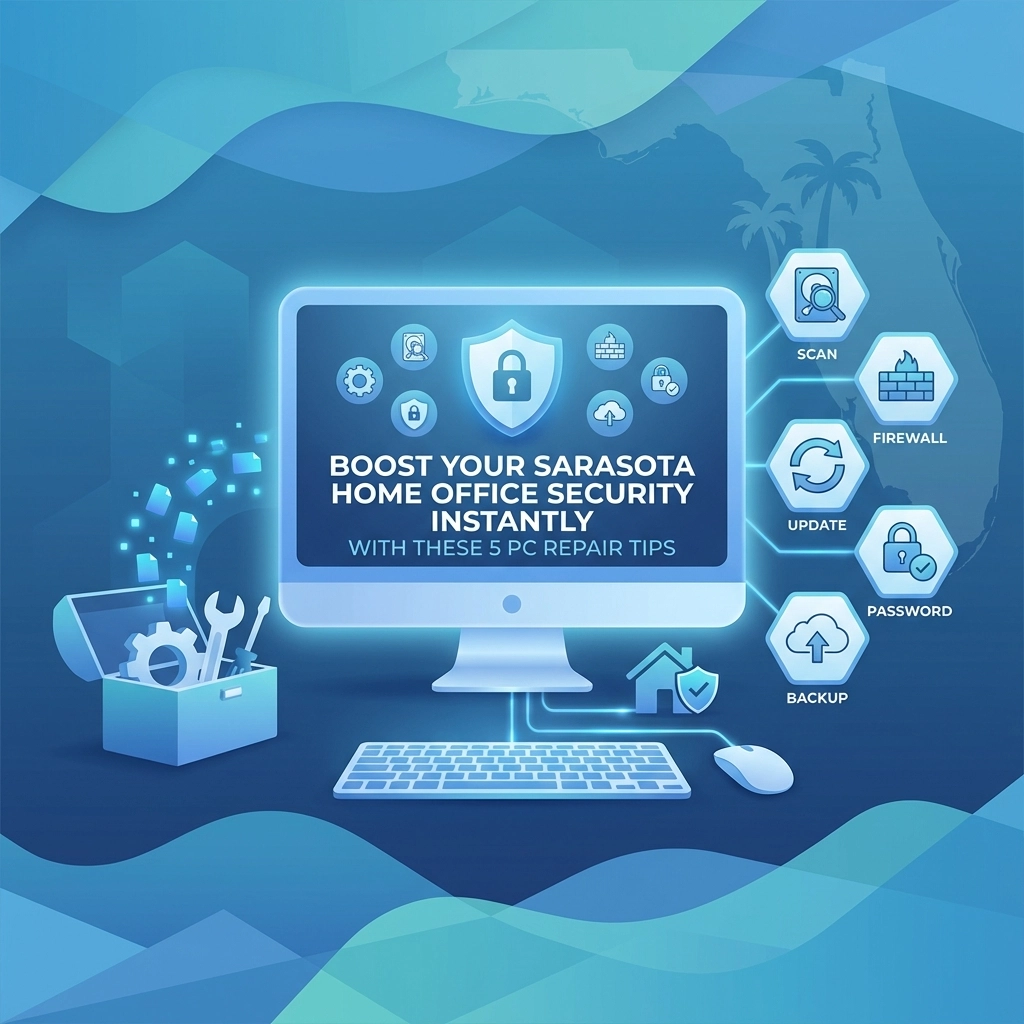
The good news? You don't need to be a tech wizard to seriously upgrade your home office security. With a few smart PC repair and maintenance moves, you can lock things down and keep the cyber bad guys out. Let's dive into five actionable tips that'll have your Sarasota home office running safer than ever.
Why Home Office Security Matters More Than Ever
Before we jump into the tips, let's talk about why this matters. Remote work isn't going anywhere. And while you might have top-notch security at a corporate office, your home network is a different story. Hackers know this, and they're actively targeting home offices because they're often the weakest link in the security chain.
Whether you're running a small business from your Sarasota home or telecommuting for a larger company, protecting your PC isn't optional, it's essential.
Tip #1: Keep Your Operating System and Software Updated
This one sounds basic, but you'd be amazed how many people ignore those little "Update Available" notifications. Here's the deal: software updates aren't just about new features. They patch security vulnerabilities that hackers actively exploit.
What to do:
- Enable automatic updates for Windows or macOS
- Check for updates on all your installed programs weekly
- Don't forget about your web browsers, Chrome, Firefox, and Edge all need regular updates too
When your operating system falls behind on updates, it's like leaving your front door unlocked in a busy neighborhood. Those patches exist because someone found a hole in the security, and the update plugs it. Simple as that.
Pro tip: If your PC is running slow after updates or having issues installing them, that's a sign something might need professional attention. Sometimes corrupted system files or hardware issues can interfere with the update process.
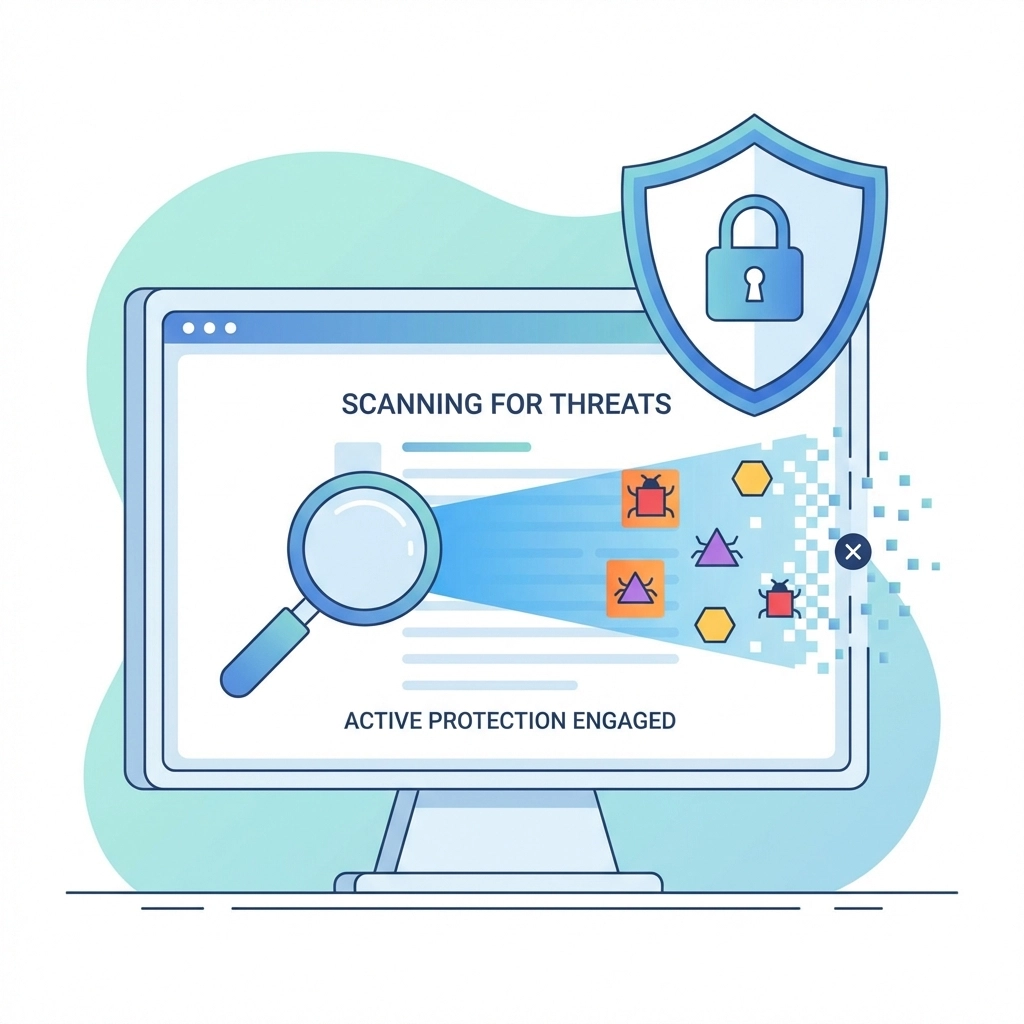
Tip #2: Run Regular Antivirus and Malware Scans
Your antivirus software is your first line of defense, but only if it's actually working. Too many home office setups have antivirus programs that are outdated, expired, or, worse, turned off because they were "annoying."
What to do:
- Make sure your antivirus subscription is current and active
- Schedule automatic scans at least once a week
- Run a full system scan (not just a quick scan) monthly
- Consider adding a dedicated anti-malware tool as a second layer of protection
If your scans are finding threats regularly, or if your PC is acting strange (random pop-ups, sluggish performance, programs opening on their own), it might be time for a deeper clean. Sometimes malware gets so embedded that a standard scan won't catch it, and you need professional virus removal to get things back to normal.
For more on how viruses can sneak onto your system, check out our post on whether you can get a virus, spoiler alert: yes, you absolutely can.
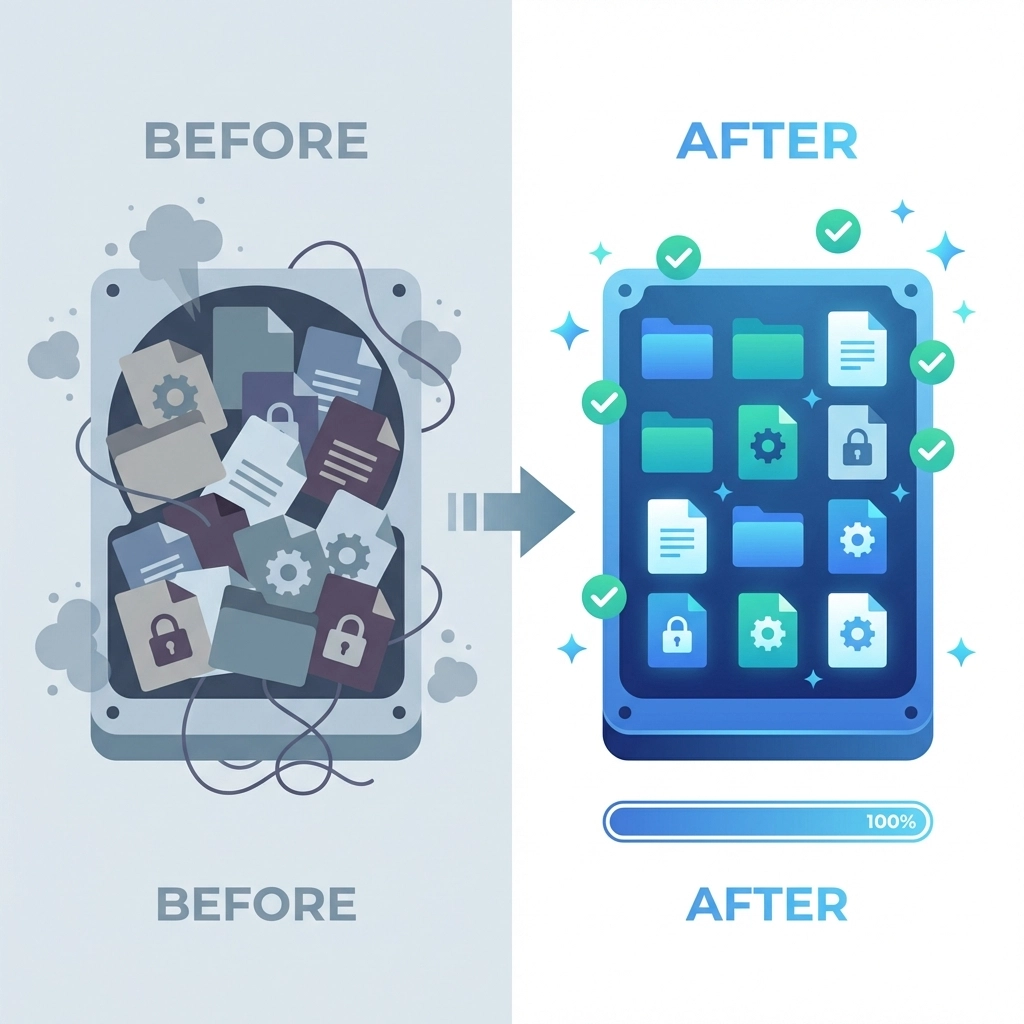
Tip #3: Clean Up and Optimize Your Hard Drive
A cluttered hard drive isn't just annoying, it can actually be a security risk. Old files, forgotten downloads, and unused programs can harbor hidden malware or create vulnerabilities. Plus, a full hard drive can prevent security software from running properly.
What to do:
- Delete files you no longer need (especially in your Downloads folder)
- Uninstall programs you don't use
- Empty your Recycle Bin regularly
- Run the built-in Disk Cleanup tool on Windows
- Consider upgrading to an SSD if you're still running an old spinning hard drive
A clean, well-organized system runs faster and gives security software the breathing room it needs to do its job. If your PC takes forever to boot up or programs are constantly freezing, that's a sign your hard drive might need some attention, or possibly replacement.
Tip #4: Strengthen Your Passwords and Enable Multi-Factor Authentication
Look, we get it. Passwords are a pain. But "password123" or your dog's name isn't going to cut it anymore. Weak passwords are basically an open invitation for hackers.
What to do:
- Use unique, complex passwords for every account (yes, every single one)
- Make passwords at least 12 characters with a mix of letters, numbers, and symbols
- Use a password manager to keep track of everything
- Enable multi-factor authentication (MFA) wherever possible
Multi-factor authentication adds an extra step, usually a code sent to your phone, before you can log in. Even if someone steals your password, they still can't get in without that second factor. It's one of the simplest and most effective security upgrades you can make.
PC repair connection: If your browser is storing passwords and acting glitchy, or if you suspect your credentials might have been compromised, clearing your browser data and resetting your saved passwords is a smart move. We've seen too many cases where outdated browser settings left people vulnerable.
Tip #5: Secure Your Home Network
Your PC security is only as strong as the network it's connected to. If your home Wi-Fi is wide open or running on default settings, you're giving hackers an easy way in.
What to do:
- Change your router's default admin username and password
- Use WPA3 encryption (or at least WPA2) for your Wi-Fi
- Create a strong, unique Wi-Fi password
- Consider setting up a separate network for work devices
- Keep your router's firmware updated
Many people never touch their router settings after the initial setup. Big mistake. Routers have vulnerabilities just like computers, and manufacturers release firmware updates to fix them. If you're not sure how to access your router settings or update the firmware, that's something a local IT professional can help with.
🎉 Tech Trivia & Fun Facts Corner
Time for a quick brain break! Here are some fun tech nuggets to impress your coworkers on the next video call:
Did you know? The first computer virus in the wild was called "Elk Cloner" and was created in 1982 by a 15-year-old. It spread via floppy disks and displayed a short poem every 50th boot. Ah, the innocent days of hacking.
Tech joke of the day: Why did the computer go to the doctor? Because it had a virus! 🤒
Bonus trivia: The average person has about 100 passwords to remember. No wonder everyone uses "123456", which, by the way, is still one of the most common passwords in the world. Please don't be that person.
When DIY Isn't Enough
These five tips will seriously boost your home office security, but sometimes you need a professional touch. If your PC is:
- Running painfully slow even after cleanup
- Showing signs of malware that won't go away
- Having hardware issues affecting performance
- Due for a comprehensive security audit
…it might be time to call in the experts. At Computers Done Right, we help Sarasota home office workers and small businesses keep their systems secure, fast, and reliable. We've been doing this for years, and we know exactly what threats are targeting our local community.
Curious about what makes a great IT provider? Check out our guide on 10 things great IT providers always do.
Ready to Lock Down Your Home Office?
Your Sarasota home office deserves the same level of security as any corporate environment. With these five PC repair and maintenance tips, you're already ahead of the game. But if you want expert help or have questions about your specific setup, we're here for you.
Give John Reed a call at the office to chat about your home office security needs. No pressure, no tech jargon: just real answers from people who genuinely care about keeping your systems safe.
Stay secure out there, Sarasota! 🌴💻