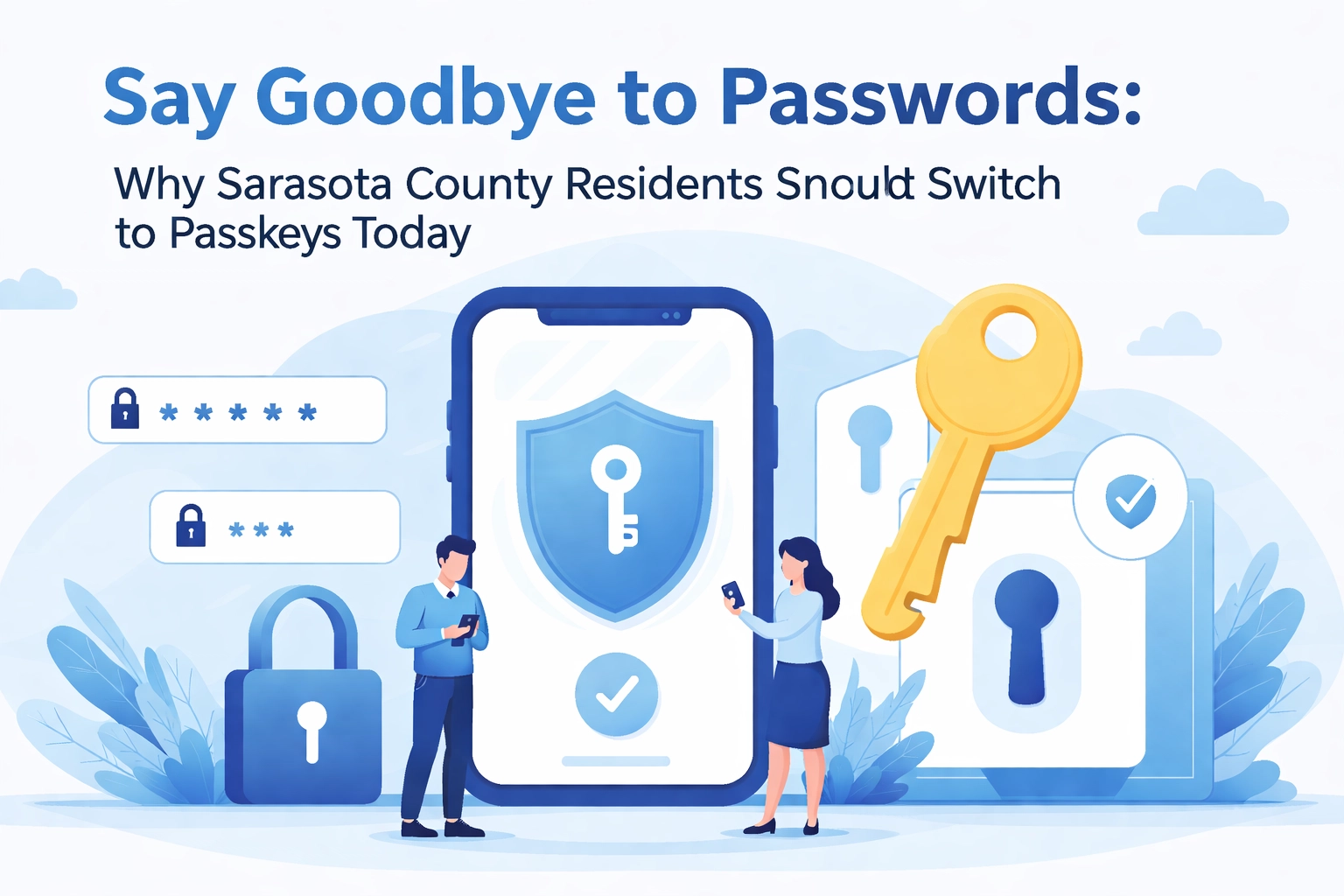

Let's be honest, passwords are the worst. You've got one for your email, one for your bank, one for that streaming service you forgot you subscribed to, and about forty-seven others scattered across sticky notes, spreadsheets, and the dark corners of your memory. And just when you think you've got it down, some website tells you your password needs an uppercase letter, a hieroglyphic, and the tears of a unicorn.
If you're a Sarasota County resident who's tired of the password circus, we've got great news: there's a better way. It's called passkeys, and it's about to make your digital life a whole lot easier (and safer).
What Exactly Is a Passkey?
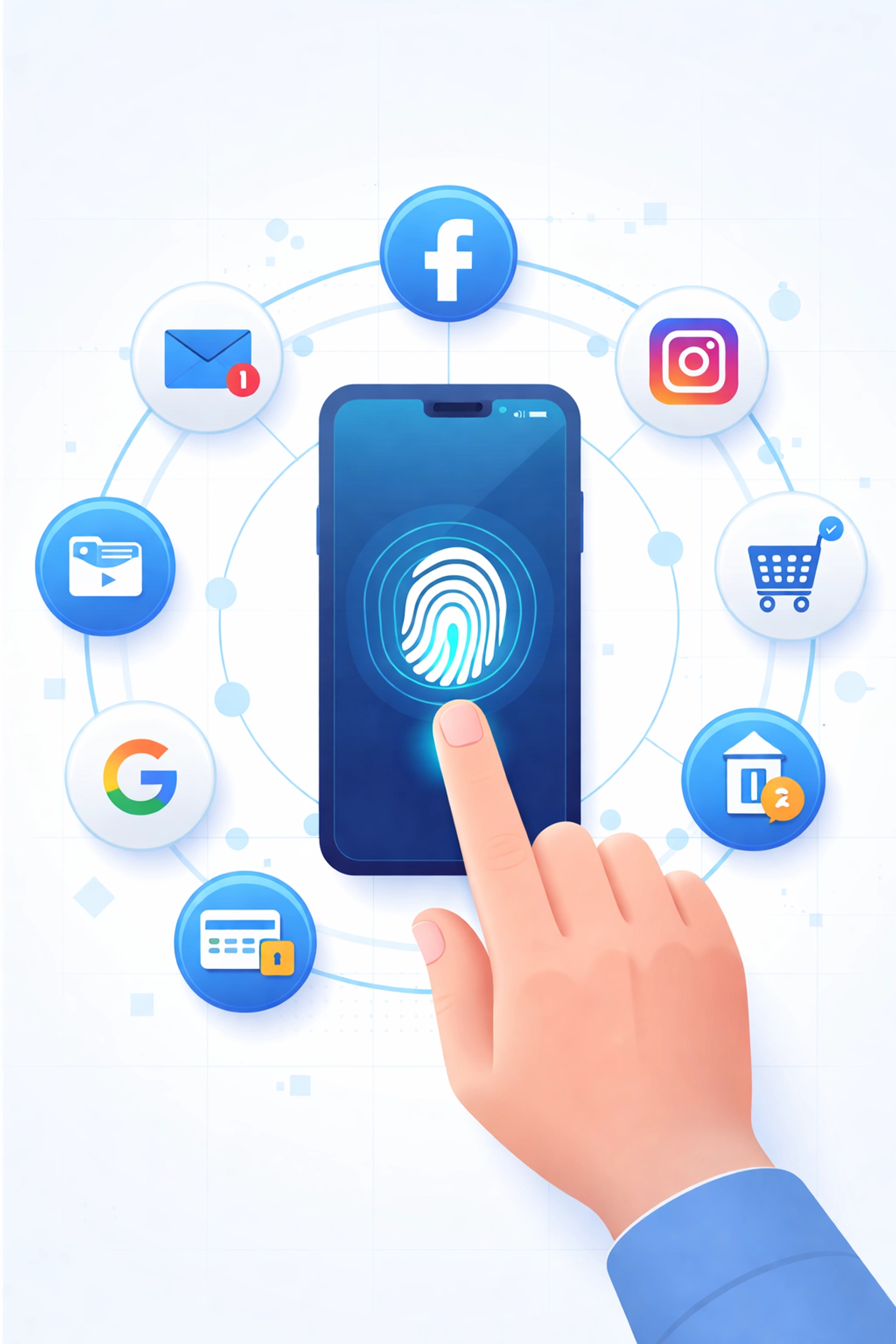
Think of a passkey as your password's cooler, smarter younger sibling. Instead of typing in a string of characters you'll inevitably forget, passkeys use your device's built-in security, like your fingerprint, face recognition, or a PIN, to verify it's really you.
Here's the magic: when you create a passkey for a website or app, two digital "keys" are generated. One stays on your device (the private key), and one lives on the website's server (the public key). When you log in, your device proves it has the private key without ever actually sharing it. No password travels across the internet, which means there's nothing for hackers to intercept.
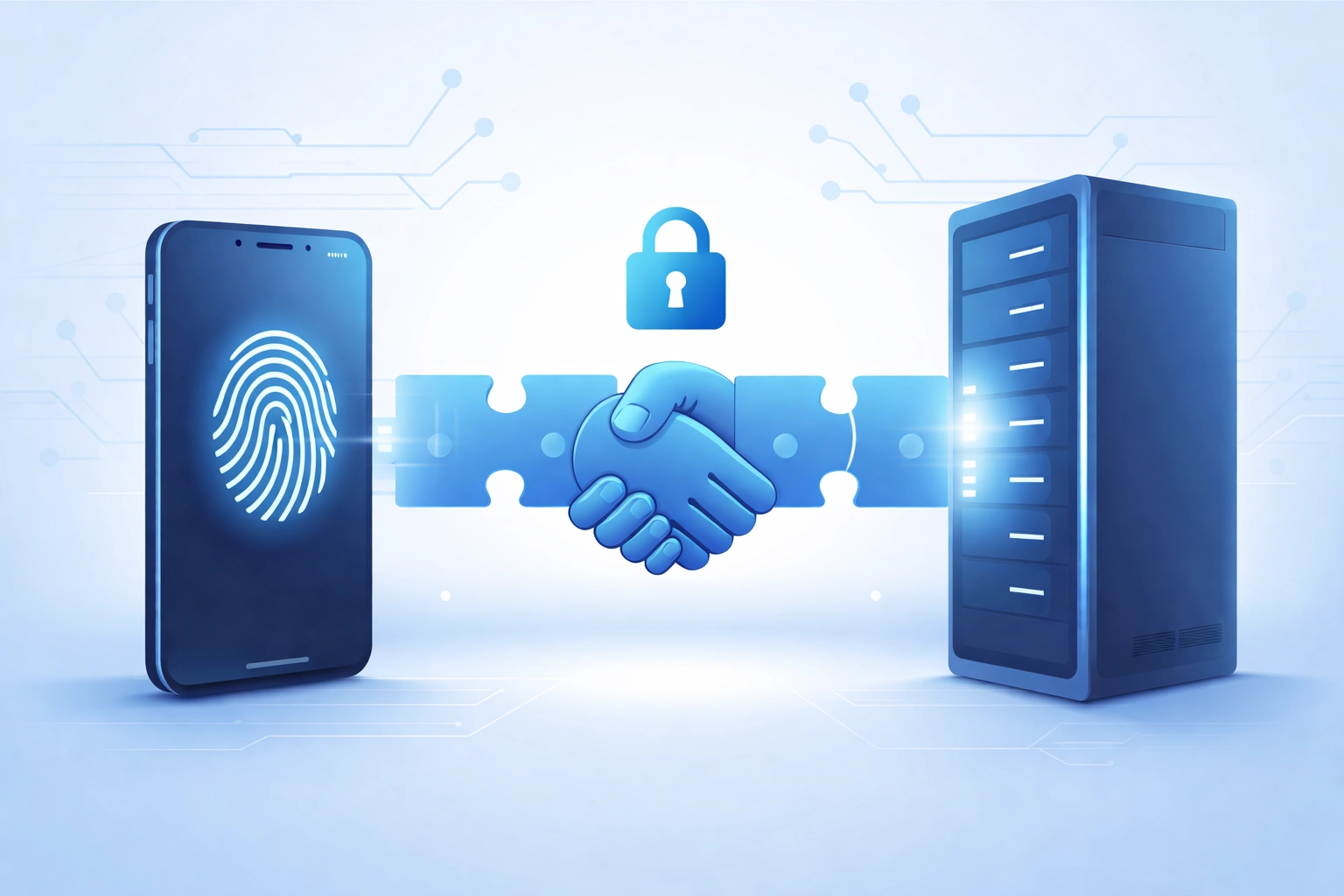
It's like having a secret handshake that only you and the website know, except the handshake happens in milliseconds and involves some seriously fancy cryptography.
Why Passwords Are a Security Nightmare
Before we get too deep into passkey paradise, let's talk about why passwords have become such a liability. If you've ever needed computer repair in Sarasota after a malware infection or account breach, you already know this pain.
The problems with passwords include:
- They're easy to guess. "Password123" and "Fluffy2024" aren't fooling anyone, especially not hackers with automated tools.
- They get reused. We all do it. One password for everything means one breach exposes everything.
- Phishing attacks love them. Those fake emails pretending to be your bank? They're fishing for your password (pun absolutely intended).
- Data breaches happen constantly. Even if YOUR password is strong, the company storing it might get hacked.
According to recent cybersecurity reports, over 80% of hacking-related breaches involve stolen or weak credentials. That's a staggering number, and it's exactly why the tech world is pushing hard for passkeys.
How Passkeys Keep You Safer
So what makes passkeys the superhero of cybersecurity in Sarasota County and beyond? Let me break it down:
1. Phishing-Proof
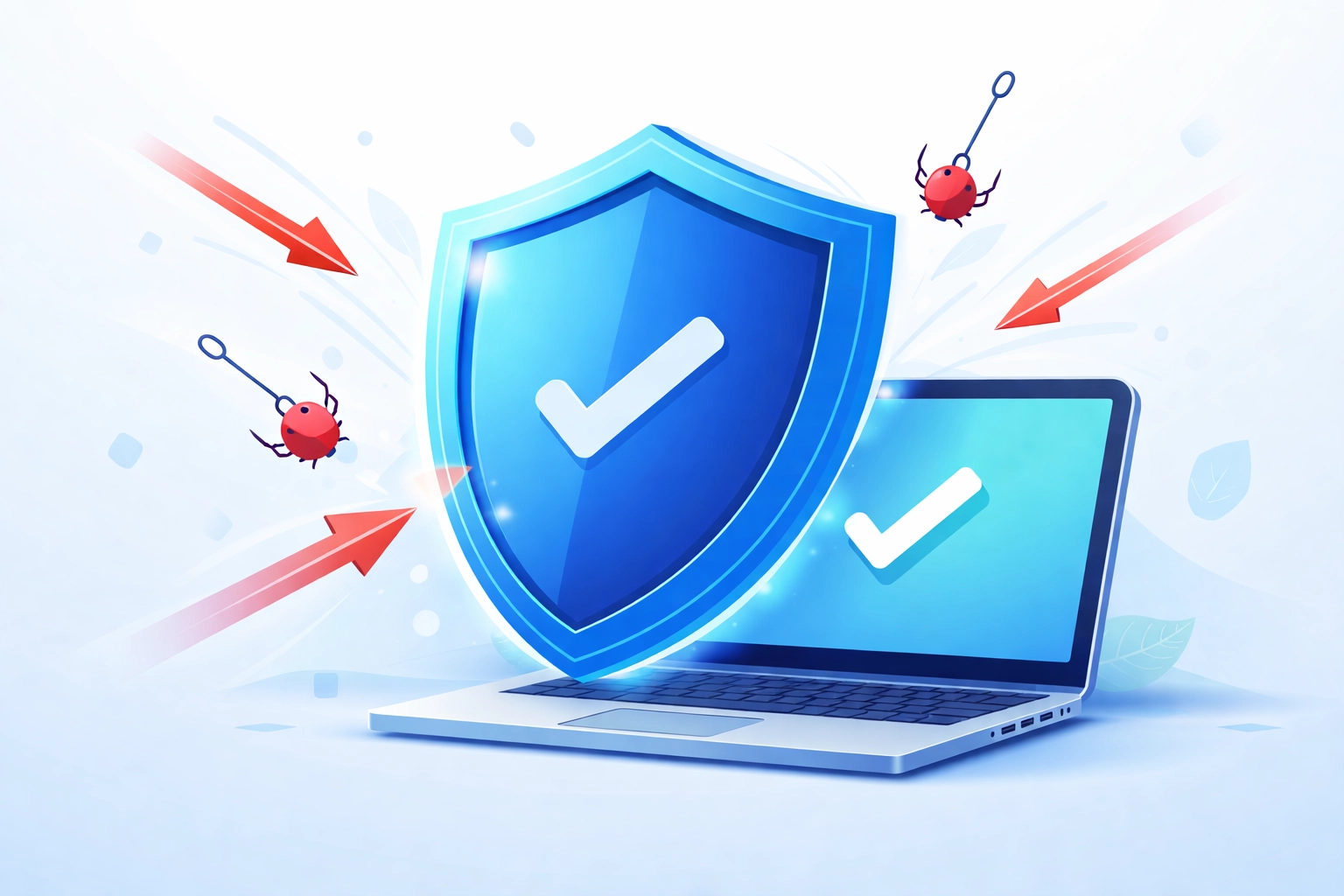
Since passkeys are tied to specific websites, they can't be tricked into working on fake sites. Even if a scammer builds a perfect replica of your bank's login page, your passkey simply won't work there. It knows the difference.
2. Nothing to Steal
There's no password stored on a server waiting to be leaked. The private key never leaves your device, so even if a company gets breached, your credentials stay safe.
3. No More Password Managers (If You Don't Want Them)
While password managers are great, passkeys are built right into your devices. Apple, Google, and Microsoft all support them natively now.
4. Fast and Convenient
Logging in with your fingerprint or face takes about two seconds. No more hunting for that notebook where you wrote down your Amazon password.
Big Tech Is Already On Board
This isn't some experimental technology from a sci-fi movie. Major companies have been rolling out passkey support over the past couple of years, and 2026 is shaping up to be the year of mainstream adoption.
Microsoft recently announced that multi-factor authentication will be required across all Microsoft 365 services, with full enforcement starting February 2026. Google, Apple, Amazon, PayPal, and dozens of other platforms already support passkeys. Even your favorite social media apps are getting on board.
The writing is on the wall: passwords are on their way out.
How to Set Up Passkeys (It's Easier Than You Think)
Ready to make the switch? Here's a quick guide to get you started:
On iPhone or iPad:
- Go to a website or app that supports passkeys (like Google, PayPal, or Amazon)
- Look for the option to create a passkey in your security settings
- Follow the prompts, your device will use Face ID or Touch ID
- Done! Your passkey is saved in iCloud Keychain
On Android:
- Same process, head to your account's security settings
- Select "Create a passkey"
- Use your fingerprint or screen lock to confirm
- Google Password Manager stores it automatically
On Windows:
- Use Windows Hello (fingerprint, face, or PIN)
- Supported browsers like Edge and Chrome will prompt you to save passkeys
- They sync across your Microsoft account
If any of this sounds confusing or you'd rather have a pro walk you through it, that's exactly what we do at Computers Done Right. Whether you need PC repair in Sarasota or just want help securing your devices, we've got your back.
Tech Trivia & Geeky Giggles 🤓
No tech blog is complete without some fun facts and terrible jokes. You're welcome.
Fun Fact #1: The most commonly used password in 2025 was still "123456." Humanity, we need to do better.
Fun Fact #2: The concept of passwords in computing dates back to 1961 at MIT. That's over 60 years of us forgetting them!
Fun Fact #3: Passkeys use something called "public-key cryptography," which was invented in the 1970s. It took us 50 years to use it for logins. Better late than never!
And now, the jokes:
- Why did the password go to therapy? It had too many issues with commitment (and special characters).
- I told my computer I needed a stronger password. It suggested I try lifting weights.
- What's a hacker's favorite season? Phishing season! 🎣
Okay, okay, I'll stop. But you smiled at least once, right?
What About Your Other Devices?
One question we hear a lot during PC repair in Sarasota appointments is: "What about my older devices?"
Great question! Passkeys sync across your ecosystem (Apple devices sync through iCloud, Android through Google, Windows through Microsoft). If you have a mix of devices, things can get slightly trickier, but most platforms let you use your phone as an authenticator for computers that don't have biometric capabilities.
And if you're running a business in Venice, Nokomis, or Port Charlotte with a fleet of different devices, this is where managed IT services become invaluable. We can help standardize your security setup so everyone stays protected without the headaches.
Ready to Ditch Your Passwords?
The future of login security is here, and it doesn't involve remembering whether you capitalized the "P" in "P@ssw0rd!" Passkeys offer Sarasota County residents a simpler, safer way to protect their digital lives: and honestly, it's about time.
If you're curious about setting up passkeys, tightening your overall cybersecurity, or just want someone to take a look at your computer's health, give us a shout. You can learn more about our IT services in Venice, FL or swing by our blog for more tips and tricks.
Have questions about pricing or want personalized advice? Call the office and ask for John Reed: he's happy to chat about what makes sense for your setup.
Stay safe out there, Sarasota County. Your passwords had a good run, but it's time to let them retire. 🔐