


Let's be honest, when was the last time you thought about your home router? You know, that blinking box in the corner that you only notice when the WiFi goes down during movie night? For most Nokomis and Port Charlotte families, the router is basically furniture at this point. Set it and forget it, right?
Well, here's the thing: hackers are counting on you forgetting about it.
Your router is the front door to your entire digital life. Every smart TV, laptop, tablet, gaming console, and that questionable smart fridge you bought on Black Friday, they all connect through that one little box. And if a hacker gets in? They've got access to everything.
But don't panic! We're going to walk through five simple security checks that any family can do to lock down their home network. No computer science degree required, just a few minutes of your time and maybe a cup of coffee.
Why Should Florida Families Care About Router Security?
Here in Sarasota County, we love our laid-back lifestyle. Beach days, backyard barbecues, and browsing the internet without worrying about cybercriminals, that's the dream. But unfortunately, hackers don't take vacation days.
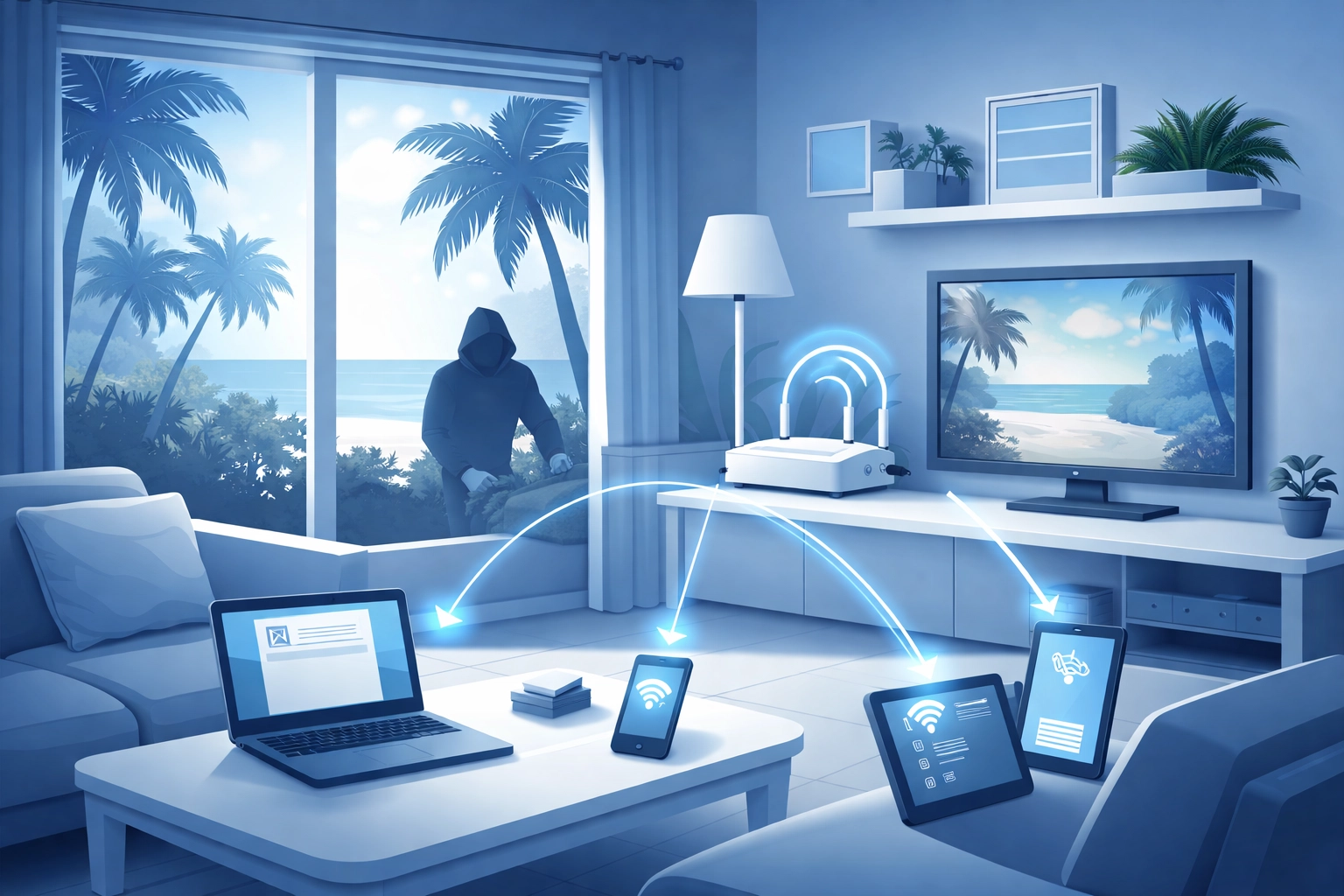
There's actually a nasty vulnerability making the rounds right now. Security researchers have identified CVE-2026-0625, a critical flaw (scored 9.3 out of 10 on the danger scale) that's actively being exploited in older D-Link routers. We're talking about models like the DSL-2740R, DSL-2640B, DSL-2780B, and DSL-526B.
What makes this particularly sneaky? Attackers can hijack your router's DNS settings, basically the internet's phone book, and redirect you to fake websites. You think you're logging into your bank, but you're actually handing your credentials to criminals. Yikes.
Whether you need computer repair in Nokomis FL or computer repair in Port Charlotte, the reality is the same: a compromised router can turn your entire home network into a hacker's playground.
The 5 Security Checks Every Family Needs to Do
Alright, let's get into the good stuff. Here are five things you can do today to make your router significantly more secure.
1. Change That Default Password (Seriously, Do It Now)
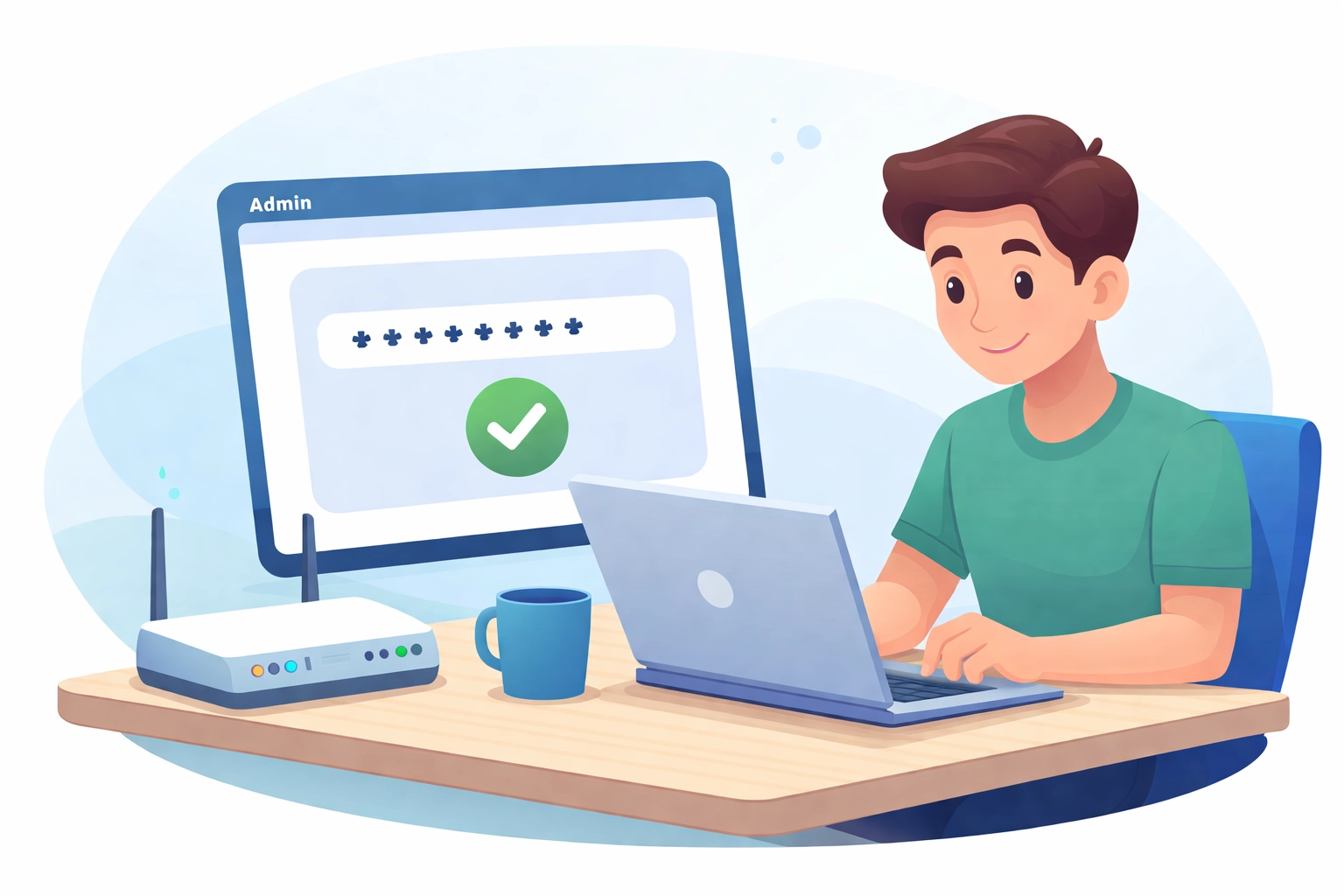
Here's a fun fact that's actually terrifying: a shocking number of people never change their router's default login credentials. You know, the ones printed on that sticker on the bottom of the router? The username is usually "admin" and the password is often "admin" or "password."
Hackers have lists of these default credentials. Literal lists. It's like leaving your house key under the doormat with a neon sign that says "KEY HERE."
What to do:
- Open a web browser and type in your router's IP address (usually
192.168.0.1or192.168.1.1) - Log in with your current credentials
- Navigate to the admin settings and create a strong, unique password
- Pro tip: Use a passphrase like "MyDogLoves2ChaseSquirrels!" instead of random characters you'll forget
2. Update Your Router's Firmware
Firmware updates are like vitamins for your router, they patch security holes and keep things running smoothly. The problem? Routers don't usually update automatically like your phone does.
If your router is from 2016-2019, you might be in trouble. Many older models have reached "end-of-life" status, meaning they no longer receive security updates. That's like driving a car with no seatbelts in 2026.
What to do:
- Log into your router's admin panel
- Look for a "Firmware Update" or "System Update" section
- If no updates are available and your router is ancient, it might be time for an upgrade
- Contact your ISP, they may offer firmware updates or even a router replacement
3. Enable WPA3 Encryption (Or At Least WPA2)
Your WiFi password isn't the only thing protecting your network. The encryption protocol matters too. Think of it like this: WEP encryption is a screen door, WPA is a regular door, WPA2 is a deadbolt, and WPA3 is a deadbolt with a security camera and an angry guard dog.
What to do:
- In your router settings, find the wireless security section
- Select WPA3 if available, or WPA2 as a backup
- Never use WEP, it can be cracked in minutes
- While you're there, make sure your WiFi password is strong (no "password123" allowed!)
4. Configure Your DNS Settings Manually
Remember that DNS hijacking attack we mentioned? One of the best defenses is to manually set your DNS servers to trusted providers instead of relying on defaults that can be manipulated.
What to do:
- In your router settings, find the DNS configuration
- Replace the default settings with one of these trusted options:
- Google DNS: 8.8.8.8 and 8.8.4.4
- Cloudflare DNS: 1.1.1.1 and 1.0.0.1
- Save your changes and reboot the router
This simple change can prevent attackers from redirecting you to malicious websites even if they partially compromise your network.
5. Check What Devices Are Connected
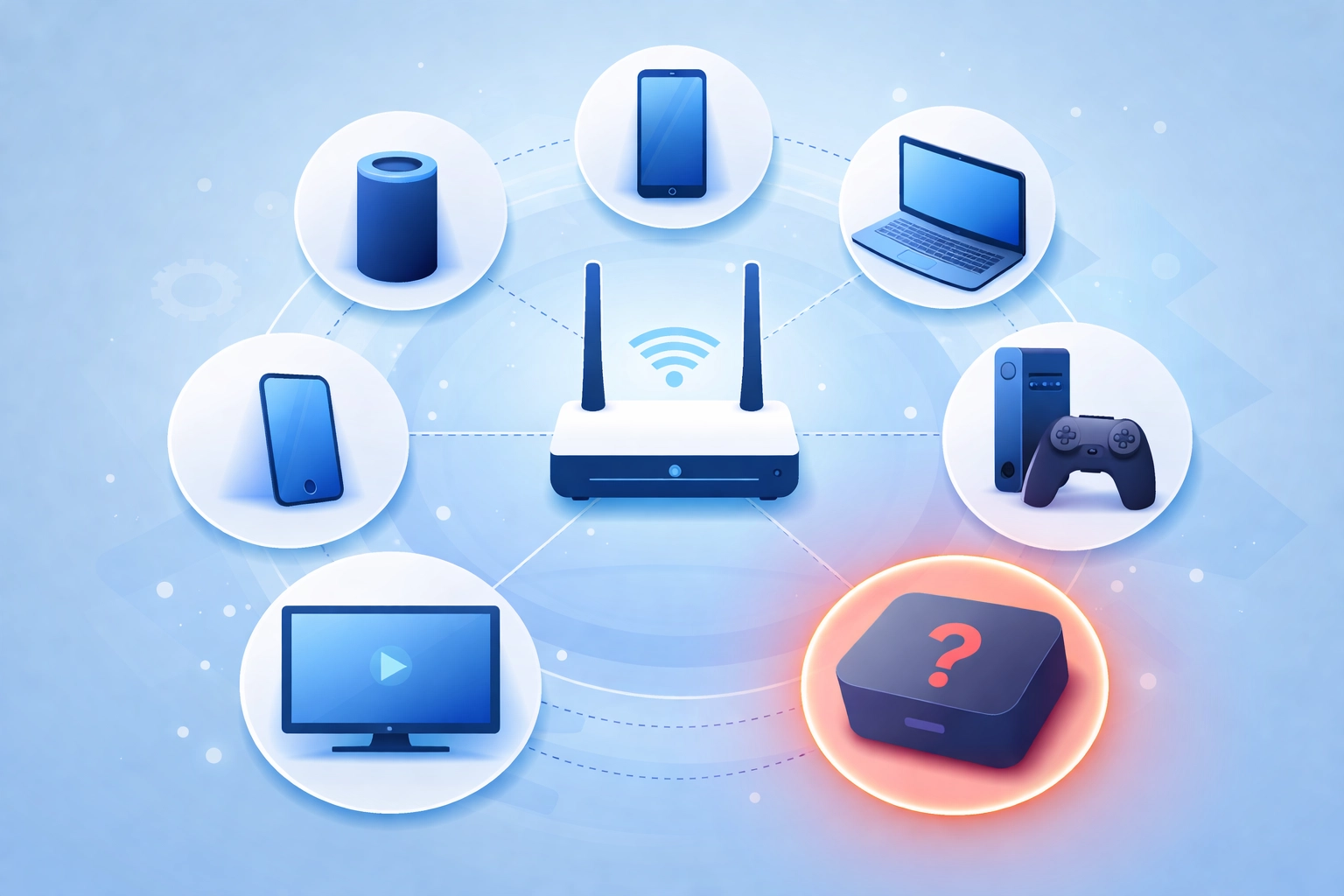
Here's a spooky exercise: log into your router and look at the list of connected devices. Do you recognize all of them? If you see "Unknown Device" or something suspicious, you might have an uninvited guest on your network.
What to do:
- Access the "Connected Devices" or "DHCP Client List" in your router
- Identify each device (your phone, laptop, smart TV, etc.)
- If something doesn't belong, change your WiFi password immediately
- Consider setting up a separate guest network for visitors
Tech Trivia & Router Humor Corner 🤓
Time for a quick break! Here's some fun tech trivia to share at your next dinner party (you'll be the life of the party, trust us):
Did you know? The first home router was introduced in 1999 and cost around $500. Today, you can get one for under $50 that's literally thousands of times more powerful. Technology is wild.
Router joke time:
- Why did the router break up with the modem? Because it felt like their connection was unstable! 📶
- I told my WiFi we need to talk. It's been giving me mixed signals.
- What do you call a router that sings? A Bluetooth speaker! (Okay, that one's a stretch.)
Fun fact: The average American home now has 22 connected devices. That's 22 potential entry points for hackers. No pressure!
When to Call in the Professionals
Look, we get it: not everyone wants to dig through router settings on a Saturday afternoon. And sometimes, despite your best efforts, things go wrong. Maybe your network is already compromised, or you're seeing weird behavior on your devices.
That's where professional Florida computer repair services come in handy. At Computers Done Right, we help families throughout Venice, Nokomis, Port Charlotte, and the greater Sarasota County area secure their home networks and fix compromised systems.
If you suspect your router has been hacked, notice unusual redirects when browsing, or just want peace of mind knowing your network is locked down tight, give us a call. We're happy to answer questions and point you in the right direction.
For any questions about costs or services, just reach out to the office and speak with John Reed directly: he'll take care of you.
The Bottom Line
Your home router might not be glamorous, but it's the gatekeeper of your digital life. Taking 15 minutes to run through these five security checks could save you from identity theft, financial fraud, or the hassle of dealing with compromised devices.
So before you head to Nokomis Beach or grab dinner in Port Charlotte, take a quick detour to your router settings. Your future self (and your bank account) will thank you.
Stay safe out there, neighbors! And remember: when in doubt, the team at Computers Done Right is always here to help with your cyber security needs.