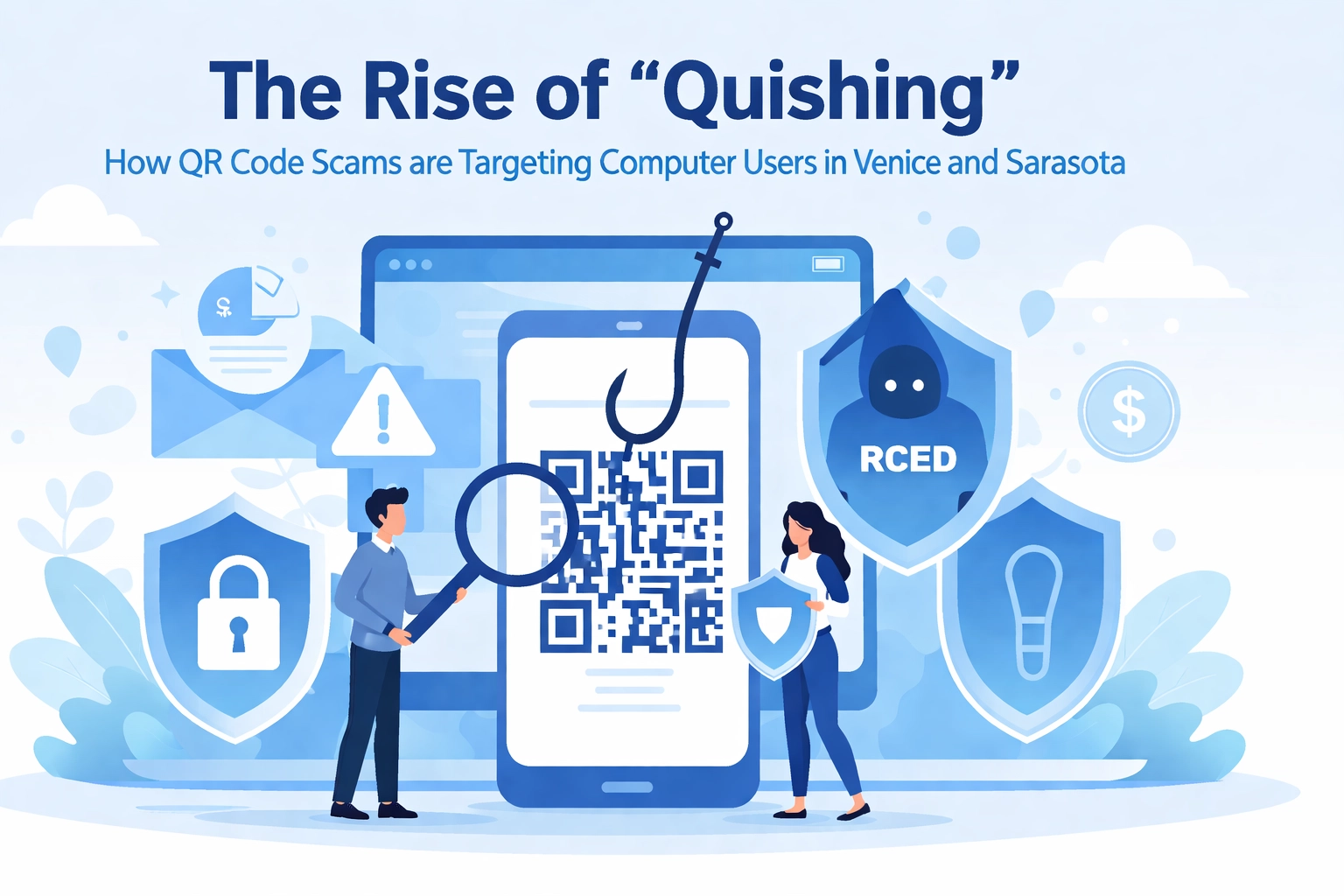

Remember when QR codes were just those weird little squares on magazine ads that nobody actually scanned? Well, fast forward to 2026, and they're literally everywhere, restaurant menus, parking meters, business cards, and even on that flyer taped to the light pole outside your favorite Venice coffee shop.
But here's the thing: cybercriminals have noticed too. And they've cooked up a sneaky new scam called "quishing" that's spreading across Florida faster than tourists flock to Siesta Key in January.
If you live in Venice, Sarasota County, or anywhere between Nokomis and Port Charlotte, this is your heads-up. Let's break down what quishing is, how it works, and most importantly, how to keep your devices and personal information safe.
So… What Exactly Is "Quishing"?
"Quishing" is what happens when you mash together "QR code" and "phishing." It's basically the digital equivalent of a wolf in sheep's clothing, except the wolf is a malicious website and the sheep is that innocent-looking QR code on a parking meter.
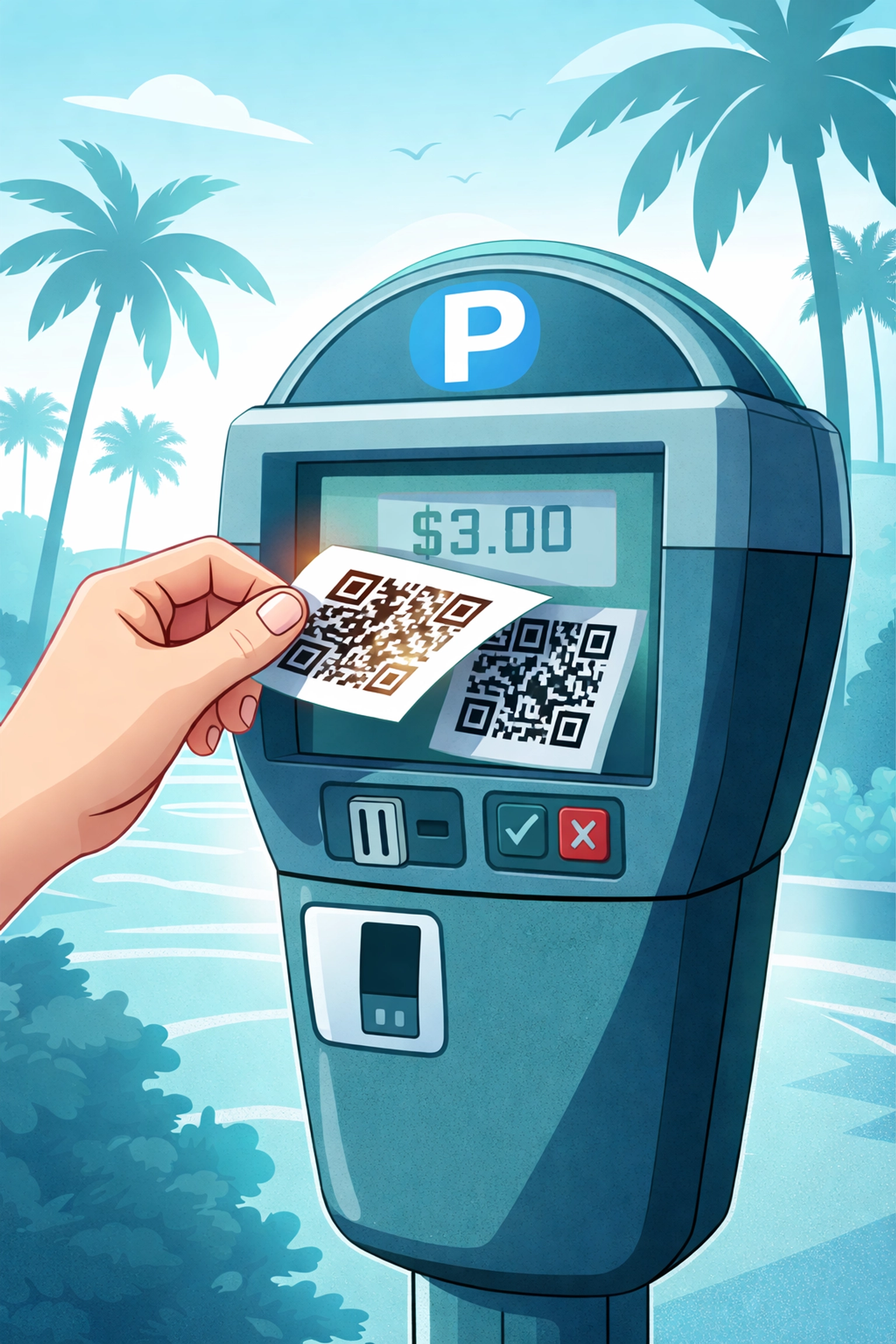
Here's the scam in a nutshell: criminals print out fake QR codes and stick them right over legitimate ones. You scan what you think is a real code, maybe to pay for parking downtown or check out a restaurant menu, and BAM. You're redirected to a fraudulent website designed to steal your personal information, login credentials, or even install malware directly onto your phone or tablet.
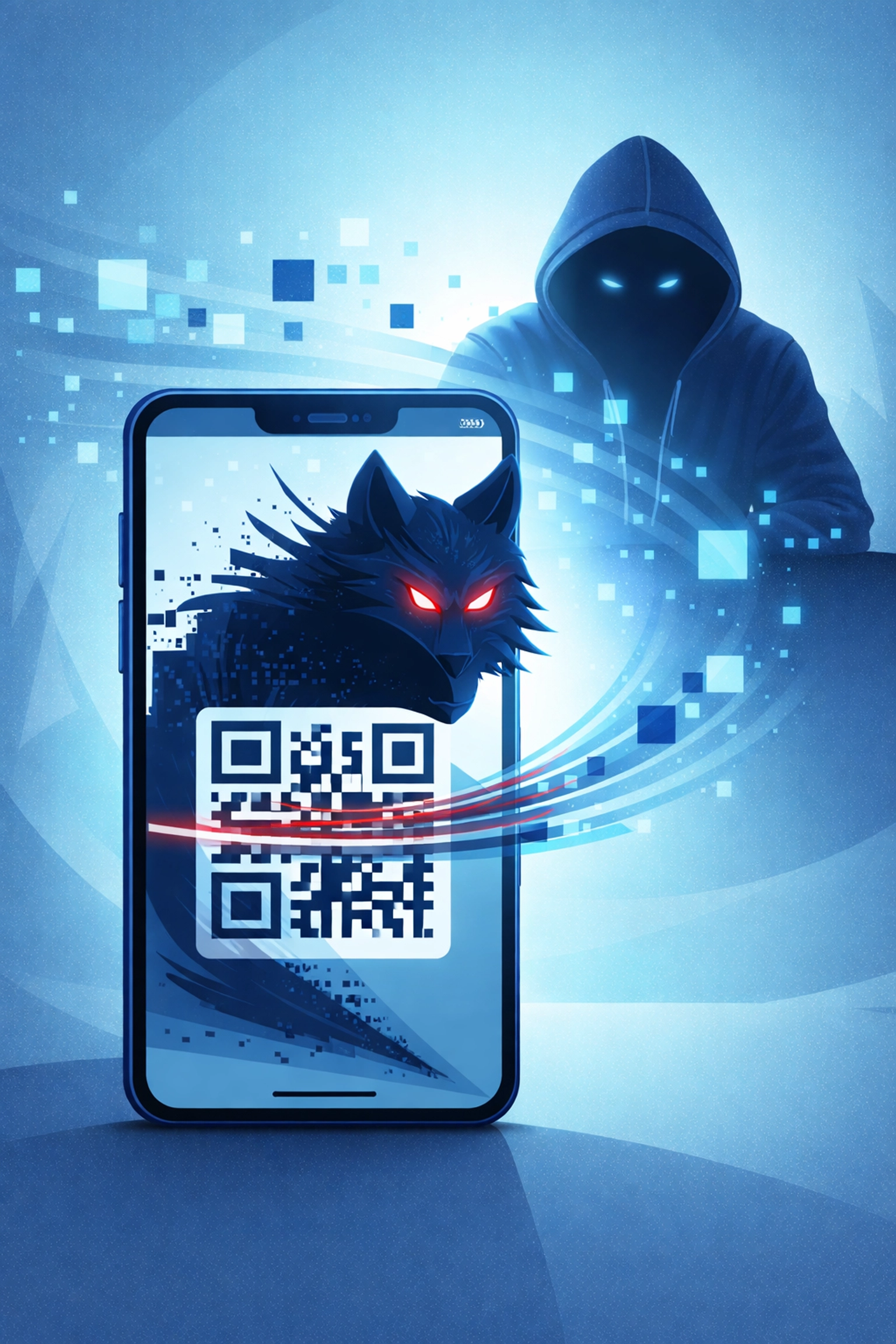
The really devious part? These fake sites often look almost identical to the real thing. We're talking convincing logos, professional layouts, and payment forms that seem totally legit. It's only after you've entered your credit card number that you realize something's off.
Why Should Sarasota County Residents Care?
Now, here's some good news (sort of): as of late 2025, law enforcement in Southwest Florida, including Charlotte, Collier, and Lee counties, reported that quishing scams haven't officially hit our area yet. Officials have stated they're aware "it is a possibility and has happened all over the country."
However, these scams have already popped up in other parts of Florida, particularly around the Tampa Bay and Pinellas County areas. That's basically next door. It's not a matter of if quishing comes to Venice and Sarasota, it's when.
And let's be real: our area is a prime target. We've got tons of tourists who aren't familiar with local businesses, plenty of outdoor parking with QR-based payment systems, and a population that increasingly relies on smartphones for everyday transactions. Scammers see opportunity written all over that.
How Quishing Actually Works (A Step-by-Step Breakdown)
Let's walk through a typical quishing attack so you know exactly what to look for:
Step 1: The Setup
A scammer prints out a fake QR code on a sticker. This sticker is designed to look official, sometimes even mimicking the design of a city parking system or popular restaurant.
Step 2: The Placement
They slap that sticker right over a legitimate QR code. Parking meters, restaurant table tents, event posters, and public signs are all fair game.
Step 3: The Scan
An unsuspecting person (hopefully not you after reading this!) scans the code with their phone.
Step 4: The Trap
Instead of going to the real website, the victim lands on a fake site that looks convincing. They might be asked to enter payment information, login credentials, or personal details.
Step 5: The Steal
The scammer now has your information. They can drain your bank account, steal your identity, or sell your data on the dark web. Speaking of data breaches, we've seen major attacks expose millions of customer records, and quishing is just another tool in the hacker's toolbox.
Red Flags: How to Spot a Quishing Scam
Alright, let's get practical. Here's your checklist for staying safe:
1. Look for Stickers Over Stickers
Before you scan any QR code, take a second to actually look at it. Does it appear to be a sticker placed over another code? Are the edges peeling? Does it look like someone slapped it on in a hurry? Trust your gut, if something seems off, don't scan it.
2. Check the URL Before You Click
Most phones will show you a preview of the website URL before you actually visit it. Look for red flags like:
- Misspelled words (like "Vennice" instead of "Venice")
- Strange domain names (parking-veniceflorida-pay.sketchy-site.com)
- HTTP instead of HTTPS
3. Watch for Sketchy Website Design
Once you're on a site, keep your eyes open. Bad grammar, pixelated logos, weird formatting, and an overall "something's not right" vibe are all warning signs.
4. Use Official Apps When Possible
Need to pay for parking? Download the official app from the Apple App Store or Google Play Store instead of scanning random QR codes. It takes an extra minute, but it's worth the peace of mind.
5. Trust Your Instincts
If a QR code is in an unexpected location or the offer seems too good to be true ("Scan here for a FREE iPad!"), walk away. Your cybersecurity sarasota county neighbors will thank you for not falling for it.
🤓 Tech Humor Break: QR Codes Gone Wrong
Alright, let's lighten things up for a second. Here are some computer jokes to give your brain a quick reboot:
Why did the QR code break up with the barcode?
Because it found someone more "dimensional."
What do you call a QR code that leads to a Rick Astley video?
A QRoll. (You've been QR-Rolled!)
Fun Tech Trivia: The QR code was actually invented way back in 1994 by a Japanese company called Denso Wave. They originally used it to track car parts during manufacturing. Now it's being used by both restaurants AND scammers. What a time to be alive!
And finally: Why do hackers love QR codes? Because they're great at "phishing" for compliments… and your credit card info.
Okay, okay, I'll stop. But seriously, stay vigilant out there!
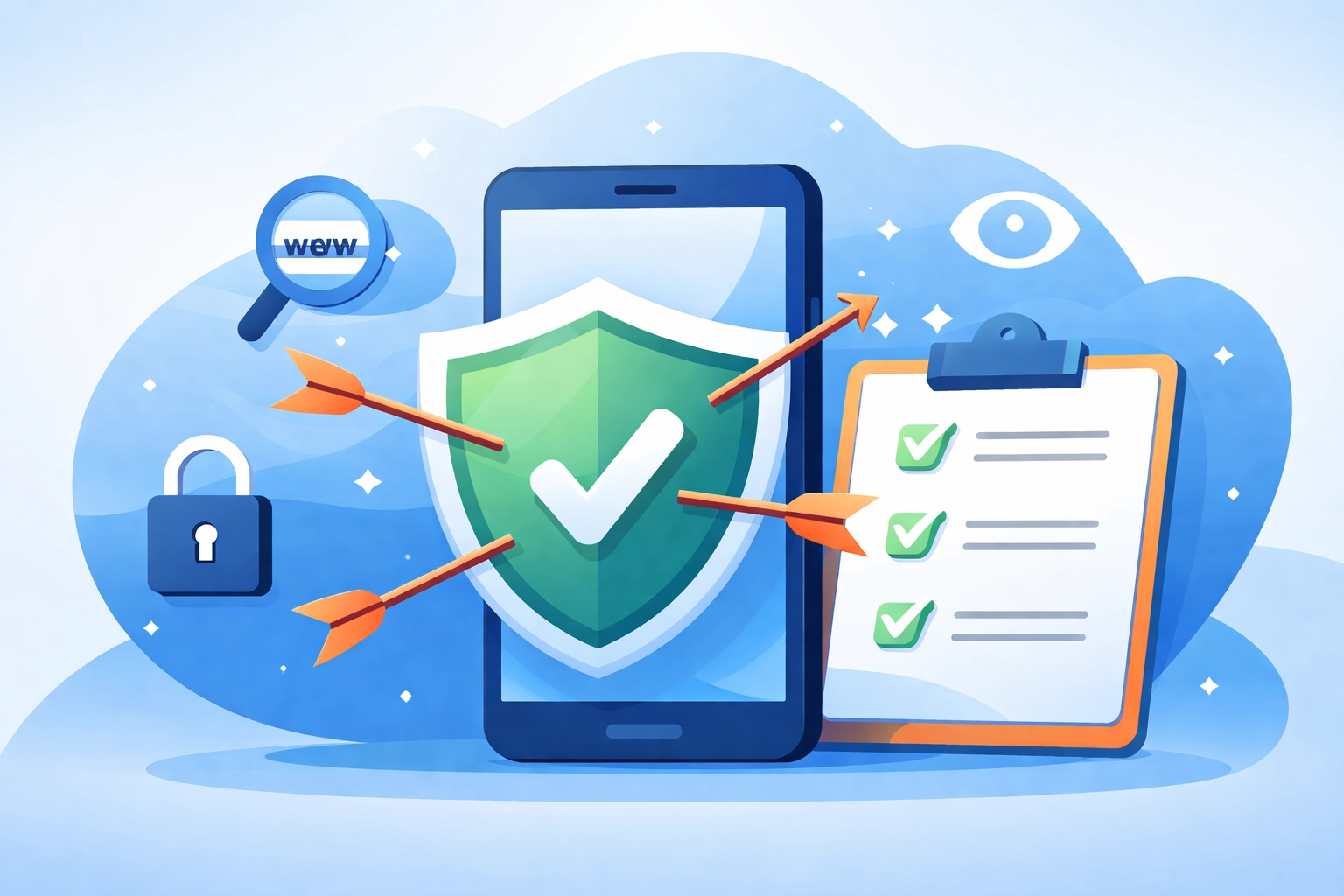
What To Do If You Think You've Been Quished
So you scanned a suspicious code and now you're panicking. Here's your action plan:
-
Don't enter any information. If you haven't submitted anything yet, close the browser immediately.
-
Run a security scan. Use reputable antivirus software to check your device for malware. Need help choosing the right protection? Check out our antivirus resources.
-
Change your passwords. If you entered any login credentials, change those passwords ASAP, especially if you use the same password elsewhere (which you shouldn't, but we won't judge).
-
Monitor your accounts. Keep a close eye on your bank statements and credit reports for any suspicious activity.
-
Report it. Contact local law enforcement and report the scam to the FTC at reportfraud.ftc.gov.
-
Call a professional. If you're worried your device might be compromised, it's time to bring in the experts. Whether you need Venice FL computer repair or computer repair Sarasota services, getting a professional assessment can save you from bigger headaches down the road.
How Managed IT Services Can Help
Here's the truth: cybersecurity threats like quishing aren't going away. They're evolving constantly, and staying protected requires more than just common sense, it requires proactive monitoring and expert guidance.
That's where managed IT services come in. At Computers Done Right, we help businesses and residents throughout Sarasota County stay ahead of threats like quishing, phishing, ransomware, and everything else the bad guys dream up.
From security assessments to ongoing monitoring to employee training, we've got your back. Want to learn more about what makes a great IT provider? We've put together 10 things great IT providers always do that's worth a read.
Stay Safe Out There, Sarasota County!
Quishing might sound like a made-up word (okay, it technically is), but the threat is very real. As QR codes become more embedded in our daily lives, scammers will keep finding creative ways to exploit them.
The best defense? Stay informed, stay skeptical, and don't be afraid to ask for help when something doesn't feel right.
Got questions about protecting your devices or business from cyber threats? Give us a call and ask for John Reed: we're always happy to chat about keeping your tech safe and secure. Because at Computers Done Right, we believe everyone deserves peace of mind in the digital age.
Now go forth and scan responsibly! 📱✨