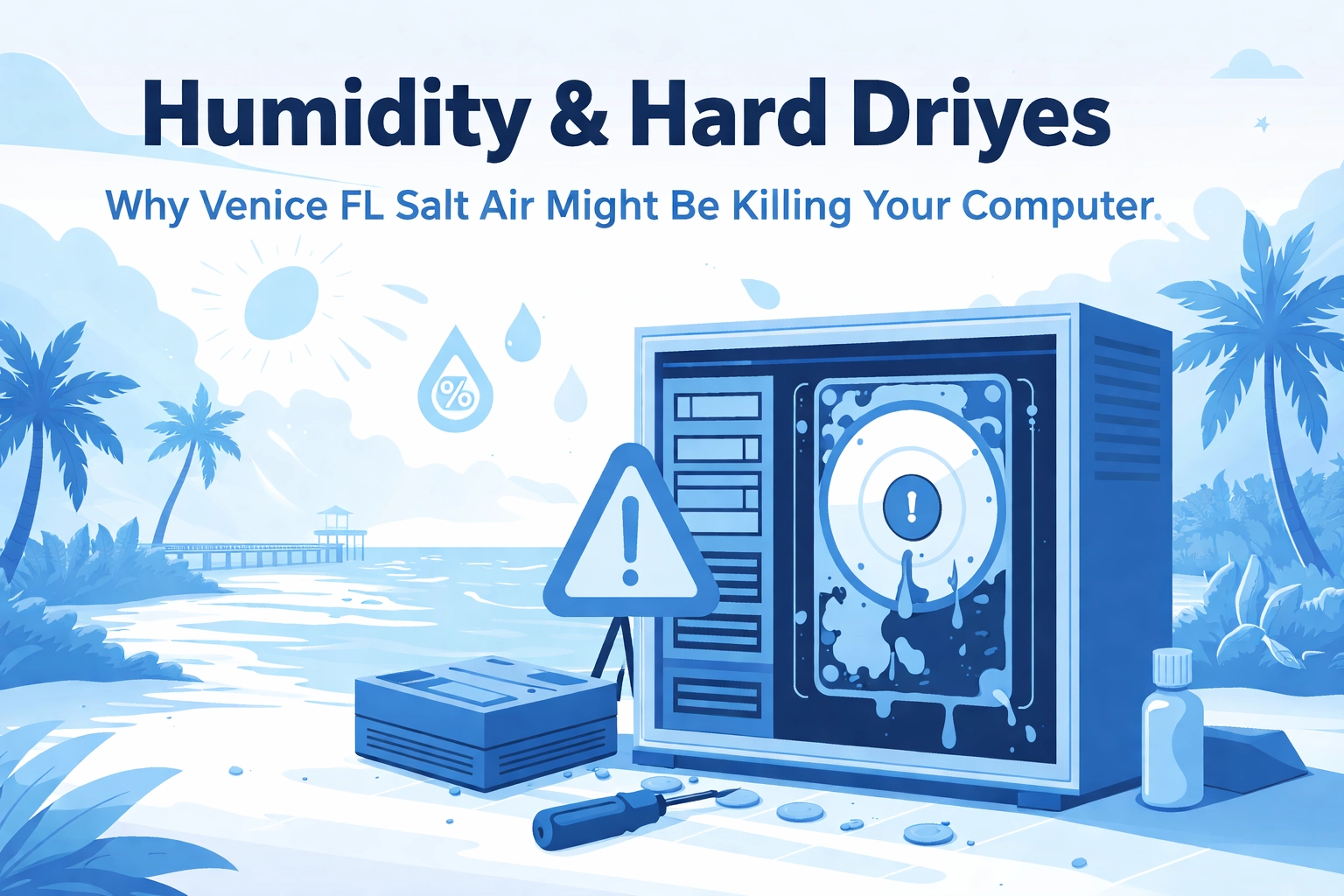

Living in Venice, FL, Nokomis, and the greater Sarasota County area has a lot going for it: sunshine, beaches, and that relaxing Gulf breeze. But here’s the part nobody puts on the postcard: that same warm, damp air can slowly wear down your computer over time.
Yep, really. While you’re enjoying your morning coffee, your computer may be dealing with extra moisture in the air (and it doesn’t love that).
Let’s break down how humidity can hurt your computer, and what you can do to help protect it.
The Sneaky Science of Humidity Damage
A lot of people think heat is the main thing that hurts computers. And yes—Florida summers can cook a laptop fast if it’s left in a car. But here’s the surprise: too much humidity can be even harder on hard drives than heat.
One Rutgers University study looked at over a million hard drives in nine data centers. They found that in places without good humidity control, hard drive problems made up 89% of all hardware failures. In other words: when the air is too damp, drives fail a lot more often.
So what’s going on inside your computer when the air gets sticky?
Condensation: The Silent Killer
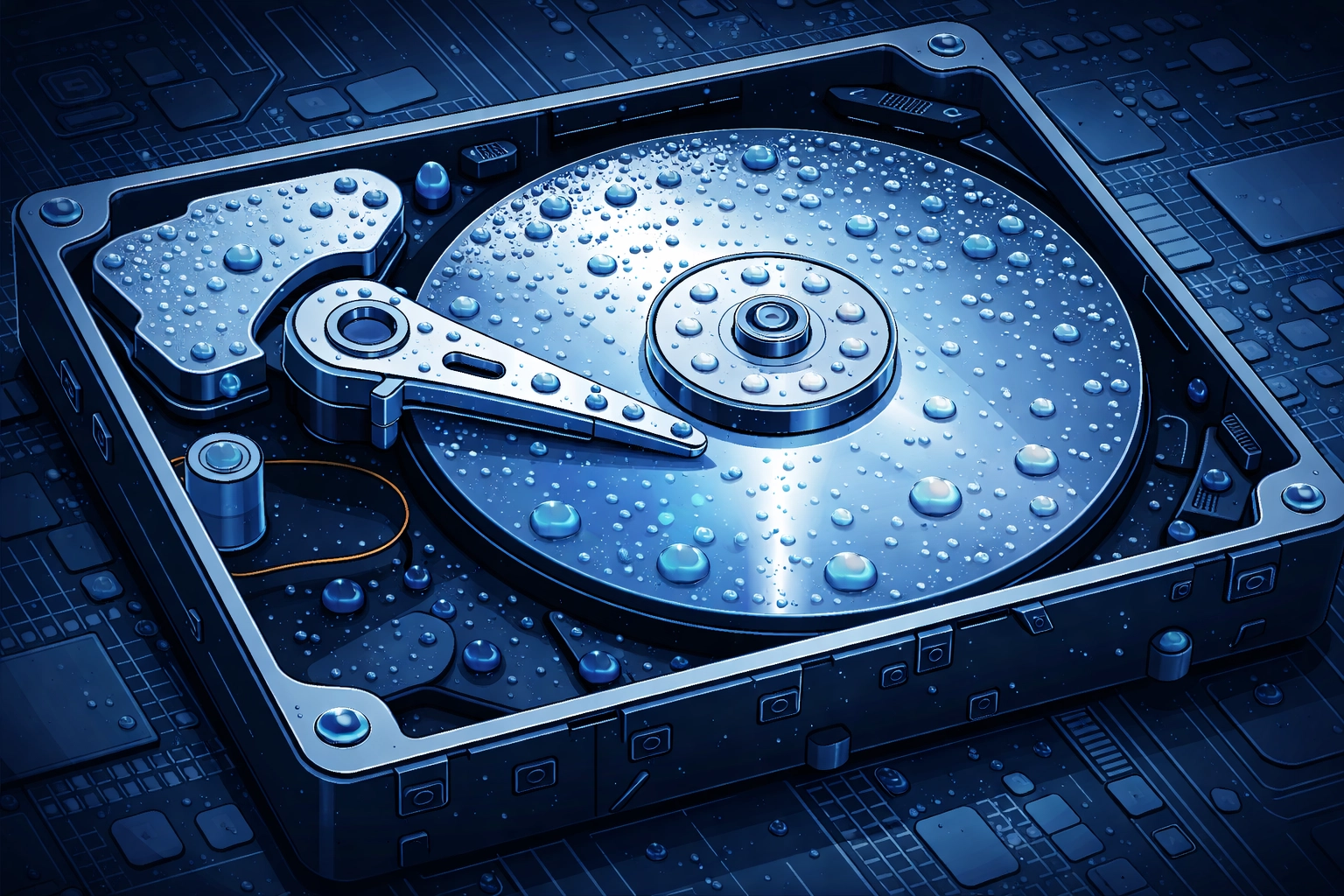
When damp air meets cooler parts inside your computer, tiny drops of moisture can form (kind of like a cold drink “sweating” on a hot day). That moisture can cause real trouble. Here’s what can happen:
- Data problems or drive damage – A hard drive has parts that move and “read” your data very closely. Moisture can throw things off and damage files.
- Corrosion (rusty-looking buildup) – Metal parts and contact points can start to break down, especially over time.
- Short circuits – Moisture and electricity don’t mix. Even a small amount can cause a big problem.
- Rust inside the computer – Yep, computers can rust too. Not as charming as a rusty old truck—more like “why won’t it turn on?”
The Salt Air Factor: Venice FL's Special Challenge
Now let’s add the “Venice and Sarasota bonus level” to the problem: salt air.
Along the Gulf Coast, the air often carries tiny bits of salt. Salt helps the air hold onto moisture, and it can also speed up corrosion when it settles on electronics. Over time, that means more wear on ports, connectors, and other metal parts inside your computer.
Think of it this way: if regular humidity is like leaving your computer in a steamy bathroom, salt air is like doing that… and then lightly dusting it with salty beach air for extra “flavor.”

Signs Your Computer Might Be Suffering from Humidity Damage
Not sure if your computer is struggling with the Florida air? Here are some common warning signs:
- Random freezes or restarts – Moisture can cause small electrical issues that come and go.
- Everything feels slow – If connections start to corrode, your computer may not run as smoothly.
- Clicking or grinding sounds from a hard drive – That’s a serious warning. Back up your important files right away.
- More frequent blue error screens – Your computer is basically saying, “I need help.”
- USB ports or chargers that work “only sometimes” – Corrosion often shows up on connection points first.
- Visible green/white crust on ports or vents – If you can see buildup, it’s time to act.
If you’re seeing any of these and need computer repair in Venice FL, don’t wait until your computer sounds like it’s blending rocks.
🤓 Tech Trivia & Jokes Corner
Time for a quick brain break! Here are some fun tech nuggets to impress your friends at the next neighborhood cookout:
Did you know? The first computer "bug" was an actual bug. In 1947, engineers at Harvard found a moth stuck in a relay of the Mark II computer. They literally had to "debug" the machine.
Why did the computer go to the beach? To surf the web! (We'll see ourselves out.)
Fun fact: Hard drives spin at speeds between 5,400 and 15,000 RPM. That's faster than most car engines at highway speeds: and they do it while reading data tracks thinner than a human hair.
Tech pun of the day: I told my computer I needed a break. Now it won't stop sending me vacation ads. Guess I should have been more specific about my cache of problems.
Okay, okay, back to business.
How to Protect Your Tech in Coastal Florida
The good news: you don’t have to move away from the beach to keep your computer happy. Here are a few simple, practical steps that really help in our coastal climate:
Control Your Indoor Environment
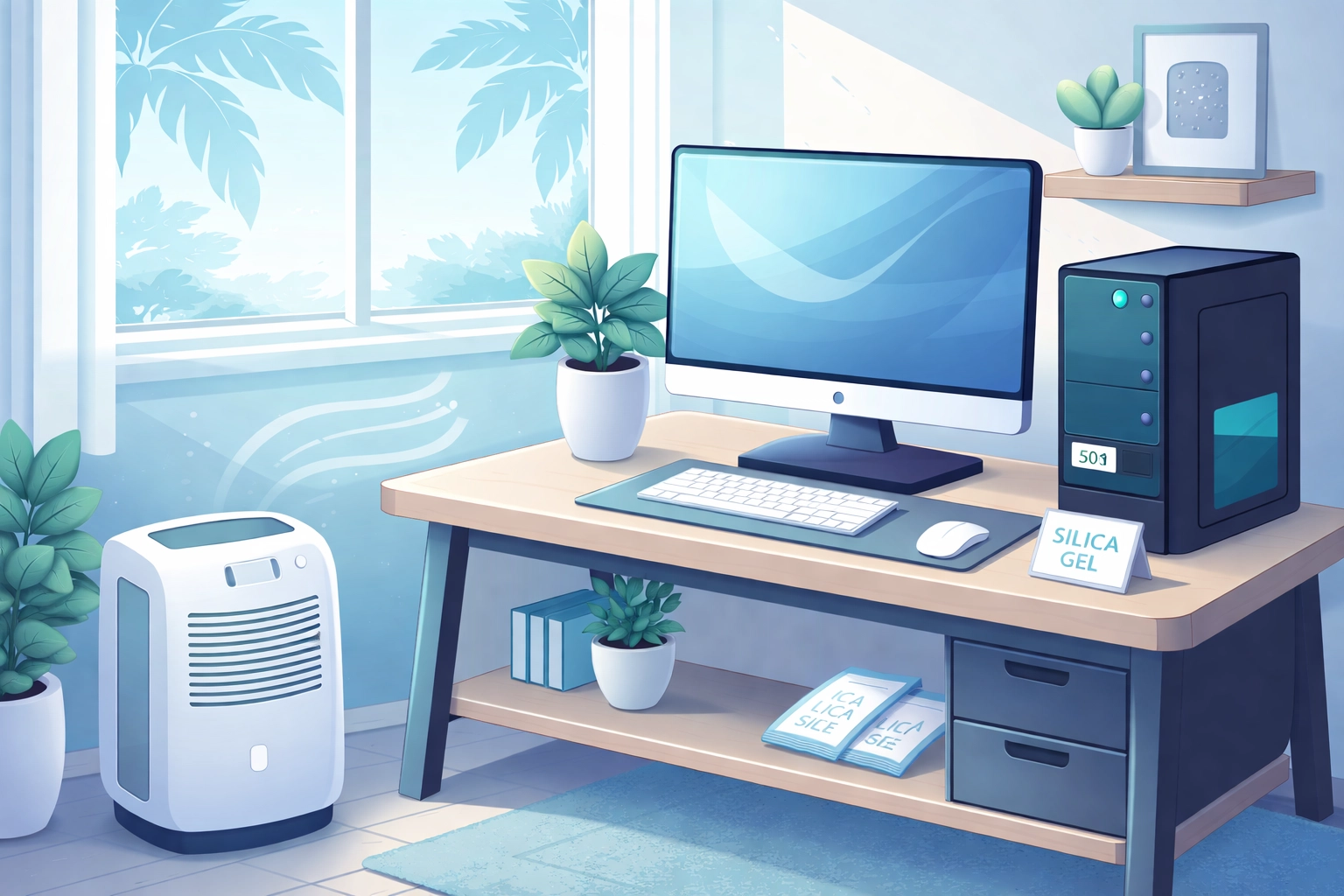
- Try to keep indoor humidity around 40% to 50% – A small humidity meter (often called a “humidity gauge”) can help you keep an eye on it.
- Use a dehumidifier – This is especially helpful in rooms where your computer sits all day.
- Run your AC when needed – Air conditioning helps pull moisture out of the air.
Give Your Computer Some Love
- Use silica gel packets near (not inside) your computer – Those little packets that come with shoes or vitamins can help absorb moisture when kept in a drawer or cabinet nearby.
- Keep your desktop off the floor – Floors can hold more moisture, especially in summer.
- Clean vents and fans now and then – Dust plus moisture can turn into sticky gunk that traps heat.
- Protect external drives – If you keep backups on an external hard drive, store it in a dry place and consider a protective case.
Location Matters
If you can, keep your computer in a spot that stays dry and steady—away from open windows, exterior walls, or anywhere that gets a direct blast of salty air. That cool back room might feel great to you, but it may be rough on a computer that’s sitting there day after day.
When DIY Isn't Enough: The Case for Professional Help
We get it—you’re handy. You’ve watched a few videos. You’ve got a screwdriver and confidence. Respect.
But humidity and salt damage often starts quietly, long before anything “looks” wrong. By the time a hard drive starts clicking or your computer won’t turn on, the damage may already be serious. And when moisture has gotten into a drive, saving the data isn’t always possible.
That’s where managed IT services in Venice FL can help, especially for businesses. Ongoing checkups and monitoring can spot problems early—before you lose important family photos, tax files, or business documents. And for local businesses, strong security isn’t optional anymore—it’s part of the cybersecurity Sarasota County organizations need to stay protected.
If you have questions about protecting your equipment or you want cost information, call the office and ask for John. He’ll explain your options in plain English—no confusing tech talk, no pressure.
The Bottom Line
Living in Venice, Nokomis, Port Charlotte, or anywhere along the Gulf Coast means your computer deals with more moisture and salt in the air than computers in many other places. The good news is that a few simple habits (and help when you need it) can keep your devices running longer—even in paradise.
Don’t wait until your hard drive sounds like a maraca at a beach party. A little prevention now can save a lot of frustration later.
Need a hand? Computers Done Right has been helping local residents and businesses for years. We understand what coastal Florida can do to electronics, and we’re here when you need us.
Stay cool, stay dry, and keep computing!