Remember when "the cloud" sounded like something only NASA needed to worry about? Fast forward to 2026, and your Venice business is probably using cloud services for everything from email to customer files to that accounting software you can access from the beach (don't lie, we all do it).
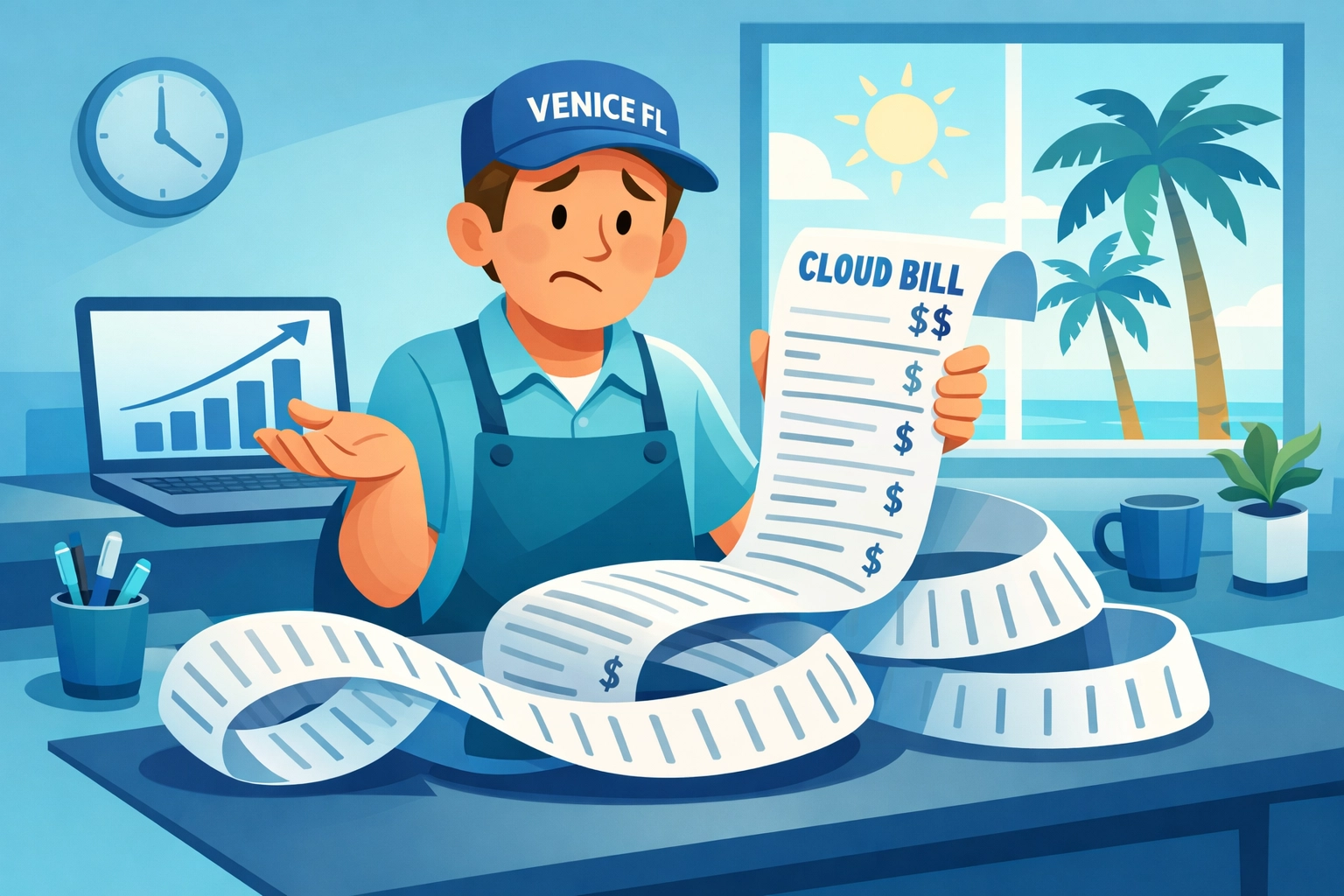
Here's the problem: cloud bills have a sneaky habit of growing faster than a snowbird's confusion at a Publix self-checkout. One month you're paying $200, the next month it's $847, and you're left wondering if you accidentally rented server space on Mars.
The good news? You don't need a computer science degree to wrangle those runaway costs. Let's talk about five straightforward ways to keep your cloud spending under control, no PhD required.
What's "The Cloud" Anyway? (Quick Refresher)
Think of the cloud like renting storage space instead of building your own warehouse. Instead of buying expensive servers that sit in your office collecting dust, you rent computing power and storage from big companies like Microsoft, Amazon, or Google. You pay for what you use, kind of like your electricity bill, except way more confusing.
The cloud is fantastic for businesses because you can access your files from anywhere, your employees can work remotely, and you don't need a server room that sounds like a jet engine. But just like leaving lights on all over your house, leaving cloud services running when you don't need them costs real money.
Step 1: Find the "Ghost Machines" You're Paying For
Here's a secret: most businesses are paying for cloud resources they forgot existed. These are like gym memberships you never canceled, except these "ghost machines" can cost hundreds of dollars monthly.
What to look for:
- Test servers someone created for a project that ended six months ago
- Backup storage from employees who left the company
- Virtual machines running at 3% capacity (that's like paying for a five-bedroom house when you only use the bathroom)
Cloud providers will happily charge you for these forgotten resources forever. They're not going to call and say, "Hey, noticed you haven't used this in four months, want to cancel it?" That's just not how it works.
Your action step: Ask whoever manages your IT to run a report showing everything you're paying for. Then play detective. If you can't remember what "Production-Test-Server-87" is for, you probably don't need it.
Step 2: Right-Sizing (Or: Stop Paying for a Dump Truck When You Need a Sedan)
Imagine buying a massive commercial refrigerator for your home because you sometimes host Thanksgiving dinner. Sounds ridiculous, right? But that's essentially what many businesses do with cloud computing.
When setting up cloud services, many companies pick the biggest, fastest option "just to be safe." The result? You're paying premium prices for power you never use. It's like running your air conditioning at 65 degrees when everyone's happy at 74.
The fix is called "right-sizing", fancy term for "use what you actually need."
Most cloud platforms have tools that monitor your actual usage. These tools will tell you things like, "Hey, this virtual machine is only using 20% of its capacity. You could switch to a smaller size and save $400 monthly."
Think of it like finally admitting you don't need that F-350 pickup truck for your daily five-mile commute to the office on Venice Avenue.

Step 3: Turn Things Off When You're Not Using Them
This one's simple. If your business doesn't run 24/7, why are your cloud services running 24/7?
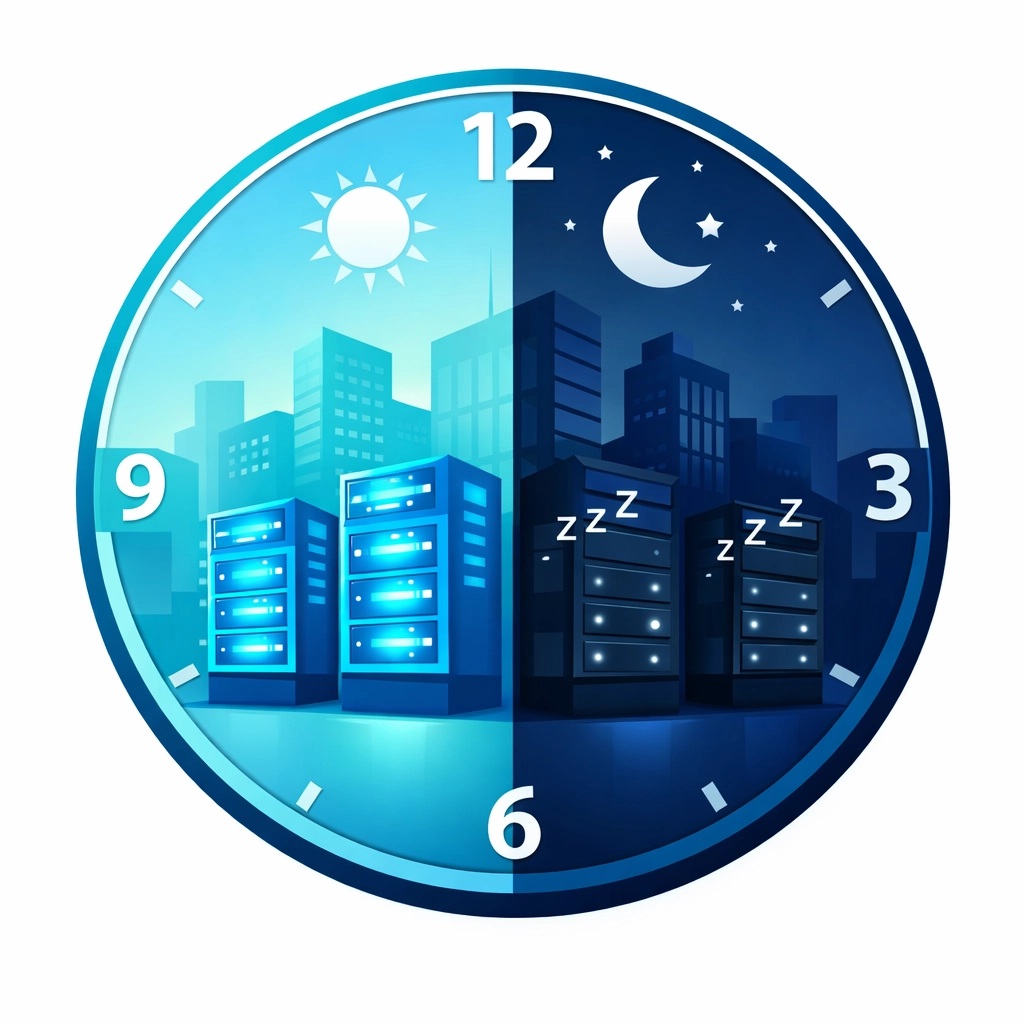
Let's say you have testing environments or development systems that your team only uses during business hours. There's absolutely no reason those should be running at 2 AM on Sunday. Set them to automatically shut down at 6 PM and turn back on at 8 AM. That's instant savings without changing anything about how your team works.
Modern cloud services can do this automatically: it's called "autoscaling," which is a fancy way of saying "turn off when we don't need you, turn on when we do." Just like your programmable thermostat at home, except for computers.
For businesses with seasonal fluctuations (looking at you, Venice companies with snowbird customers), this is even more valuable. Why pay for peak capacity year-round when you only need it December through April?
Step 4: Play the Pricing Game (It's Like Buying in Bulk at Costco)
Cloud providers offer several ways to pay, and picking the right one can save you serious money. Here's the breakdown in normal human language:
Pay-As-You-Go (On-Demand): Like buying groceries at a convenience store. Maximum flexibility, maximum price. Use this for things that are unpredictable.
Reserved Instances: Like buying a Costco membership and committing to shop there regularly. You promise to use certain resources for one or three years, and you get 40-70% off. Perfect for your core business systems that run all the time.
Spot Pricing: Like bidding on surplus airline tickets. Huge discounts (up to 90% off!) but the provider can take it back with short notice. Good for non-urgent tasks like data backups or batch processing.
Most Venice businesses should use a mix: reserved pricing for everyday essentials, on-demand for flexibility, and spot pricing for whatever can wait.
Step 5: Set Up Your "Cloud Budget Alarm System"
You know how your credit card company will text you if there's suspicious activity? You need the same thing for your cloud spending.
Set up alerts that notify you when:
- Your monthly bill crosses a certain threshold
- Spending increases more than 20% from the previous month
- Someone accidentally leaves expensive services running
These alerts catch problems early. Maybe someone misconfigured something. Maybe there's a security issue causing unusual activity. Maybe Dave in accounting accidentally created 50 servers instead of 5 (it happens more than you'd think).
Without monitoring, you won't know about that $2,000 mistake until you open next month's bill and need a defibrillator. With monitoring, you catch it the same day and fix it for free.
Also, demand proper "tagging" of resources. That means labeling everything with which department or project it belongs to. This way, you can see exactly where your money is going. No more mystery charges that nobody can explain.
Why Venice Businesses Need Help With This Stuff
Look, you started your Venice business to do what you do best: whether that's real estate, financial services, healthcare, retail, or professional services. You didn't sign up to become a cloud computing expert.
The challenge is that cloud providers design their services for Silicon Valley tech giants, not for regular Florida businesses trying to serve their community. The dashboards are confusing, the billing statements read like ancient Greek, and the options are overwhelming.
This is exactly why managed IT services in Venice FL exist. Companies like us translate this technical maze into plain English and actually implement these cost-saving strategies for you. We monitor things so you don't have to, catch problems before they hit your wallet, and make sure you're only paying for what you actually need.
Tech Jokes to Brighten Your Day
Why did the cloud break up with the server?
It needed more space.
What do clouds wear under their shorts?
Thunderpants!
Why don't cloud services ever get lost?
They always know where they are stored!
How does the cloud pay its bills?
With cache!
I told my computer I needed a break, and now it won't stop sending me cloud storage ads.
Apparently, it thinks I have too many problems to process locally.

The Bottom Line
Most Venice businesses can cut their cloud costs by 20-40% just by fixing the obvious stuff: shutting down unused resources, right-sizing what they're using, and picking smarter pricing plans. That's money that goes straight back into your pocket: or into that beach vacation you've been postponing.
The trick is actually doing it. Cloud platforms don't make this easy, and they're counting on businesses being too busy or confused to optimize. Don't let them win.
If you're looking at your cloud bill and thinking, "This can't be right," you're probably correct. Give the team at Computers Done Right a call. We'll review your setup, find the waste, and help you implement these strategies without the headache. No confusing jargon, no pressure: just honest advice from your neighbors here in Venice.
Your cloud bill should make sense, and it definitely shouldn't cause heart palpitations. Let's fix it together.
Questions about your cloud costs or need help implementing these strategies? Call Computers Done Right and ask for John Reed. We speak fluent "regular human" and we're right here in Venice, FL.