Here's a fun fact that'll make you double-check your backup system tonight: 93% of companies that lose their data for 10 days or more file for bankruptcy within one year. That's not a typo, it's a wake-up call with a Florida accent.
I've been working in IT here in the Sunshine State for years, and let me tell you, the stories I could share would keep you up at night. But today, I'm sharing some real lessons from Florida businesses who learned about data protection the hard way, and one that actually got it right.
When Paradise Turned Into a Digital Nightmare
The Credit Union That Missed the Deadline
Last May, FloridaCentral Credit Union became the poster child for "how not to handle a data breach." Over 200,000 members had their Social Security numbers and account information exposed. But here's the kicker, they missed Florida's 30-day notification window required under the Florida Information Protection Act (FIPA).
The result? Lawsuits filed within 72 hours. That's faster than most people respond to text messages.

The Healthcare Horror Stories
Let's talk about Jacksonville's CPAP Medical Supplies. In December, hackers targeted their patient data, and the breach wasn't discovered until June. Six months of potential exposure. Meanwhile, the Retina Group of Florida saw 152,691 individuals' sensitive information compromised in a single hacking incident.
But the granddaddy of all Florida data disasters? National Public Data's breach in April 2024. Nearly 3 billion records compromised, that's almost every person in America, four times over. We're talking 227 GB of stolen data posted on dark web forums like it was a garage sale.
The company went from collecting and profiting from personal data since 2008 to bankruptcy court faster than a Florida thunderstorm.
The One That Got Away (Sort Of)
Now here's where things get interesting. The City of Weston faced every social media manager's nightmare, hackers deleted all their Instagram posts and started posting unauthorized content. Six days of digital chaos.
But unlike the others, Weston had a secret weapon: social media archiving software. While they couldn't restore their live feed immediately, they could access all their deleted content and stay compliant with public records laws. When residents requested records, they delivered, because they had backups.
That's the difference between a headache and a heart attack.
What Your Backup Strategy Can Learn From These Disasters
The 3-2-1 Rule Isn't Just a Suggestion
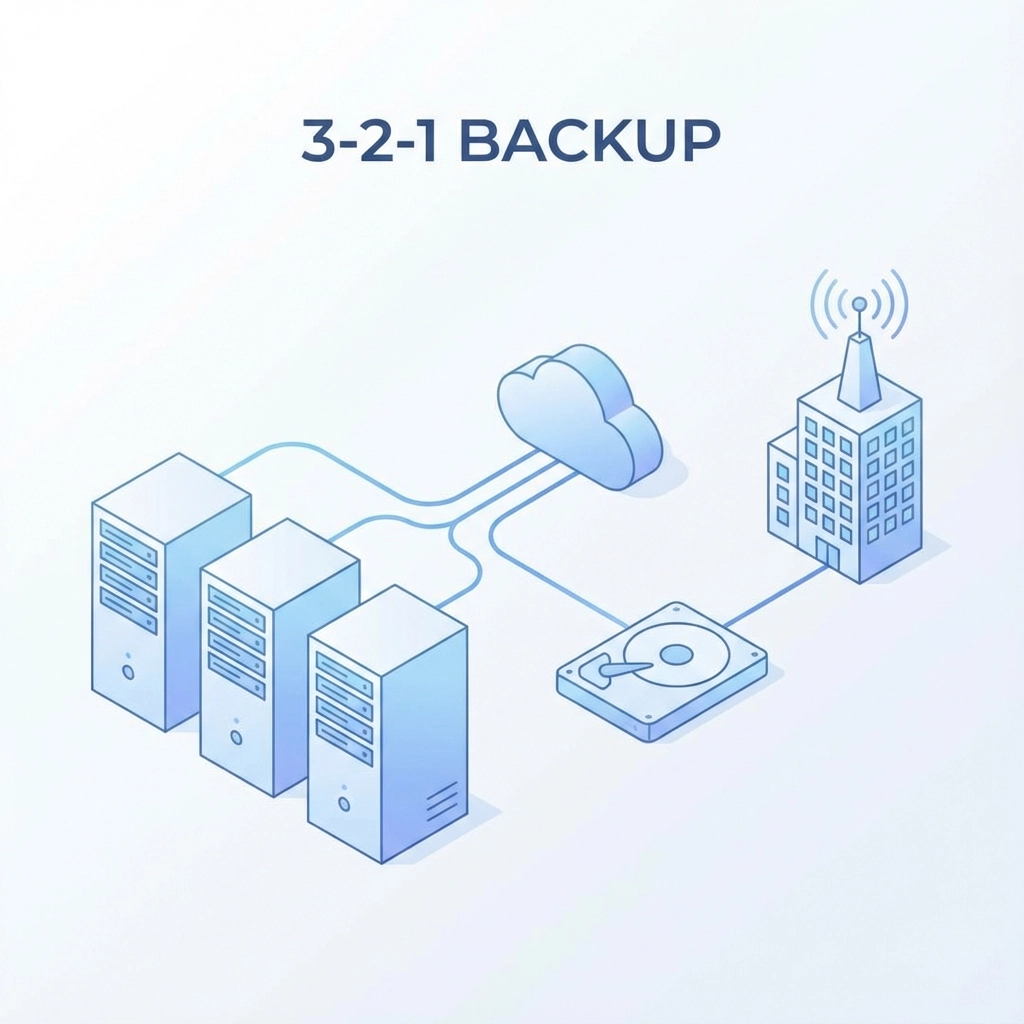
Every one of these disasters could have been less catastrophic with proper backup protocols. The 3-2-1 rule isn't tech jargon, it's your digital lifeline:
- 3 copies of important data
- 2 different storage media types
- 1 copy stored offsite
Real-Time Monitoring Saves Real Money
Most of these breaches stemmed from preventable failures: outdated software, poor password hygiene, and untrained staff. Not sophisticated cybercrime rings with Hollywood-level hacking skills, just basic security gaps that proper monitoring could have caught.
Tech Humor Break: Backup Jokes That Actually Make Sense
Why do we always recommend the 3-2-1 backup rule? Because when your hard drive crashes, you don't want to be stuck with a 0-0-0 backup plan!
Q: What's the difference between a backup and a spare tire?
A: You actually check your spare tire once in a while.
Here's my personal favorite: A client once told me, "I don't need backups, I have a great memory!" I replied, "That's nice, but your computer has amnesia, and it's terminal."
Fun Backup Trivia:
- The first computer backup was created in 1951 using magnetic tape
- 60% of small businesses that experience a major data loss shut down within 6 months
- The average cost of a data breach for small businesses is $108,000
- World Backup Day (March 31st) exists because someone decided the day before April Fool's Day was perfect timing
Why don't hackers like backing up their own data? Because they prefer to steal yours instead! (Too real? Yeah, probably too real.)
The Florida Factor: Why Our State Needs Extra Protection
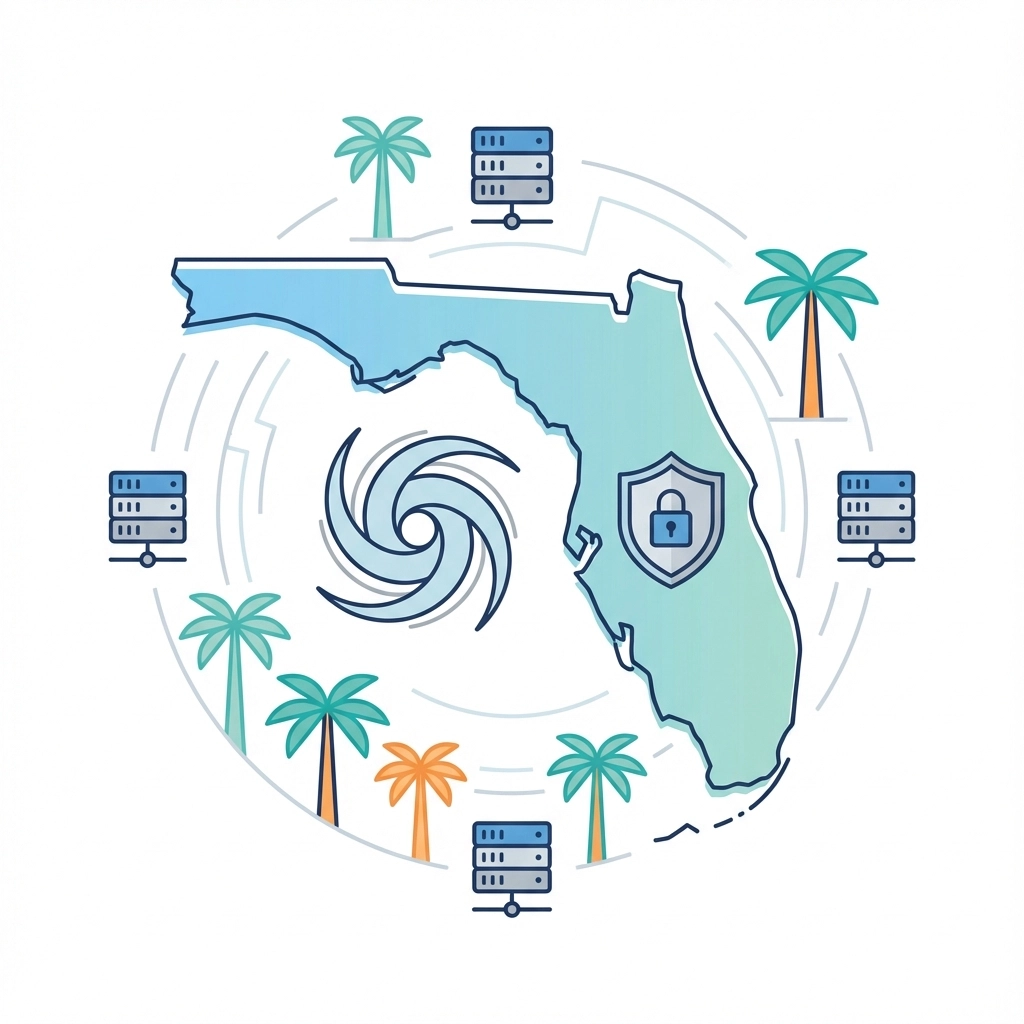
Florida businesses face unique challenges. We're hurricane magnets, which means natural disasters can wipe out physical servers in hours. We're also prime targets for cybercriminals who know many of our businesses serve tourists, meaning credit card data galore.
The Florida Information Protection Act (FIPA) gives you 30 days to notify customers of a breach, with fines reaching $500,000 for delayed notification. That's not "call your lawyer" money, that's "call your bankruptcy attorney" money.
Cloud vs. Local: The Florida Solution
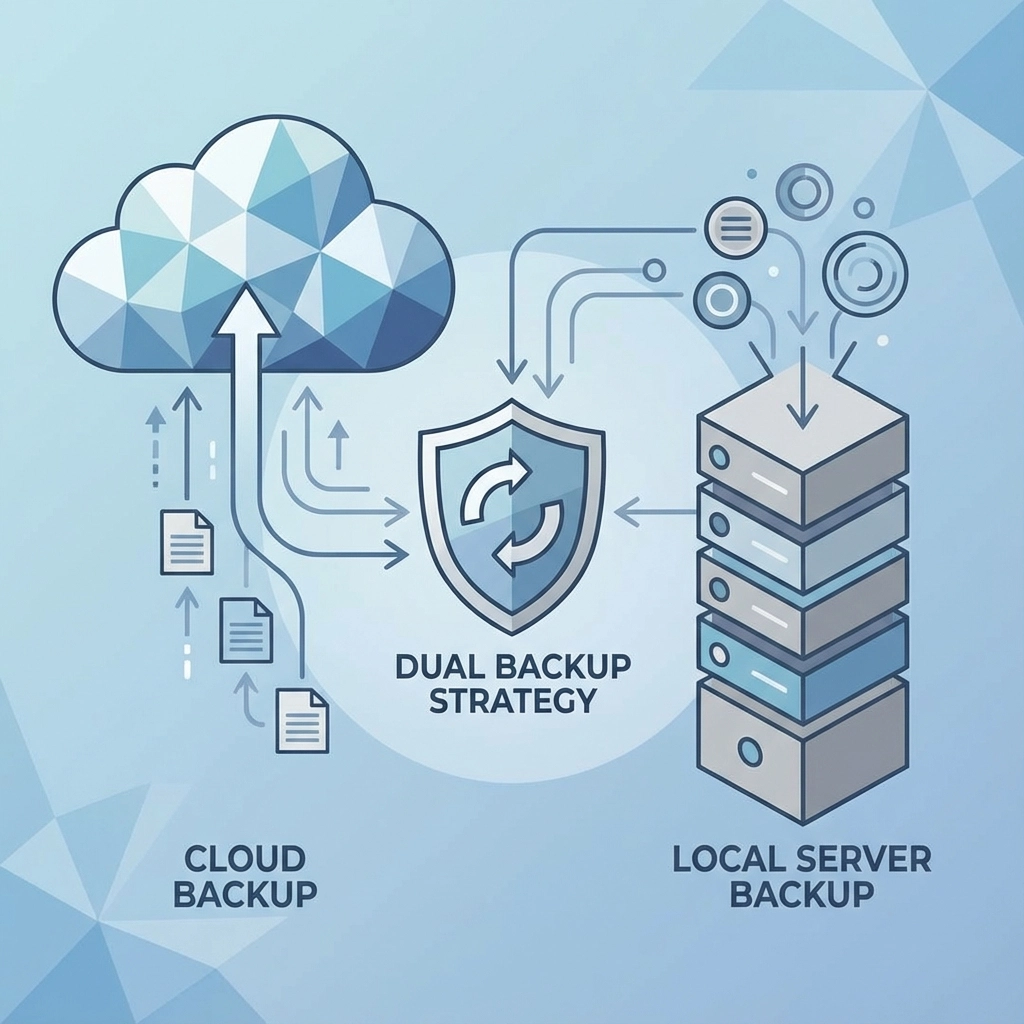
In Florida, you need both. Local backups for quick recovery, cloud backups for hurricane season. It's like having both sunscreen and an umbrella, you hope you won't need either, but you'll be glad you have both when the weather turns.
Lessons That Actually Matter
Lesson 1: Test Your Backups (No, Really)
Having backup files is like having a fire extinguisher that might be empty. The City of Weston could restore their content because they regularly tested their archiving system. Most of the businesses that suffered major losses had "backups" that were corrupted, incomplete, or completely inaccessible when needed.
Lesson 2: Employee Training Beats Expensive Software
Most breaches happen because someone clicked the wrong email or used "password123" for their admin account. You can have the best backup system in the world, but if your team opens the door for hackers, you'll be backing up compromised data.
Lesson 3: Compliance Isn't Optional
Florida's Digital Bill of Rights and FIPA aren't suggestions. They're legal requirements with real teeth. Having proper backups isn't just about business continuity: it's about staying out of court.
Lesson 4: Recovery Time Matters More Than Storage Space
The City of Weston recovered in days, not weeks, because their backup solution was designed for quick restoration. National Public Data took months to even understand what was compromised. Speed matters when every day offline costs revenue and reputation.
Making Backup Protection Personal
Here's what these Florida disasters teach us: backup isn't about the technology: it's about protecting what you've built. Every client database represents relationships. Every financial record represents trust. Every system represents someone's livelihood.
When I talk to business owners about backup strategies, I don't start with technical specifications. I start with a simple question: "What would happen if everything digital in your business disappeared tomorrow morning?"
The smart ones start sweating. The prepared ones start planning.
Your Next Move
The businesses that survived Florida's recent digital disasters all had one thing in common: they planned for failure before it happened. They didn't wait for the hurricane, the hacker, or the hardware crash.
If you're reading this and thinking, "I should probably check my backup system," you're already ahead of 60% of small businesses. If you're thinking, "What backup system?" then we need to talk.
Don't become another cautionary tale from the Florida IT trenches. Contact Computers Done Right to discuss a backup strategy that actually works when everything else doesn't. Because in Florida, it's not a matter of if disaster strikes: it's a matter of when, and whether you'll be ready.