You've got backups running. Check that box, right? Well, not so fast. Having a backup and having a working backup are two completely different things. Ask Sarah from downtown Fort Pierce, she learned this lesson the hard way.
The Fort Pierce Photography Studio That Almost Lost Everything
Last summer, Sarah runs a wedding photography studio on Orange Avenue. She's tech-savvy, responsible, and religious about her backups. Every night at midnight, her system dutifully copies thousands of wedding photos to an external drive. For three years, that little green light blinked reassuringly, telling her everything was safe.
Then Hurricane Ian's aftermath brought unexpected flooding to her studio. Her main computer was toast, but Sarah wasn't worried. She had backups, after all. She'd been backing up for years.
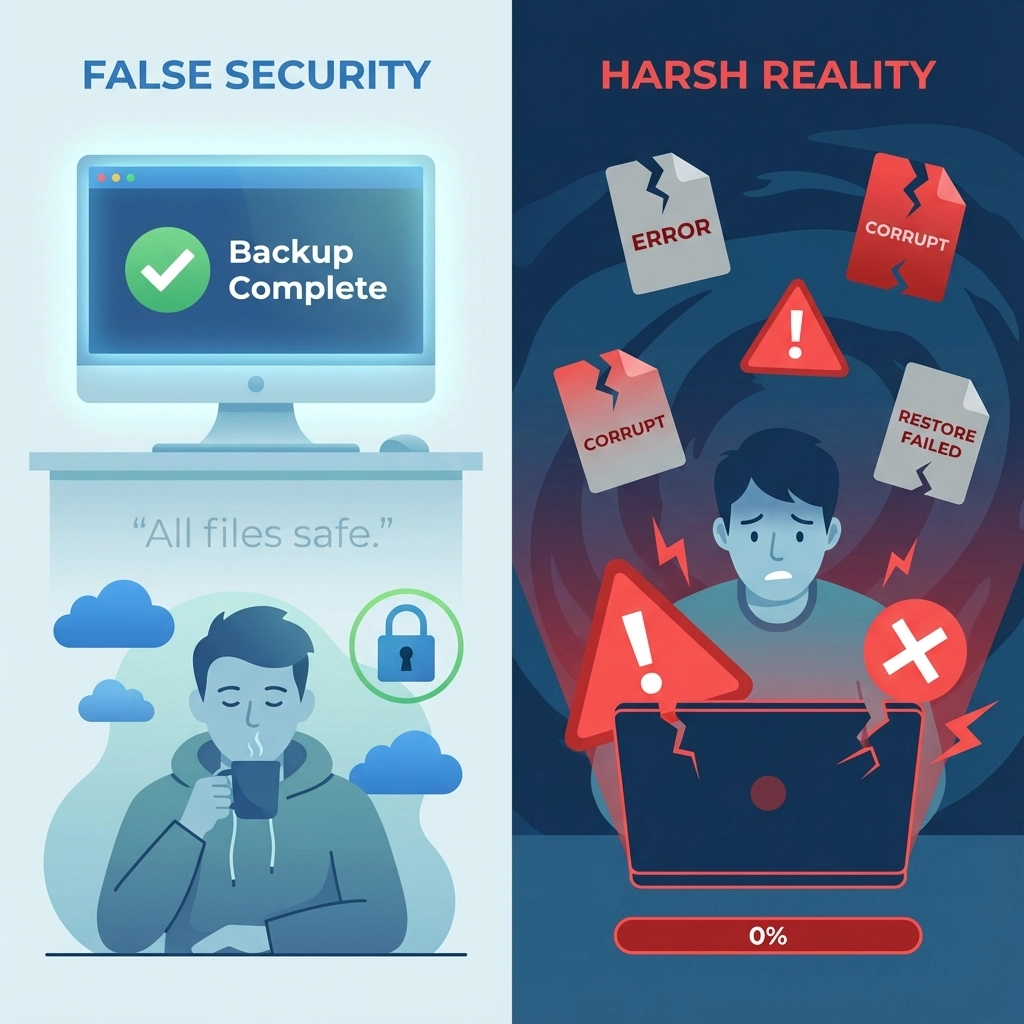
Except when she tried to restore her files, nothing worked. The backup drive had been corrupting data for months, but since she never tested the restores, she had no idea. Three years of wedding memories, gone. Couples calling frantically. A business hanging by a thread.

Sarah's story isn't unique. According to recent studies, 60% of all backup attempts fail, but most people don't discover this until it's too late. Even more shocking? 94% of companies that experience severe data loss never fully recover.
Why "Set It and Forget It" Doesn't Work with Backups
Here's the brutal truth: creating a backup is only half the battle. If you're not regularly testing those backups by actually restoring files, you're flying blind. Think of it like having a fire extinguisher that you never check, it might work when you need it, or it might just spray dust.
Common backup failures include:
- Corrupted backup files that look fine but won't restore
- Incomplete backups missing critical data
- Network connectivity issues causing silent backup failures
- Storage device failures in backup destinations
- Software compatibility problems preventing restores
The scary part? Most backup software will report "success" even when the backup is fundamentally broken.
The Real Cost of Untested Backups
Beyond the obvious data loss, untested backups create a false sense of security that can be devastating. Businesses often skip other protective measures because they think they're covered. Then disaster strikes, and they discover they're completely exposed.
Consider these sobering statistics:
- 40% of small businesses never reopen after a major data loss event
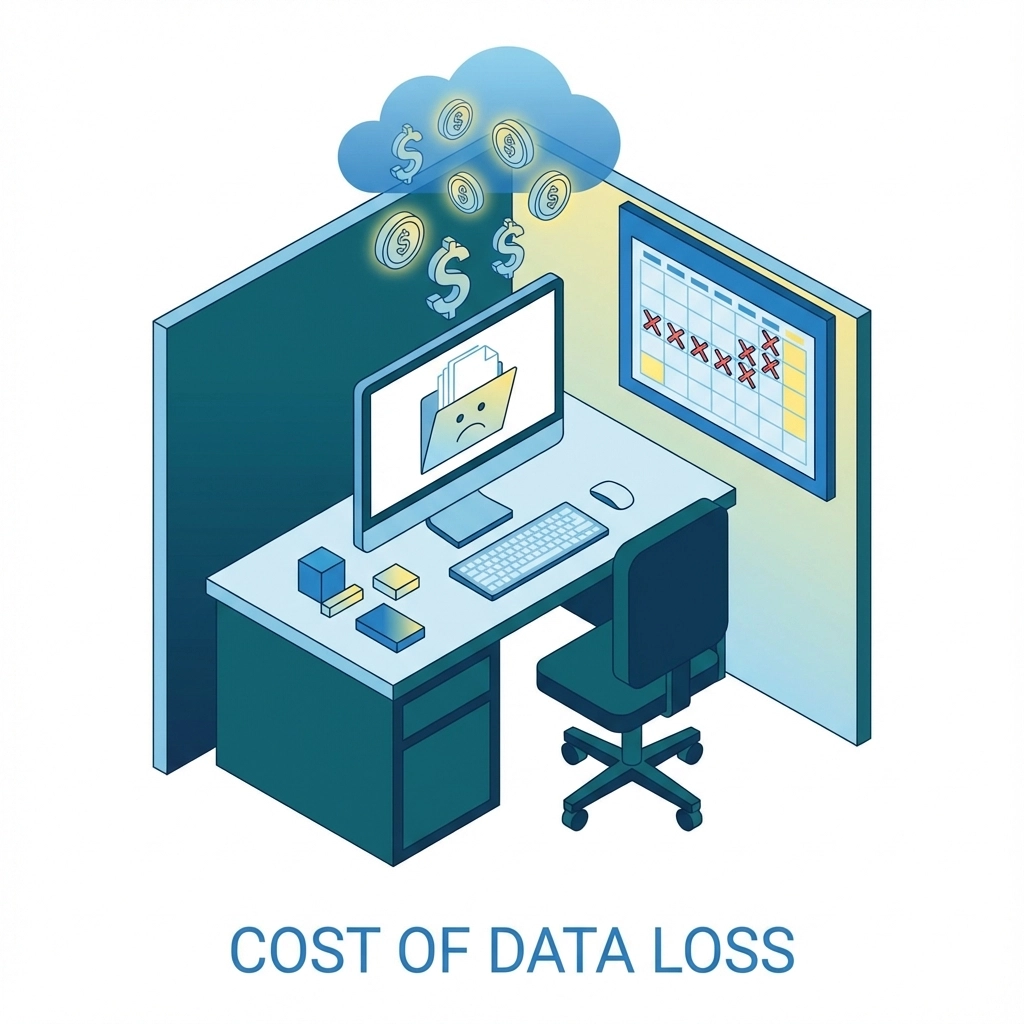
- Average cost of data loss for small businesses exceeds $18,000 per incident
- Lost productivity often costs more than the actual data recovery
For Fort Pierce businesses, these numbers hit especially hard. Between hurricane season, aging infrastructure, and the usual parade of hardware failures, data loss risks are higher than in many other areas. Yet most local businesses we encounter have never actually tested their backup systems.
How to Test Your Backups Properly
Testing doesn't have to be complicated, but it does need to be systematic. Here's a practical approach:
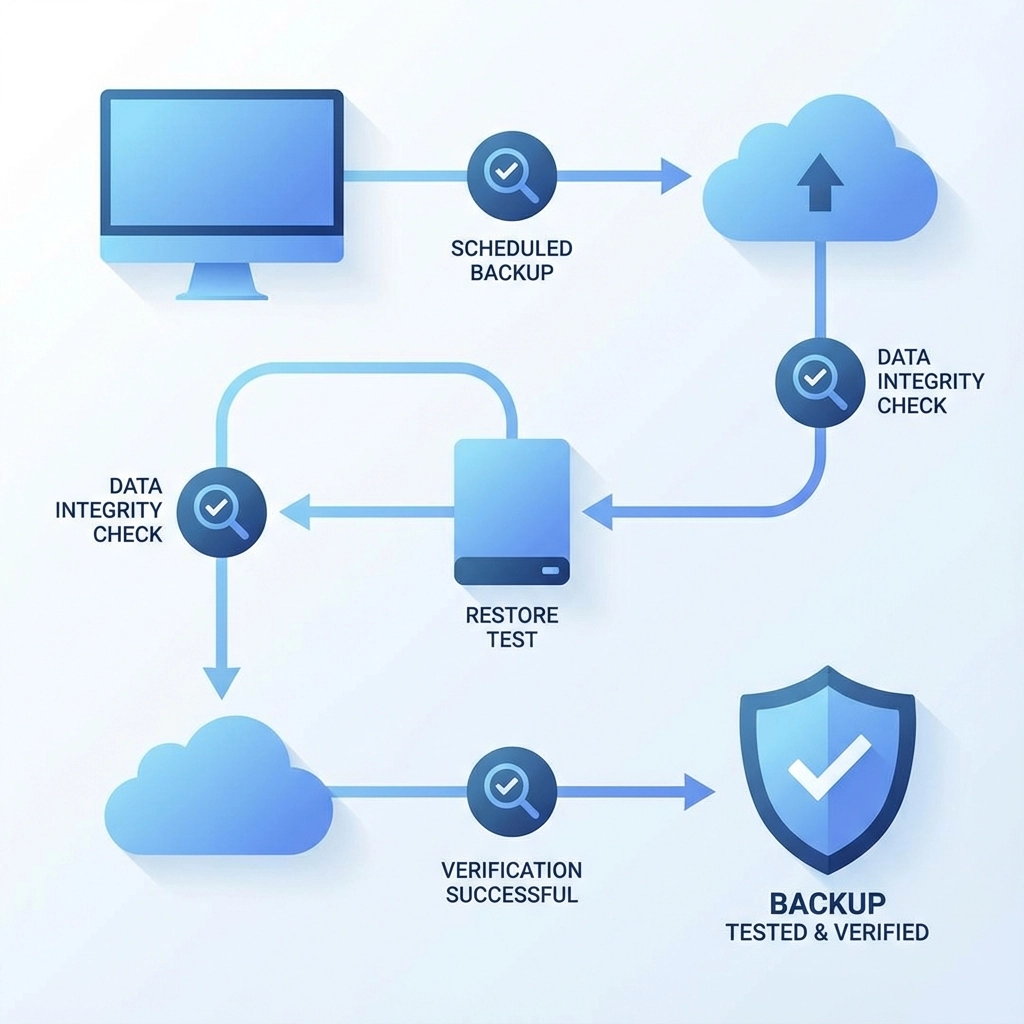
Monthly Spot Checks: Pick a random folder from your backup and try restoring it to a different location. Make sure the files open correctly and contain the data you expect.
Quarterly Full Tests: Choose a non-critical system and practice a complete restore process. Time how long it takes and document any problems you encounter.
Annual Disaster Scenarios: Simulate a complete system failure. Can you rebuild your entire setup from backups? What's missing? How long does it really take?
Document Everything: Keep records of your tests. Note what works, what doesn't, and how long each process takes. This documentation becomes invaluable during a real emergency.
The Fort Pierce Advantage
Working with a local IT service provider offers unique advantages for backup testing. We understand the specific challenges facing Treasure Coast businesses, from hurricane preparedness to the quirks of aging commercial buildings. More importantly, we can be on-site quickly when things go wrong.
At Computers Done Right, we've seen every type of backup failure imaginable. Drives that seemed fine but contained months of corrupted data. Cloud backups that hadn't actually synced in years. Network attached storage devices that worked perfectly until the moment they were needed most.
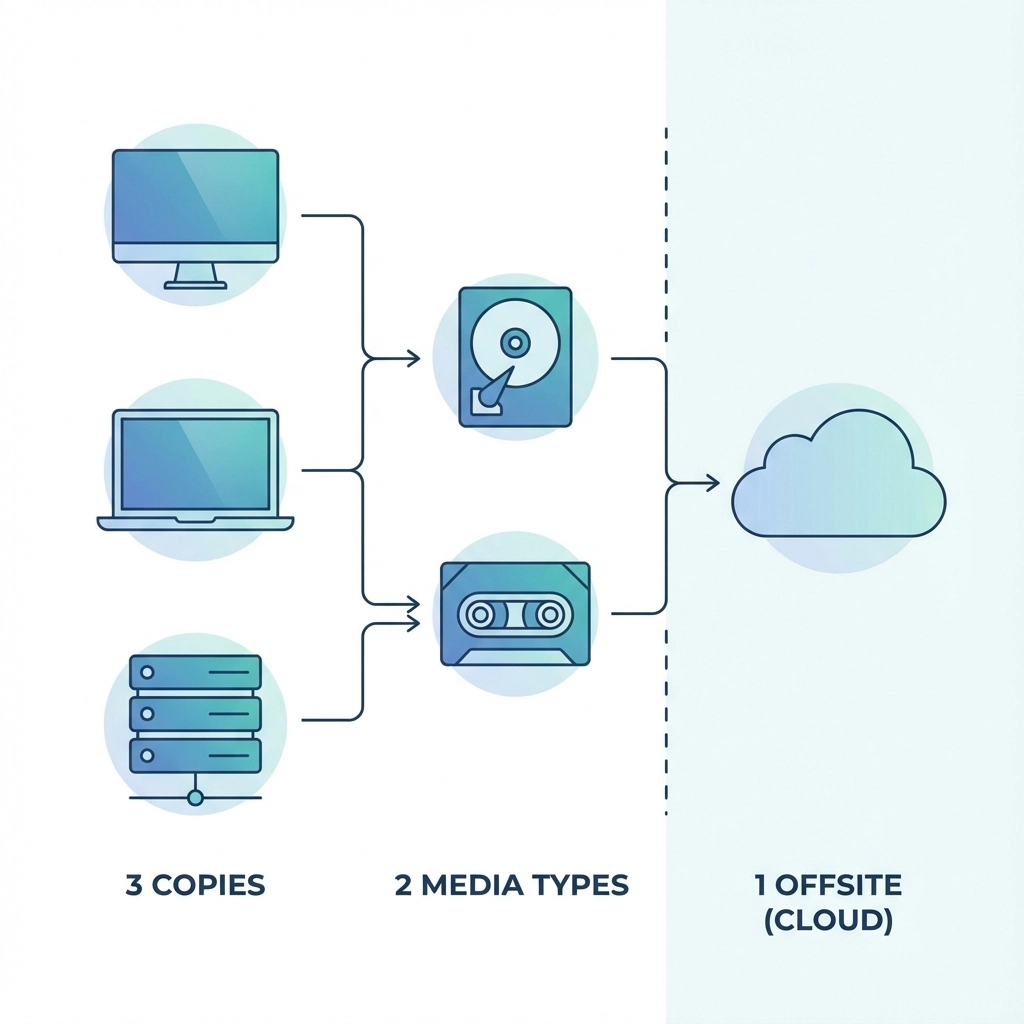
Beyond Basic Backups: The 3-2-1 Rule
Security experts recommend the 3-2-1 backup strategy:
- 3 copies of important data
- 2 different types of storage media
- 1 copy stored offsite
But even this robust strategy fails without regular testing. Each backup method needs verification:
Local backups: Test file integrity and restore speeds
Cloud backups: Verify upload completion and download capabilities
Offsite backups: Ensure physical media remains readable and accessible
Computer Corner: Tech Humor to Brighten Your Day
Why don't hard drives ever get lonely? Because they always have backup!
Speaking of backups, here's some computer trivia to impress your friends: The first computer backup system was developed in 1951 for the UNIVAC I computer. It used magnetic tape that could store a whopping 1.4 megabytes of data, less than a single digital photo today!
And here's a classic IT joke: There are only two types of people in this world, those who backup their data, and those who will. The question is: which type are you, and more importantly, do you know if your backups actually work?
The Human Element
Technology is only as good as the people using it. The best backup system in the world won't save you if nobody knows how to restore from it. Make sure your team understands:
- Where backups are stored
- How to access them during an emergency
- Who has the necessary passwords and permissions
- What the restore process actually looks like
Consider creating a simple emergency checklist. When disaster strikes, clear thinking becomes difficult. Having documented procedures can mean the difference between a minor inconvenience and a business-ending catastrophe.
Moving Forward: Making Backup Testing a Habit
The key to successful backup testing is making it routine. Just like you wouldn't skip oil changes for your car, don't skip verification for your backups. Set calendar reminders. Make it someone's specific responsibility. Build it into your regular maintenance schedule.
For Fort Pierce businesses, this is especially critical. Our location makes us vulnerable to natural disasters, but it also gives us time to prepare. Hurricane season provides a natural deadline for backup testing, use it.
When Backups Fail: Having a Recovery Plan
Even with perfect backup testing, things can go wrong. Hardware fails at the worst possible moments. Natural disasters exceed all preparations. User error happens to the best of us.
Having a relationship with a reliable IT service provider before you need one makes all the difference. Emergency data recovery is expensive and stressful. Prevention and preparation are always more cost-effective.
If you need help setting up backup testing procedures or want to verify your current backup strategy, give us a call. We've helped countless Fort Pierce businesses avoid Sarah's fate, and we'd be happy to help you too.
The Bottom Line
Backups without testing are just expensive storage. Don't wait for disaster to discover whether your safety net has holes. Test regularly, document everything, and sleep better knowing your data is actually protected.
Remember: The best time to test your backup was yesterday. The second-best time is right now. Because somewhere in Fort Pierce, another business owner is about to learn the hard way that having backups and having working backups are two very different things.
And if you're wondering whether this blog post about backups is properly backed up, yes, it is. We tested it twice just to be sure. After all, we practice what we preach!