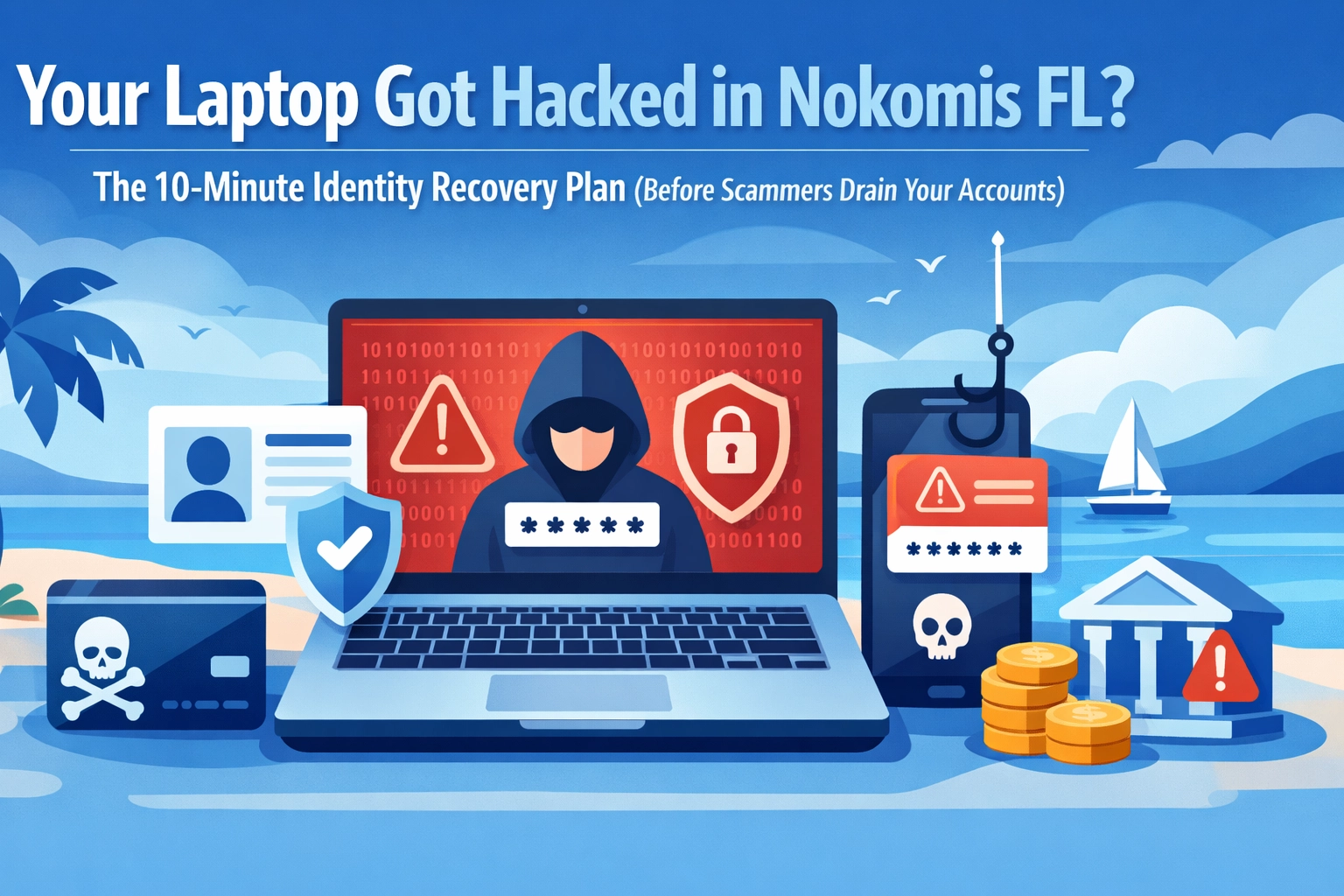

You're enjoying your morning coffee on the lanai when you notice something odd. Your laptop is sending emails you didn't write. Popup windows are appearing like uninvited guests at a potluck. Strange charges are showing up on your credit card. Your heart drops faster than a mullet jumping in the bay.
Congratulations, you've been hacked. But before you panic and throw your laptop into the Gulf, take a deep breath. The next ten minutes are absolutely critical, and what you do RIGHT NOW can mean the difference between a minor headache and a financial nightmare.
Here's your emergency action plan for when the digital sharks are circling.
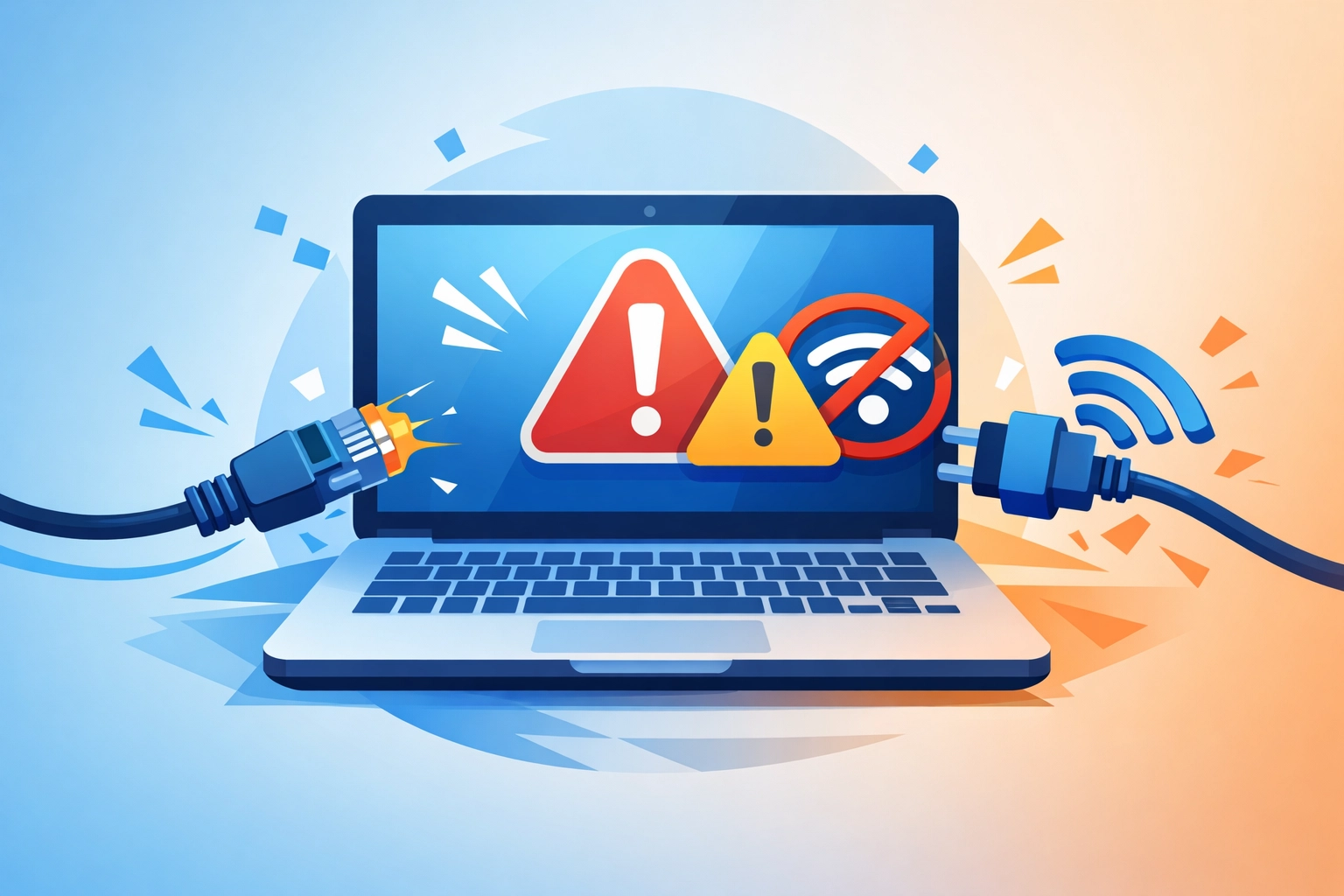
Minute 1-2: Pull The Plug (Literally)
First things first: disconnect your laptop from the internet immediately. And I mean RIGHT NOW. Unplug that ethernet cable like it's a hot coal. Turn off your Wi-Fi faster than you'd swat a mosquito at a backyard barbecue in Nokomis.
Why? Because as long as your laptop is connected, the hackers are like houseguests who won't leave, they're still in there, snooping through your digital drawers and helping themselves to whatever they want. Disconnecting cuts off their access and stops them from doing more damage.
Think of it like closing the barn door. Sure, the horse might have already gotten out, but at least you're preventing the cows, chickens, and that goat you didn't even know you had from escaping too.
Minute 3-4: DO NOT Touch That Laptop Again
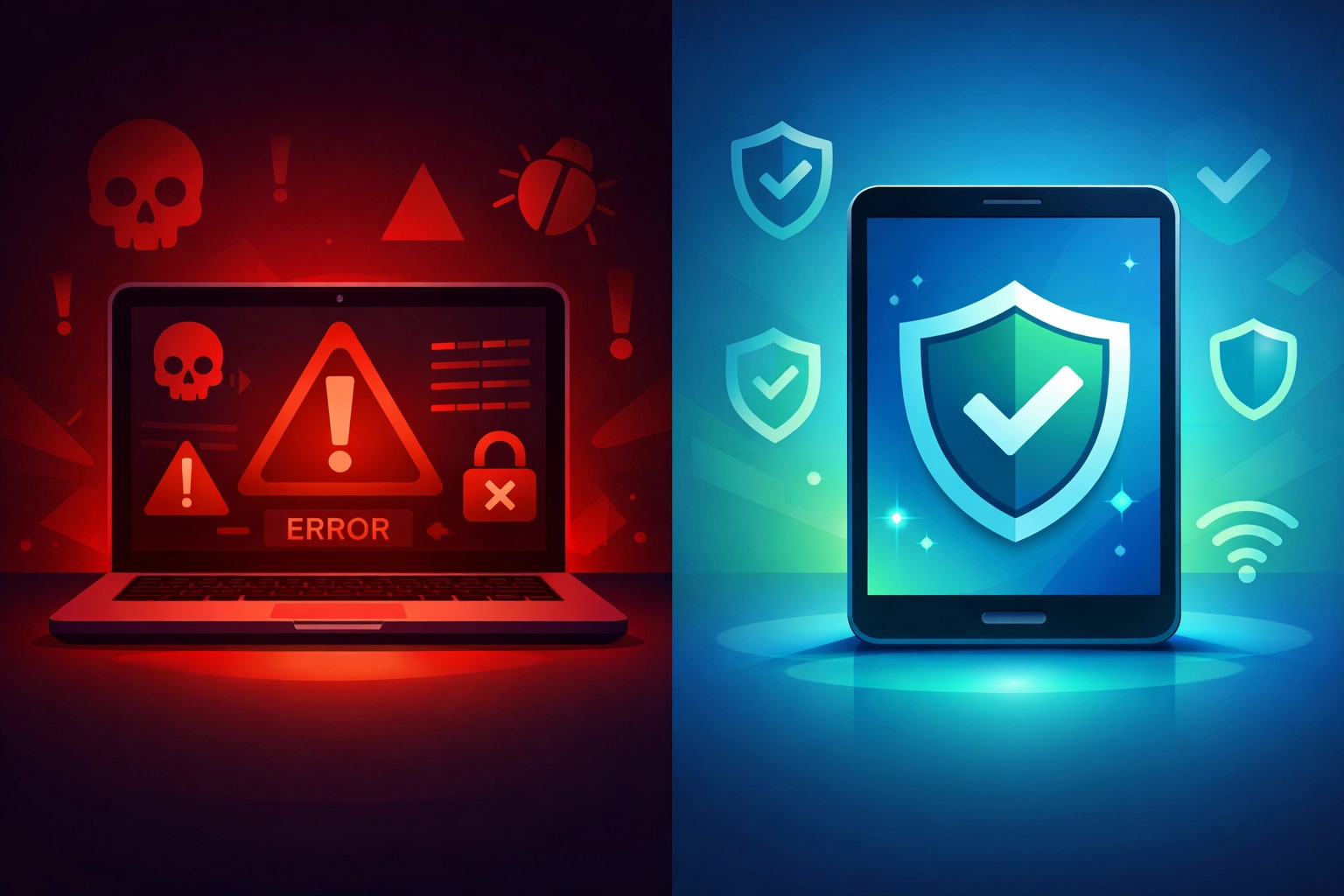
Here's where many folks make a critical mistake: they keep using the hacked laptop to try to fix things. That's like using a broken ladder to fix your roof, it's only going to make things worse.
The hackers might be watching everything you type. Every password, every account number, every embarrassing Google search (we've all been there). So step away from the compromised laptop and grab your smartphone, tablet, or a different computer that you know is safe.
This is NOT the time to be a hero. Leave the cape in the closet and grab a different device.
Minute 5-7: The Great Password Scramble
Now comes the important part. Using your SAFE device (not the hacked laptop), it's time to change passwords like you're changing channels during a boring awards show. But there's a specific order you need to follow:
Start with your email account. This is your master key to everything else. If hackers control your email, they can reset passwords to every other account you own. Change this password first, and make it a good one, not "password123" or your pet's name.
Next up: banking and credit cards. Pretty self-explanatory. You don't want strangers buying themselves a boat with your retirement fund.
Then hit these: PayPal, Amazon, Facebook, and any other accounts connected to money or personal information.
Make each password different. I know, I know, it's a pain to remember a dozen different passwords. But using the same password for everything is like using the same key for your house, car, and safe deposit box. If someone steals that one key, they've got access to everything.
Minute 8-9: Add a Bouncer to Your Accounts
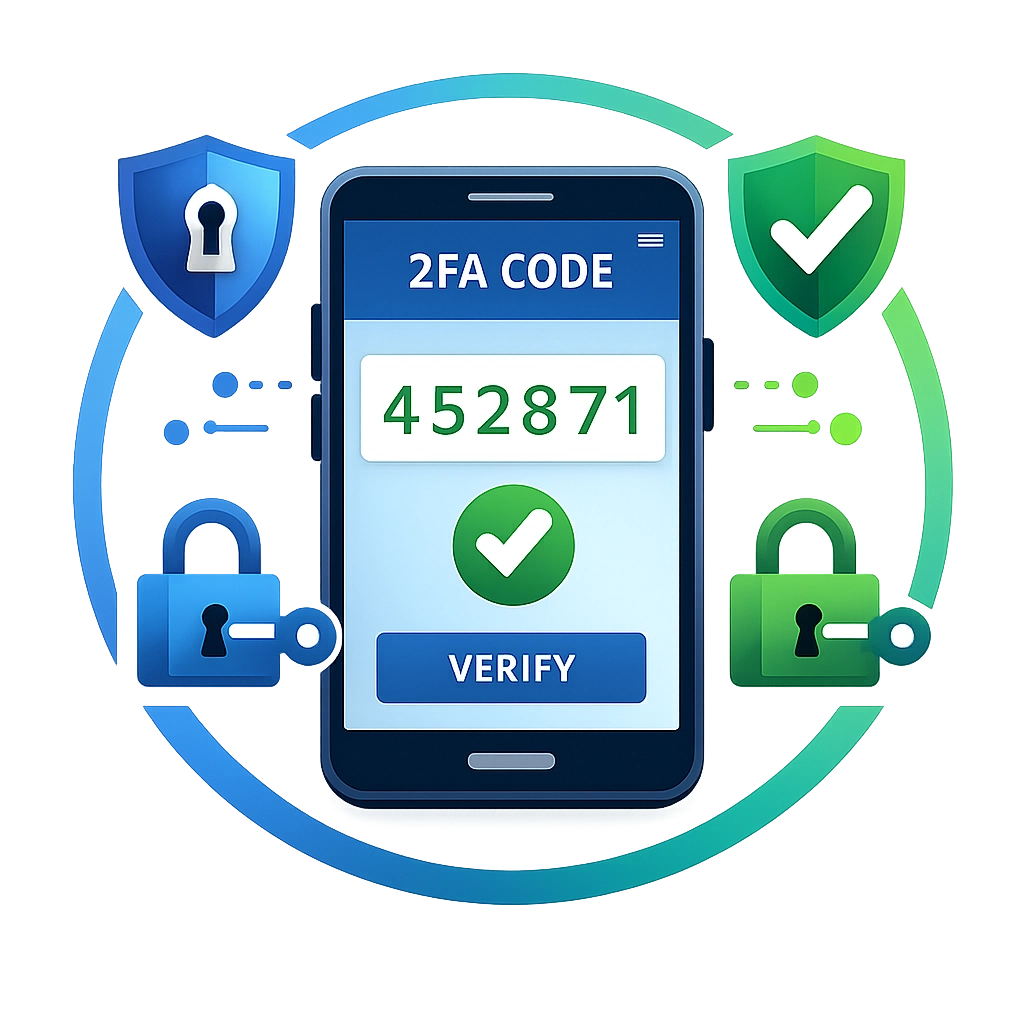
Once you've changed your passwords, it's time to enable something called "two-factor authentication" or "2FA" for short. Don't let the fancy name scare you, it's actually pretty simple.
Two-factor authentication means that even if someone has your password, they still can't get into your account without a second piece of proof, usually a code sent to your phone. It's like having a deadbolt AND a chain lock on your door. One just isn't enough these days.
Most banks, email providers, and social media sites offer this option in their security settings. Yes, it adds an extra step when you log in, but it's worth the minor inconvenience. Think of it as the digital equivalent of looking both ways before crossing Tamiami Trail.
Minute 10: Call in the Cavalry
Here's the thing about laptop hacking: it's not always obvious what the hackers did or what they left behind. They're sneaky, like raccoons getting into your garbage cans, except these raccoons are after your bank account instead of your leftover lasagna.
This is where professional computer repair in Nokomis FL becomes essential. Sure, you might be tempted to run some antivirus software and call it a day, but that's like putting a Band-Aid on a broken bone. You need someone who knows what they're doing to properly clean up the mess and make sure your laptop is truly safe again.
At Computers Done Right, we've seen every type of hack imaginable in Sarasota County, from simple phishing scams to sophisticated identity theft operations. We don't just remove the obvious problems; we dig deep to find the hidden nasties that DIY solutions miss. For questions about getting your device properly cleaned and secured, give John Reed a call at the office.
What NOT To Do (Seriously, Don't)
While you're waiting for professional help, here are some things to avoid:
Don't try to "fix" it yourself on the hacked laptop. Running random programs or following advice from questionable websites can make things exponentially worse. It's like performing surgery on yourself, theoretically possible, but not recommended.
Don't ignore the problem and hope it goes away. Hackers don't take days off. While you're hoping for the best, they're systematically draining accounts and stealing identities.
Don't pay ransom demands. If you get a popup demanding payment, that's like negotiating with pirates. There's no guarantee they'll actually leave you alone, and you're funding their next attack.
Document Everything
While all this is happening, grab your smartphone and start taking screenshots of anything suspicious. Weird emails sent from your account? Screenshot it. Strange charges? Screenshot it. Pop-ups threatening to expose your browser history? Screenshot it (and maybe clear that history later).
These records will help professionals understand what happened and might be useful if you need to dispute fraudulent charges or file reports with authorities.
Keep an Eye on Your Accounts
Over the next few days and weeks, watch your accounts like a hawk watching the beach for fish. Check your bank statements daily. Review your credit card charges. Set up alerts so your bank texts you whenever money moves.
If you notice unauthorized activity, contact your bank or credit card company immediately. Most have zero-liability policies for fraud, but you need to report it quickly.
A Little Computer Humor Break 🖥️
Okay, you've been through a stressful situation. Let's lighten the mood for a second.
Why did the laptop go to the therapist? Because it had too many bytes of emotional baggage!
What's a hacker's favorite season? Phishing season!
And here's my favorite: How many programmers does it take to fix a hacked laptop? None, that's a hardware problem! (Ba dum tss!)
Alright, back to serious mode.
Prevention is Your Best Friend
Once you've recovered from this incident, let's talk about preventing it from happening again. Because going through this once is plenty.
Keep your software updated. Those annoying update notifications aren't just nagging, they're patching security holes that hackers love to exploit.
Be suspicious of emails asking you to click links or download attachments, especially if they create a sense of urgency. Real banks don't email you demanding immediate action, no matter how official the email looks.
Don't use the same password everywhere. I know I mentioned this before, but it bears repeating. It's like wearing the same outfit every day, sure, it's easy, but eventually, it's going to cause problems.
And consider working with a local PC repair Sarasota company that offers ongoing support and monitoring. An ounce of prevention is worth a pound of cure, as they say, and regular maintenance can catch problems before they become catastrophes.
The Bottom Line
Getting hacked is scary, frustrating, and frankly, a huge pain in the neck. But if you act fast and follow this 10-minute plan, you can minimize the damage and get back to enjoying your digital life here in beautiful Nokomis.
Remember: disconnect, switch devices, change passwords, enable two-factor authentication, document everything, and get professional help. Those ten minutes could save you thousands of dollars and countless hours of headache.
And here's the silver lining: once you've been through this and properly secured your accounts, you'll be better protected than most people who've never faced this issue. You'll be the cybersecurity expert among your friends at the next Nokomis Community Church potluck.
Stay safe out there, folks. And if you need help recovering from a hack or want to make sure your laptop is properly protected, Computers Done Right is right here in your backyard, ready to help. Give us a call( we promise we speak human, not computer geek.)