

Running a business in Venice, Florida means dealing with unique challenges – from hurricane season to the growing threat of cyberattacks targeting small businesses. Yet many local companies are making critical mistakes with their data backup that could cost them everything when disaster strikes.
After years of helping Venice businesses recover from data loss, I've seen the same problems over and over. The good news? Every single one of these mistakes is fixable. Let's dive into what's going wrong and how to get it right.
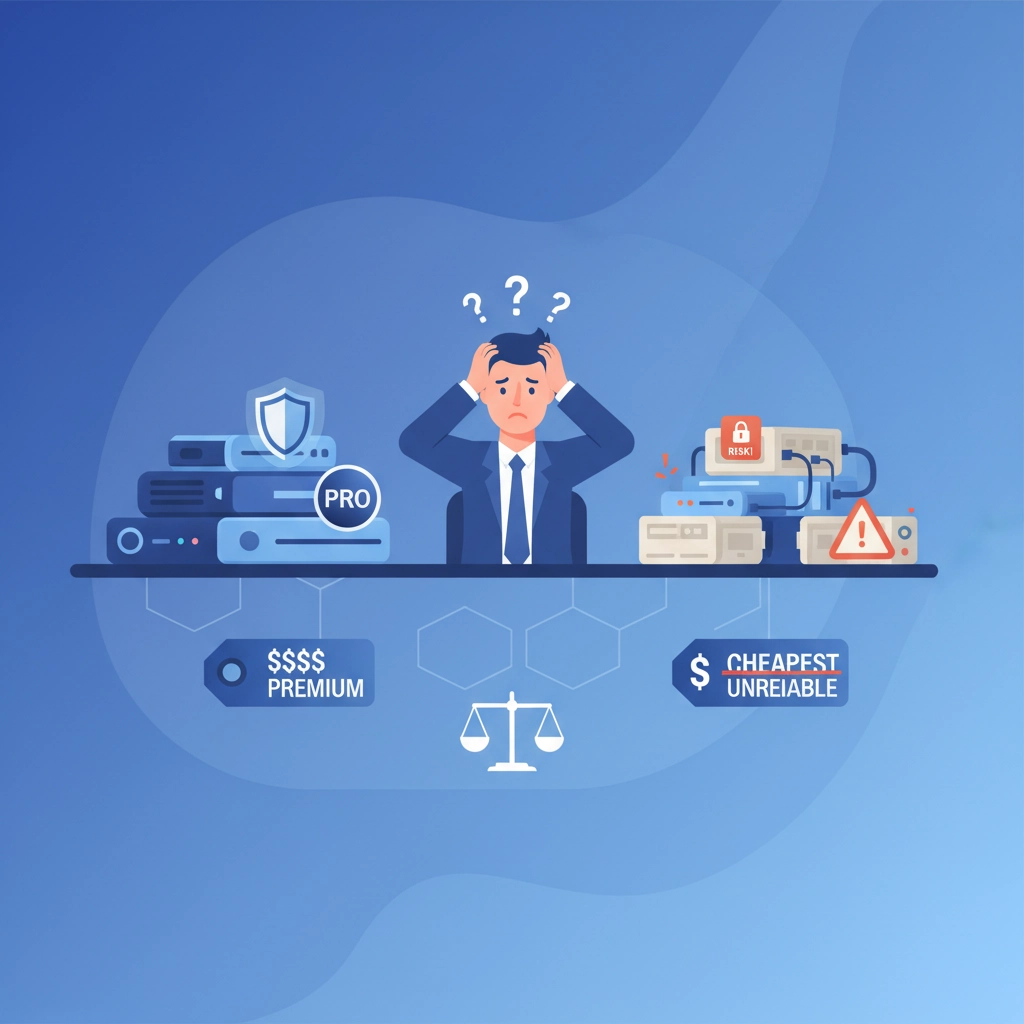
Mistake #1: Choosing Backup Solutions Based Only on Price
Here's the thing – when it comes to data backup, you really do get what you pay for. I've seen too many Venice businesses fall for those "bargain basement" backup deals that promise the world for $5 a month.
The problem isn't just that these cheap solutions often fail when you need them most. It's that they give you a false sense of security. You think you're protected, but when your hard drive crashes or ransomware hits, you discover your "backup" is either corrupted, incomplete, or stored on servers that went offline months ago.
The Fix: Look for backup providers who want to understand your business before quoting a price. A reliable service will assess what you actually need to protect, how quickly you need to recover, and what your business can afford to lose. If someone's giving you a quote without asking these questions, keep looking.
For specific pricing tailored to your Venice business needs, give us a call and ask for John Reed – we'll discuss what makes sense for your situation.
Mistake #2: Relying on "Set It and Forget It" Mentality
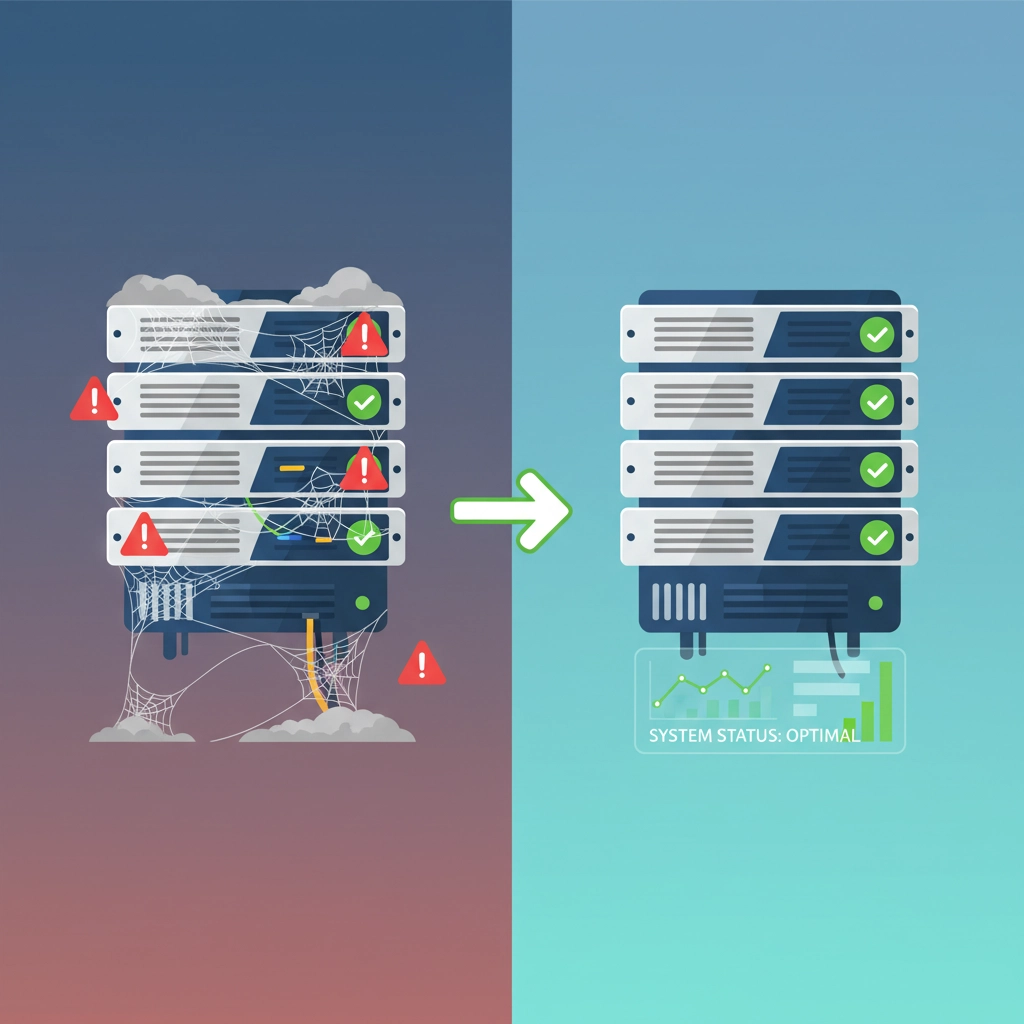
I get it – you set up your backup system three years ago, it's been running quietly in the background, so everything must be fine, right? Wrong. This is probably the most dangerous assumption Venice businesses make.
Backup systems need attention. Files get corrupted, software updates break connections, hard drives fail, and cloud services change their terms. That backup you set up in 2022 might have stopped working in January, and you'd never know until you desperately need it.
The Fix: Schedule monthly backup checks. Don't just verify that the backup is running – actually test restoring a few files to make sure they work. Set calendar reminders, assign someone on your team to check, or better yet, work with a managed services provider who monitors this stuff for you.
Mistake #3: Keeping All Your Backups in One Location
This one's huge for Florida businesses. Hurricane Ian taught us that lesson the hard way. I talked to business owners who had great backup systems – multiple drives, regular schedules, everything looked perfect. But all their backups were sitting in the same building that got flooded.
Even without hurricanes, keeping all your backups local is risky. Fire, theft, power surges, or even just a disgruntled employee can wipe out your main systems and your backups in one shot.
The Fix: Follow the 3-2-1 rule: 3 copies of important data, on 2 different types of media, with 1 copy stored offsite. For Venice businesses, that offsite copy is crucial. Cloud backup isn't just trendy – it's essential insurance against local disasters.
Mistake #4: Not Backing Up Frequently Enough
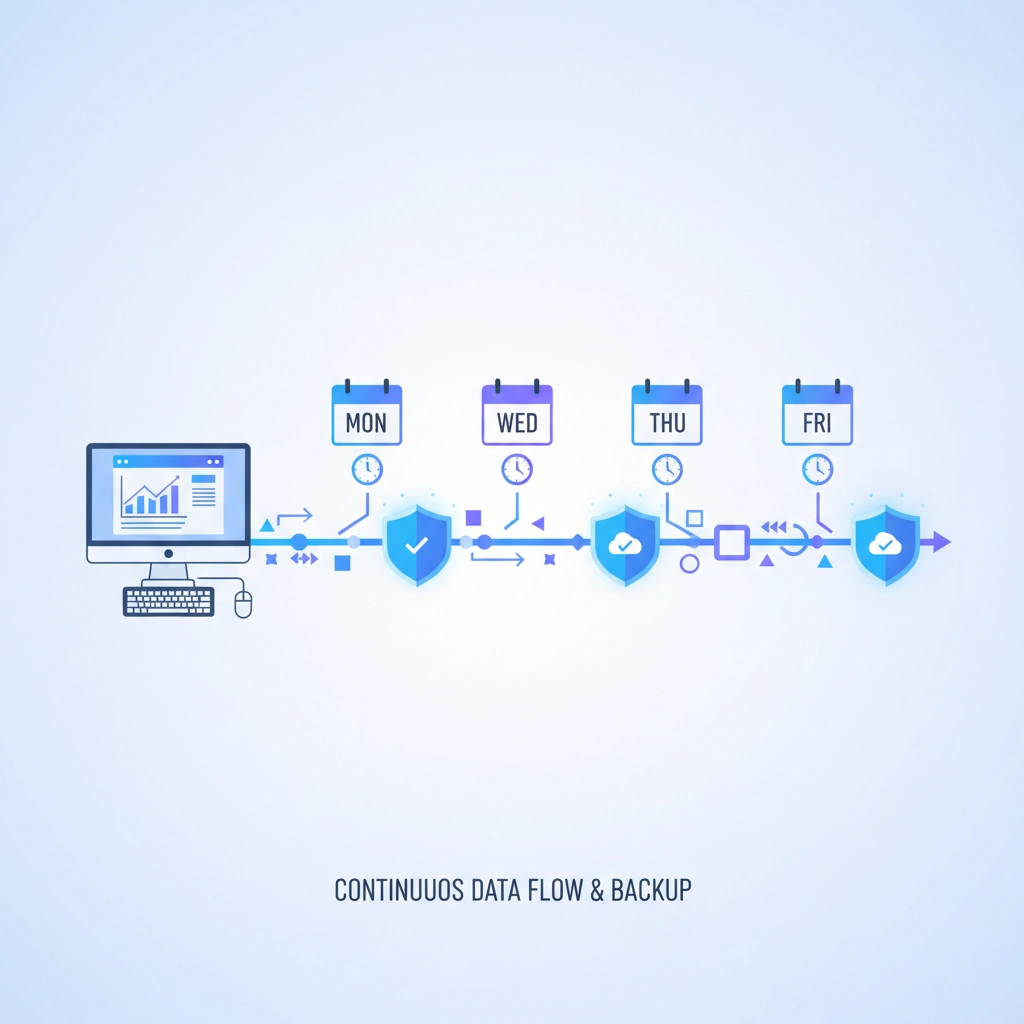
"We back up every Friday night" – I hear this a lot, and it makes me cringe. Think about it: if your system crashes on Thursday afternoon, you just lost almost a week of work. For most businesses, that's devastating.
The problem gets worse when you consider that many businesses create their most important work during the week. Customer orders, project files, financial records – all of that Thursday work is gone forever with weekly backups.
The Fix: Modern backup systems can run incremental backups every 15 minutes without slowing down your computers. It's not 2005 anymore – you don't need to shut down your whole network to run a backup. Invest in solutions that protect your work as you create it, not days later.
Mistake #5: Ignoring Employee Devices and Remote Work
Here's a scenario that's become way too common: Your office systems are backed up perfectly, but then Sarah from accounting gets ransomware on her laptop while working from her Venice home office. Now all those QuickBooks files she's been working on locally are encrypted and useless.
Remote work changed everything, but many backup strategies didn't keep up. Employees save important files to their desktop, work on documents locally, and sync sporadically. When something goes wrong, that work is just gone.
The Fix: Extend your backup strategy to cover all devices where work happens. Cloud-based solutions can automatically backup laptops, tablets, and phones. Make it company policy that important files live in backed-up locations, not just on local devices.

Mistake #6: Falling for Big Chain "Solutions"
I've seen this pattern too many times: Venice business gets hit with data loss, panics, and rushes to the nearest big-box store or national chain for help. What they don't realize is that most of these places just ship your drives to another company and mark up the cost.
You're paying premium prices for the chain store's overhead, waiting weeks for results, and dealing with people who've never seen your equipment before. Meanwhile, your business is losing money every day you're down.
The Fix: Build a relationship with a local IT service provider before you need emergency help. Local providers understand Venice businesses, can respond quickly, and actually do the work themselves instead of outsourcing it. When disaster strikes, you want someone who knows your systems and cares about your business.
Mistake #7: Never Testing Recovery Procedures
This might be the biggest mistake of all. Having a backup is only half the battle – you need to know that you can actually restore from it when things go wrong. Too many businesses discover their backup files are corrupted or incomplete only after they desperately need them.
Testing isn't just about checking files either. How long does a full restore actually take? Do your employees know what to do during the recovery process? Can you operate with partial data while the rest restores?
The Fix: Schedule quarterly disaster recovery tests. Pick a slow day and actually simulate a data loss scenario. Try restoring different types of files, test your procedures, and time how long everything takes. Treat it like a fire drill – the more you practice, the better you'll handle the real thing.
A Little Computer Humor to Lighten the Mood
Speaking of backups, here are some tech jokes to brighten your day:
Why don't backup systems ever get invited to parties? Because they're always living in the past!
A user calls IT support: "I need help recovering my data."
IT: "What happened to your backup?"
User: "What backup?"
IT: "Exactly."
Why did the hard drive break up with the backup system? It said the relationship was too one-sided – always giving, never receiving!
And my personal favorite: There are two types of people in the world – those who backup their data, and those who will.
Don't Wait for Disaster to Strike
Look, I know data backup isn't the most exciting topic. It's like insurance – nobody wants to think about it until they need it. But here in Venice, between hurricane season and the rising tide of cyberattacks, good backup isn't optional anymore.
The businesses that survive and thrive are the ones that prepare before problems hit. They invest in reliable systems, test regularly, and work with local experts who understand their needs.
If you're making any of these seven mistakes, don't panic – but do take action. Start with the biggest risk to your business and work your way down. Need help figuring out where to start? That's what we're here for.

Data loss doesn't have to be a death sentence for your Venice business. With the right preparation and reliable backup systems, you can weather any storm – digital or otherwise.
Ready to bulletproof your business data? Visit our services page to learn more about our backup and recovery solutions, or call our office to discuss what makes sense for your specific situation. Ask for John Reed – I'm always happy to chat about keeping your business protected and running strong.
Remember: the best time to set up a backup system was yesterday. The second best time is right now.

