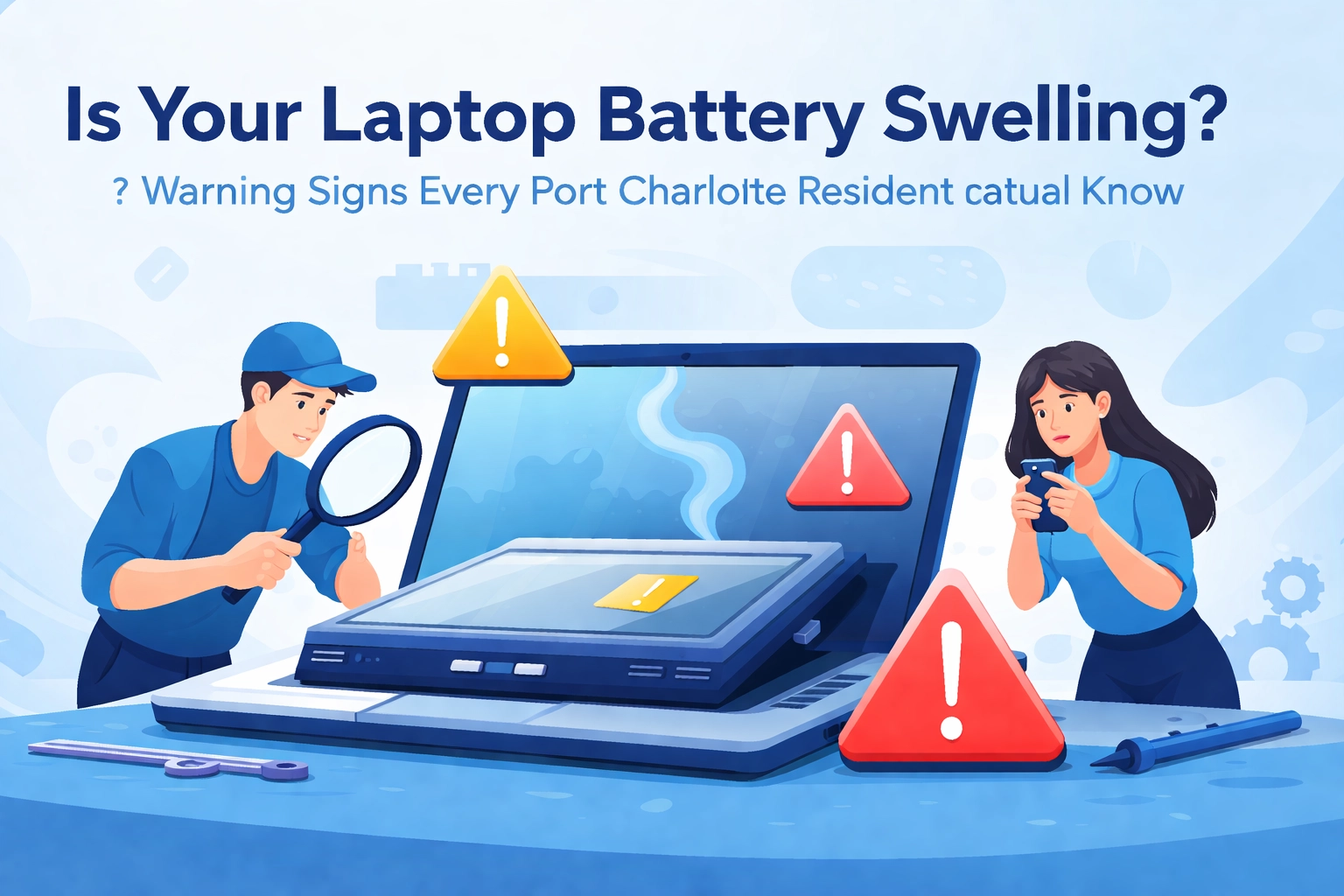

- Your laptop is NOT supposed to look like it's been hitting the gym.
If your laptop is suddenly looking a little… puffy or bulgy, you may be dealing with a swollen battery. And no, this isn’t one of those “I’ll handle it later” problems—like that Windows update you’ve been snoozing since 2019.
Here in Port Charlotte, our laptops go through a lot. Florida heat, sticky humidity, and the occasional storm-time power hiccup can be rough on electronics. A swollen battery is one of the more serious problems a laptop can have—and it’s more common than most people realize.
Below is a simple, easy guide to help you spot the warning signs, know what to do next, and lower the chances of it happening again. And if you’d rather not deal with it yourself, Computers Done Right is here to help with computer repair in Port Charlotte and PC repair in Sarasota every day.
What Exactly Is a Swollen Battery?
Think of your laptop battery like a sealed pouch. Inside, it makes power through a normal chemical process. (Nothing you need to memorize—just know it’s supposed to stay flat.)
But sometimes that process goes wrong.
If a battery gets too hot, gets damaged, is charged the wrong way, or is simply old and worn out, it can create gas inside. Because the battery is sealed, that gas can’t escape—so the battery starts to puff up like a balloon.
Fun Tech Trivia: The first lithium-ion battery sold to the public was released by Sony in 1991. It changed the world of portable electronics… and yes, battery swelling has been a “feature nobody asked for” for a long time.

The Warning Signs You Can't Ignore
A swollen battery usually gives clear warning signs. Here’s what to watch for:
Physical Red Flags
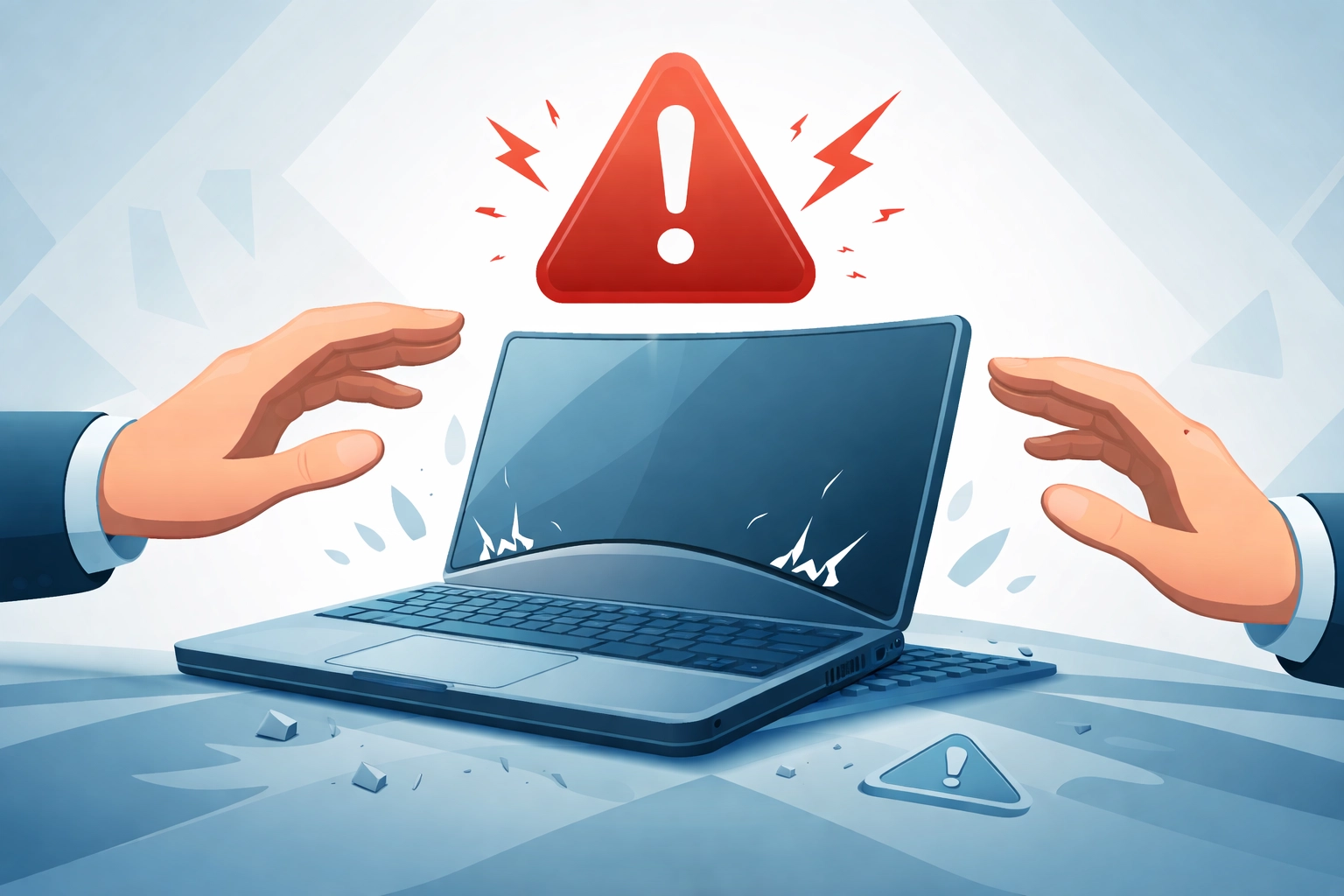
- Bulging or bending: The bottom or sides of the laptop start to stick out. If it looks like it’s “inflating,” that’s a problem.
- It won’t sit flat: Put it on a table. If it rocks back and forth, something inside may be pushing the case outward.
- Gaps in the case: If you can see the top and bottom parts separating, the battery may be forcing them apart.
- Keyboard or trackpad feels off: Keys may feel raised, the trackpad may not click, or things may feel a little “spongy.”
- The lid won’t close right: If the screen doesn’t close like it used to, something may be swelling inside.
Performance Warning Signs
- Running hot: It feels unusually warm, even when you’re just reading email or browsing.
- Battery life drops fast: If it used to last hours and now it barely lasts, that’s a red flag.
- Charging gets weird: The battery number jumps around, or it won’t charge at all.
- Shuts off randomly: It powers down without warning (even when it’s plugged in).
Why Port Charlotte Residents Should Pay Extra Attention
Southwest Florida is a great place to live—but it can be tough on electronics. Port Charlotte heat, humidity, and stormy weather can all put extra stress on a laptop battery.
Heat + Humidity = Extra Wear
Batteries don’t like high heat. If a laptop sits in a hot car while you run an errand, the battery can get stressed fast. And our humidity can also speed up wear inside a laptop over time.
Storm Season Power Problems
Summer storms can bring quick power changes. Those sudden “blips” can sometimes affect charging and power parts, which may contribute to battery trouble.
Pro Tip: Use a good surge protector at home. It’s a small step that can prevent big headaches.

🎮 Tech Humor Break: Battery Jokes & Puns
Because serious topics still deserve a laugh:
- Why did the laptop battery go to therapy? It had too many charged emotions.
- What do you call a swollen battery? A real gas at parties.
- My laptop battery and I have something in common—we’re both tired by 3 PM.
- I told my laptop to stay cool. It said, “I’m trying, but this battery situation is really heating up.”
Random Tech Trivia: Most laptop batteries are built to handle a few hundred “charge cycles” (one full use-and-recharge). After a few years, it’s normal for battery life to shrink. If your laptop is around 3–4 years old (or older), the battery may simply be nearing retirement.
What to Do If You Spot a Swollen Battery
If you think your battery is swelling, here’s what to do next:
Step 1: Stay Calm (But Don’t Ignore It)
A swollen battery is serious, but it usually doesn’t “blow up instantly.” Still, you should stop using the laptop and handle it sooner rather than later.
Step 2: Turn It Off and Unplug It
Shut the laptop down and unplug the charger. Don’t try to “use up” the battery first—just power it off.
Step 3: Don’t Press on It
Don’t poke it, squeeze it, or try to “flatten it out.” A damaged battery can overheat, smoke, or catch fire. This is one of those times where DIY is a no-go.
Step 4: Call a Pro (Safest Option)
Whether you need computer repair in Port Charlotte or PC repair in Sarasota, the team at Computers Done Right can help. We can remove the battery safely, dispose of it properly, and get your laptop back in good shape.
Have questions about the repair? Call the office and ask for John Reed. He’ll explain your options in plain English—no confusing tech-talk.
Prevention: Keep Your Battery Happy
The best swollen battery is the one that never happens. Here are simple ways to help your battery last longer in Port Charlotte:
Keep It Cool
- Don’t leave your laptop in a hot car (Florida heat is no joke).
- Use it on a hard, flat surface so heat can escape (a desk or table is best).
- If your laptop often feels hot, a simple cooling pad can help.
Charging Habits That Help
- If you can, don’t keep it plugged in all day, every day.
- Use the charger that came with the laptop (or a good-quality replacement).
- Storing a laptop for a while? Charge it to about halfway first.
Quick Checkups
- Every so often, look for bulging, gaps, or anything that “doesn’t look right.”
- If your battery is over 3 years old, it may be worth having it checked.
- Keep your computer updated—some updates can improve how the battery is managed.
When It's Time to Say Goodbye to Your Battery
Batteries don't last forever. If you're constantly dealing with poor battery life, overheating, or you've already had one swell on you, it might be time for a replacement.
The good news? Replacing a laptop battery is usually straightforward for professionals. At Computers Done Right, we handle battery replacements regularly for Port Charlotte and Sarasota area residents. We'll make sure the old battery is disposed of safely (lithium-ion batteries require special recycling) and get you set up with a fresh one.

The Bottom Line
A swollen laptop battery isn’t just annoying—it can be a safety issue. The good news is that the warning signs are usually easy to spot, and acting early can help prevent bigger problems.
Port Charlotte weather can be tough on electronics, but a little awareness (and a little prevention) goes a long way.
If you’ve noticed any of the signs we covered—or you’d simply like peace of mind—reach out to the team at Computers Done Right. We’re your local experts for computer repair in Port Charlotte and PC repair in Sarasota, and we’re here to help.
Got questions or want to know what battery replacement involves? Call the office and ask for John Reed. He’ll walk you through it without the confusing tech-talk.
Stay cool out there, Port Charlotte. And keep your laptops cooler.