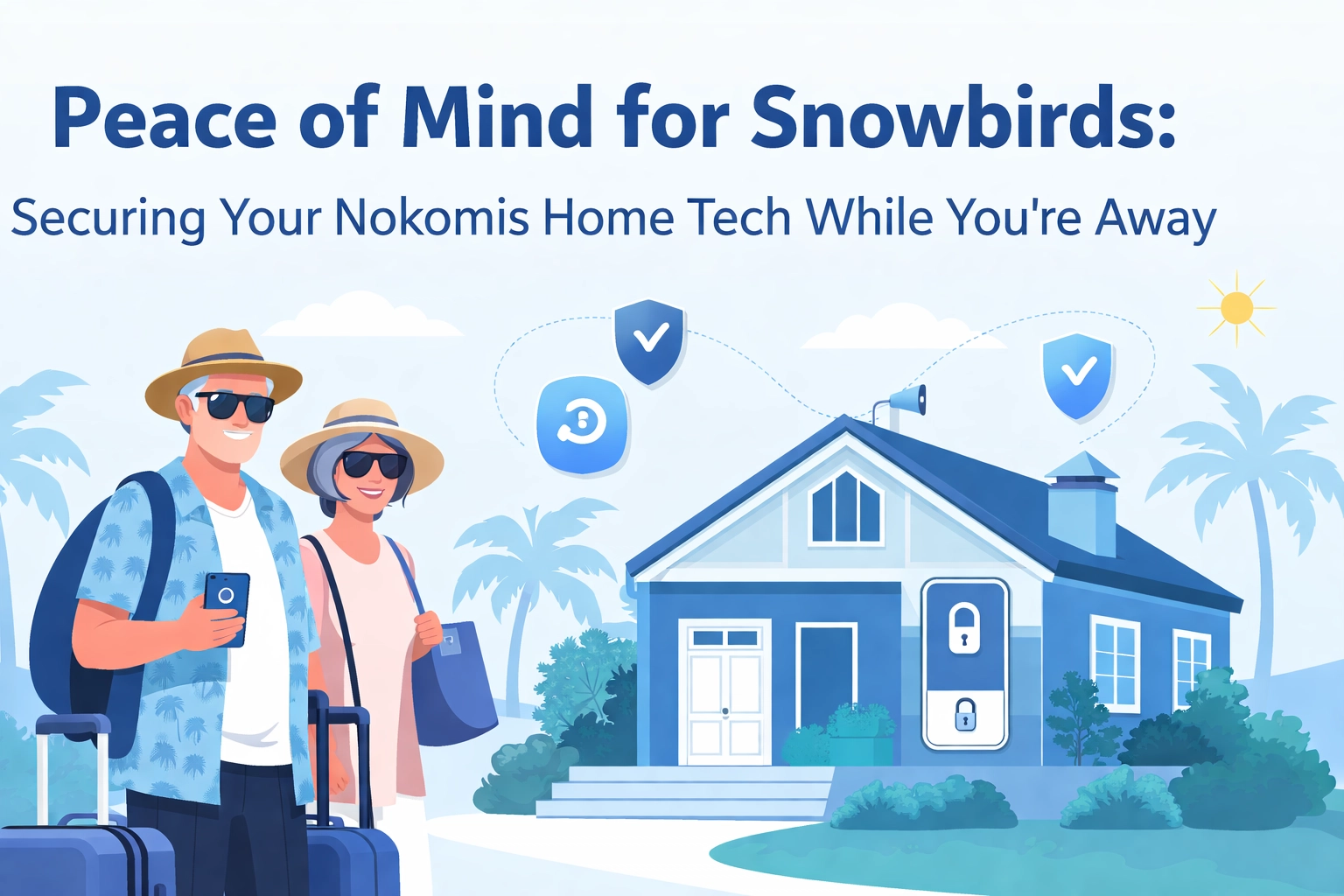

- You've packed your bags, turned down the AC (but not too much, we know humidity is the enemy), and you're ready to escape Florida's "mild" winter for wherever you call home up north. But wait, what about all that technology you're leaving behind in your Nokomis paradise?
If you're one of the many snowbirds who split time between Sarasota County and cooler climates, you already know the routine. Lock the doors, stop the mail, ask the neighbor to grab any packages. But in 2026, keeping your home safe isn’t just about locks and lights. Your smart TV, Wi-Fi router, security cameras, and computer are still sitting there “awake,” and that can attract the wrong kind of attention.
Let’s walk through a simple, no-nonsense checklist to help keep your Nokomis home technology safe while you’re sipping hot cocoa hundreds (or thousands) of miles away.
Why Snowbirds Are Often Targeted
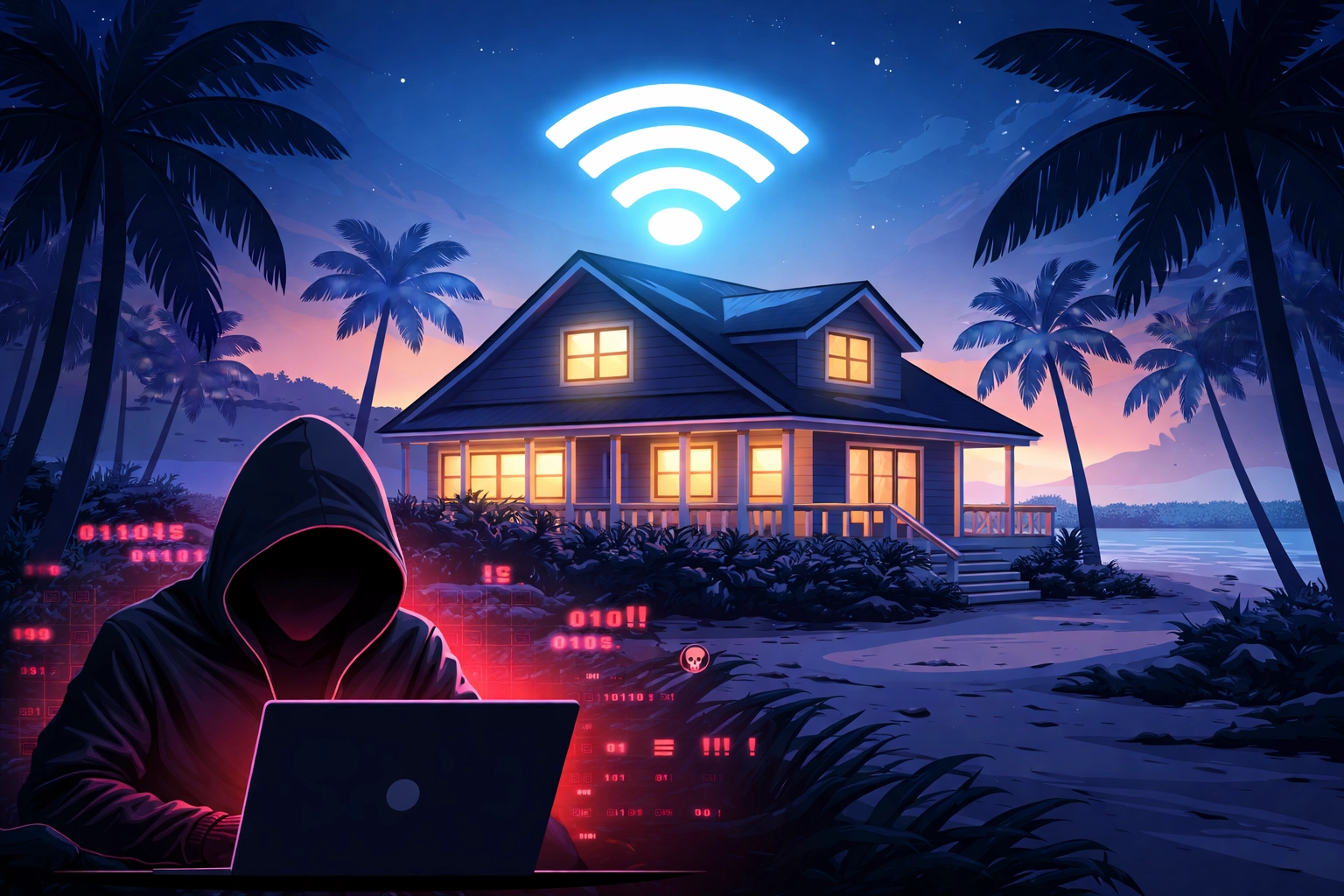
Here’s a not-so-fun fact: an empty home with the internet still running can be tempting to criminals. Your Wi-Fi router is still on, your smart devices may still be connected, and there’s no one there to notice if something strange starts happening.
This is why online safety (also called “cybersecurity”) matters in Sarasota County. Seasonal residents often leave behind:
- Older Wi-Fi routers still using the original password
- Smart home gadgets that haven’t been updated in a while
- Computers and tablets sitting unused but still connected to Wi-Fi
- Security cameras that (sadly) can become a way in if they aren’t secured
The irony is thick enough to spread on toast. The camera meant to protect your home could be the very thing that lets someone snoop. Yikes.
Step 1: Secure Your Wi‑Fi Before You Leave
Think of your Wi‑Fi router as the front door to your online home. Before you head north, take a few minutes to “lock it up”:
Change the Router Password
If your router password is still something like "admin" or "password123," we need to have a friendly chat. Change it to something long and hard to guess. For example, "PurpleTurtle$Dances@Midnight42" is much better than "Nokomis2026."
Check for Router Updates
Routers get security fixes just like phones do. If you can, sign into your router settings and look for updates. This small step can prevent big headaches later.
Use a Guest Wi‑Fi (If Someone Will Visit)
If a neighbor, house sitter, or family member will stop by, put them on a guest Wi‑Fi network if your router has that option. It helps keep your main devices more protected.
Consider Unplugging It
If you don’t need to check cameras or control anything from far away, the simplest option is to unplug the router while you’re gone. No Wi‑Fi means there’s nothing for criminals to reach from the outside.
Step 2: Secure Your Smart Home Devices
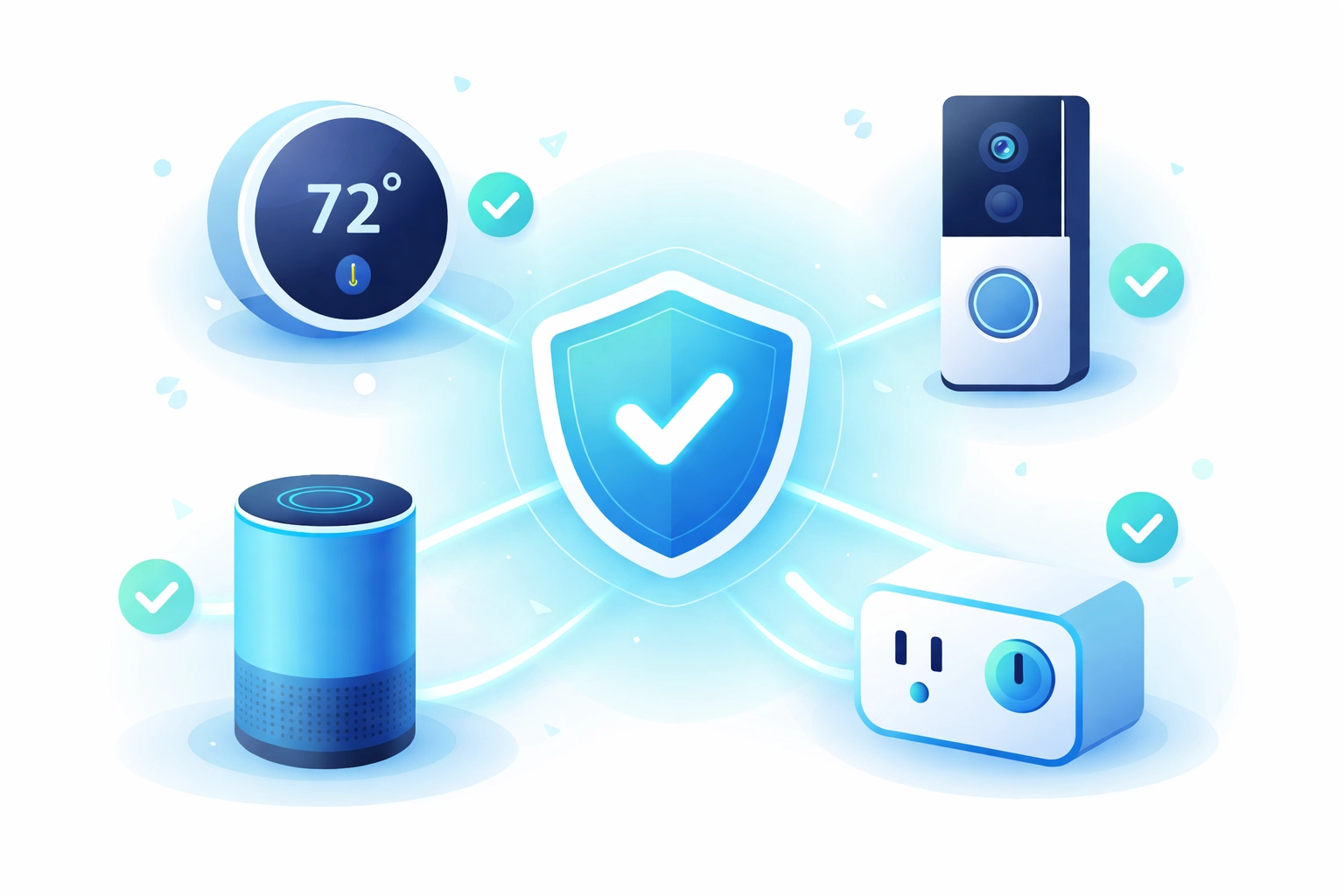
Smart thermostats, video doorbells, and even sprinkler systems are common in Nokomis homes now. They’re convenient, but they also need a little care.
Update Your Devices
Before you leave, install updates on your smart devices. Yes, even that smart plug you forgot you bought two years ago. Updates often fix safety issues.
Turn Off What You Don’t Use
If you never use the voice assistant, unplug it. If the smart coffee maker doesn’t need to be online while you’re gone, turn it off. Fewer connected gadgets means fewer chances for trouble.
Turn On Extra Login Protection (If Available)
Some apps offer an extra security step when you sign in (often called “two-step” or “two-factor” login). If you see that option, turn it on. It helps keep someone out even if they guess your password.
Step 3: Get Your Computers and Tablets Ready
Leaving a computer on in an empty house for months is a bit like leaving your car running in the driveway. Here’s the simple way to “button things up”:
Install Updates
If your computer says it needs updates, let it run them. Updates help fix problems and close security gaps.
Make a Backup of Important Files
Before you leave, save your important photos and documents to a backup (like an external drive or a trusted online backup). That way, if something happens—like a power surge or a computer issue—you won’t lose what matters.
Shut Down and Unplug What You Won’t Use
If you won’t need a computer while you’re away, turn it off and unplug it. This helps protect it from storms and electrical issues.
Get Help If Something Seems “Off”
If your computer is slow, making strange noises, or popping up scary messages, it’s smart to handle it before you leave. That’s a good time to schedule computer repair in Nokomis FL. For any cost-related questions, call the office and ask for John.
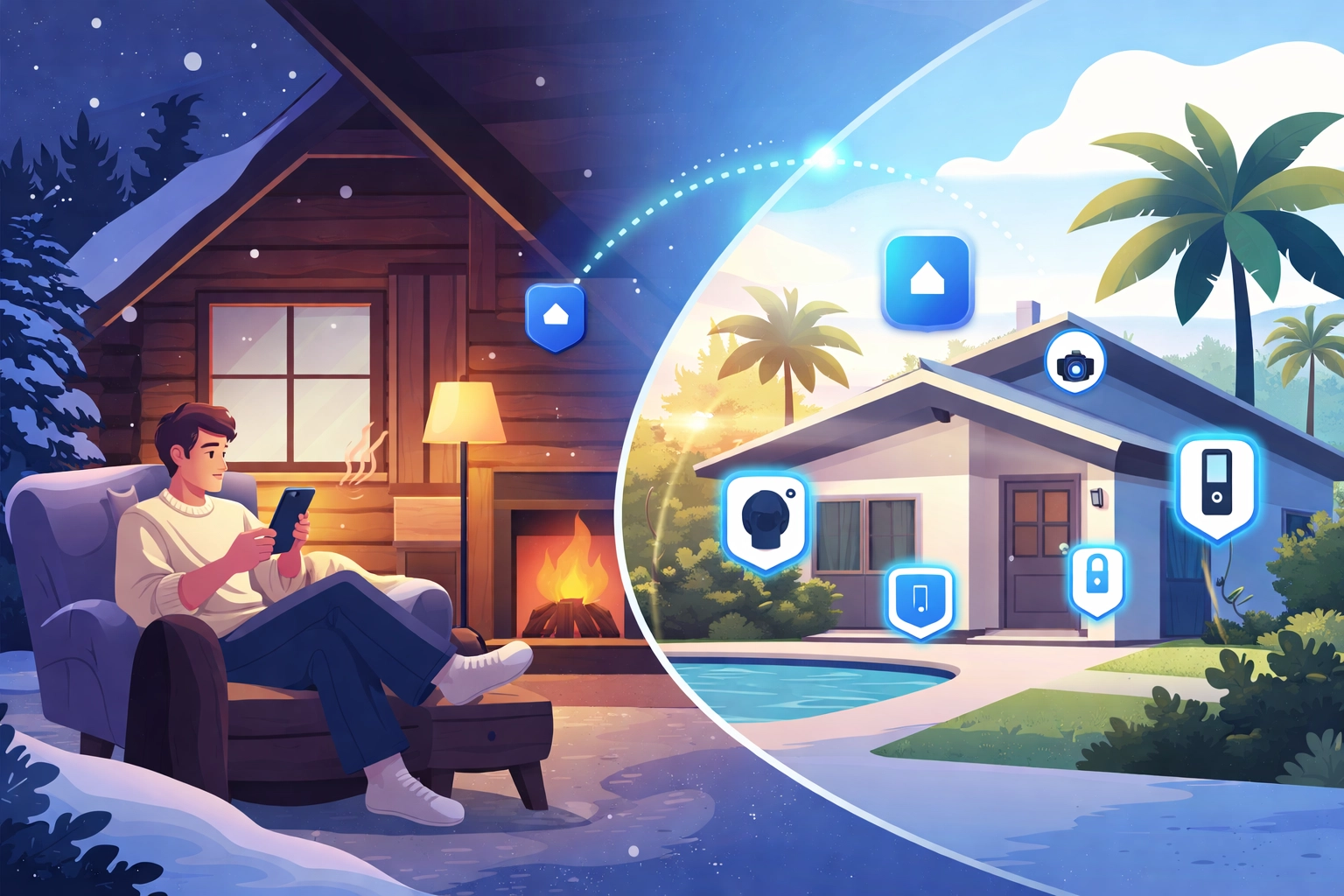
Step 4: Check In From Up North (Safely)
Maybe you want to keep an eye on your place while you’re away. Totally reasonable. Here’s how to do that without inviting trouble:
Pick a Trusted Security System
Many systems let you check cameras, get alerts, and see what’s happening from your phone. When you’re choosing one, look for:
- Strong built-in privacy and security features
- Optional 24/7 monitoring (if you want it)
- A well-rated mobile app
- Regular updates from the company that makes it
Protect Your Cameras
Change the camera passwords (theme of the day, right?). Also, use any security settings the camera company offers.
Test Everything Before You Leave
Do a quick practice run. Check the camera view, make sure alerts work, and confirm you can sign in from your phone. It’s much better to find issues in Nokomis than from 1,500 miles away.
Tech Trivia & Jokes: The Lighter Side of Staying Safe Online
Time for a quick laugh break (because nobody wants a boring checklist):
Tech Trivia: The first computer virus that spread out in the real world was called Brain. It showed up in 1986. It was created by two brothers who were trying to stop people from copying their software. Instead… it spread and caused a whole mess. Whoops.
Snowbird Tech Jokes:
- Why did the snowbird’s router go to therapy? It had too many unresolved connections.
- What do you call a computer that sings in Nokomis? A-Dell.
- I told my smart thermostat I was leaving for six months. It said, "Cool."
- Why don’t hackers ever target snowbirds? Because they always fly south of the firewall!
Florida Fun Fact: The term "snowbird" has been used since the 1920s for folks who head to warmer weather in winter. Back then, people worried mostly about burglars. Now we also think about online break-ins. Same idea, different doorway.
Step 5: Ask a Local Person to Check In
Technology is helpful, but nothing beats a real person taking a quick look now and then. A trusted neighbor, friend, or property manager can:
- Check the home once in a while
- Make sure cameras/alarms still work
- Restart the Wi‑Fi router if things stop responding
- Call local help if something seems unusual
When to Call in the Pros
Not everyone wants to become an “internet safety expert” just to enjoy retirement. Totally fair. That’s where professional IT support comes in.
If this feels like a lot, or you’d rather spend your time on the beach than messing with settings, the team at Computers Done Right can help. We help Nokomis residents (snowbirds included) keep their home Wi‑Fi, computers, and smart devices safe and running smoothly.
Whether you need computer repair in Nokomis FL, help securing smart devices, or you just want someone to explain what a “device update” is in plain English, give us a call. For any questions about costs or services, ask for John—he’ll take great care of you.
Fly North with Confidence
Being a snowbird should be relaxing, not stressful. With a little preparation before you leave, you can enjoy your time up north without worrying about what's happening back in Nokomis.
Update those passwords, patch those devices, and maybe unplug a few things for good measure. Your future self (and your home tech) will thank you.
Safe travels, and we'll see you when you get back! 🦅