Remember when "artificial intelligence" meant your coffee maker had a timer? Well, times have changed. These days, AI isn't just science fiction, it's becoming the secret weapon that separates so-so IT support from the kind that keeps your business humming along like a well-oiled golf cart on a Venice morning.
But here's the million-dollar question: Is your managed IT services Venice FL provider actually using AI to prevent downtime, or are they just throwing around buzzwords like confetti at a Snowbird Festival parade?
Let's cut through the technical fog and figure out exactly what you should be asking. No computer science degree required, promise.
What Does AI in IT Support Actually Mean? (The Plain English Version)
First things first: Let's talk about what AI really means when it comes to keeping your computers running smoothly.
Think of traditional IT support like this: Your computer has a problem, you call for help, someone fixes it. It's reactive, kind of like calling a plumber after the pipe bursts.
AI-powered IT support is different. It's more like having a really smart assistant who notices that pipe is getting weak before it bursts. The technology watches patterns, learns what "normal" looks like for your systems, and spots trouble brewing before you even know there's a problem.

In fancy terms, we're talking about:
- Predictive monitoring – The system learns to predict failures before they happen
- Automated responses – Minor issues get fixed automatically without human intervention
- Smart alerts – Instead of getting 500 notifications about nothing, you only hear about what actually matters
- Pattern recognition – The technology spots unusual behavior that might signal a cyberattack or system failure
The beauty of this approach? Less downtime, fewer "my computer won't work" moments, and more time for you to focus on actually running your business instead of playing IT firefighter.
The Questions You Need to Ask Your IT Provider
Now that you know what's possible, let's talk about what to actually ask your current (or potential) managed IT provider. Print this list out. Take it with you. Don't let anyone bamboozle you with techno-babble.
1. "Do You Use Predictive Analytics to Prevent Problems?"
This is the big one. A good provider should be able to explain how they spot issues before they cause downtime. If they look at you like you just asked them to explain quantum physics, that's not a great sign.
What you want to hear: "Yes, our monitoring tools use machine learning to analyze patterns and alert us to potential failures before they happen."
Red flag response: "We monitor everything 24/7" (that's nice, but it's not the same thing).
2. "How Quickly Do You Usually Know About Problems, Before or After I Do?"
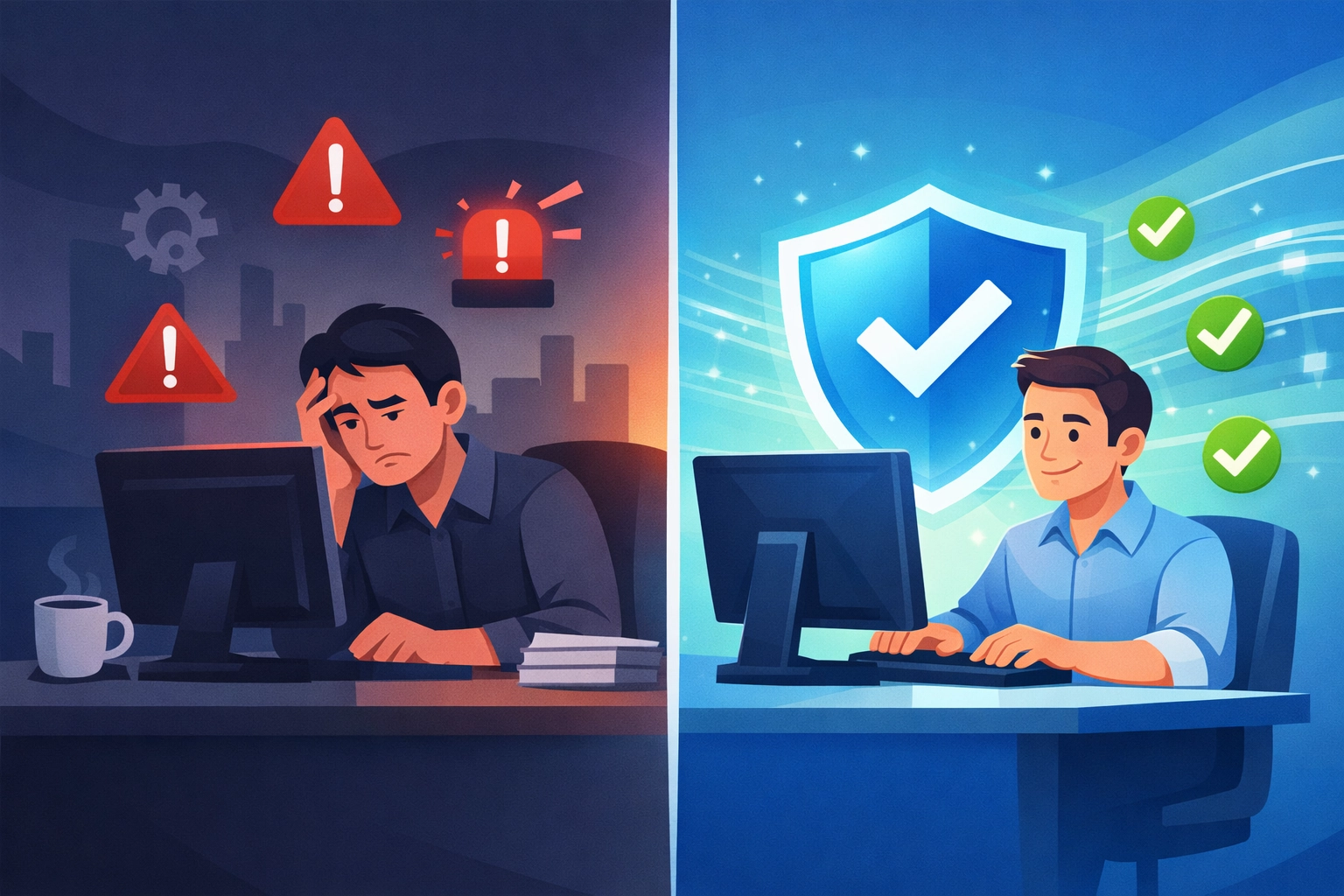
Here's the truth: If you're the one always calling them about problems, something's wrong. A provider using smart technology should typically know about issues before you even notice them.
The goal is for them to call you and say, "Hey, we noticed something odd and already fixed it", not the other way around.
3. "What Happens When Your System Spots Something Unusual?"
This question reveals whether they're just collecting data or actually using it. You want to hear about automated responses, immediate alerts to their team, and clear action plans.
Bonus points if they can give you specific examples from other Venice businesses they've helped (without naming names, of course, good providers respect privacy).
4. "Can You Show Me Reports on System Health and Predictions?"
Modern AI-powered systems generate dashboards that show the health of your systems, potential issues on the horizon, and historical data. If your provider can't show you something visual and understandable, they might not be as advanced as they claim.
You don't need to understand every number and graph, but you should be able to get a general sense of whether things are healthy or heading for trouble.
5. "How Do You Handle Security Threats Differently Than You Did Three Years Ago?"
Technology moves fast, especially when it comes to cybersecurity. Scammers are using AI too, which means the good guys need to keep pace. Your provider should be able to explain how their threat detection has evolved.
If they're doing the same thing they were doing in 2023, they're falling behind. It's that simple.
Why This Matters for Venice Businesses Specifically
Look, we've got unique challenges here in Venice. We've got a mix of year-round residents and seasonal businesses. We've got folks who are perfectly comfortable with technology and others who still think "the cloud" means rain is coming.
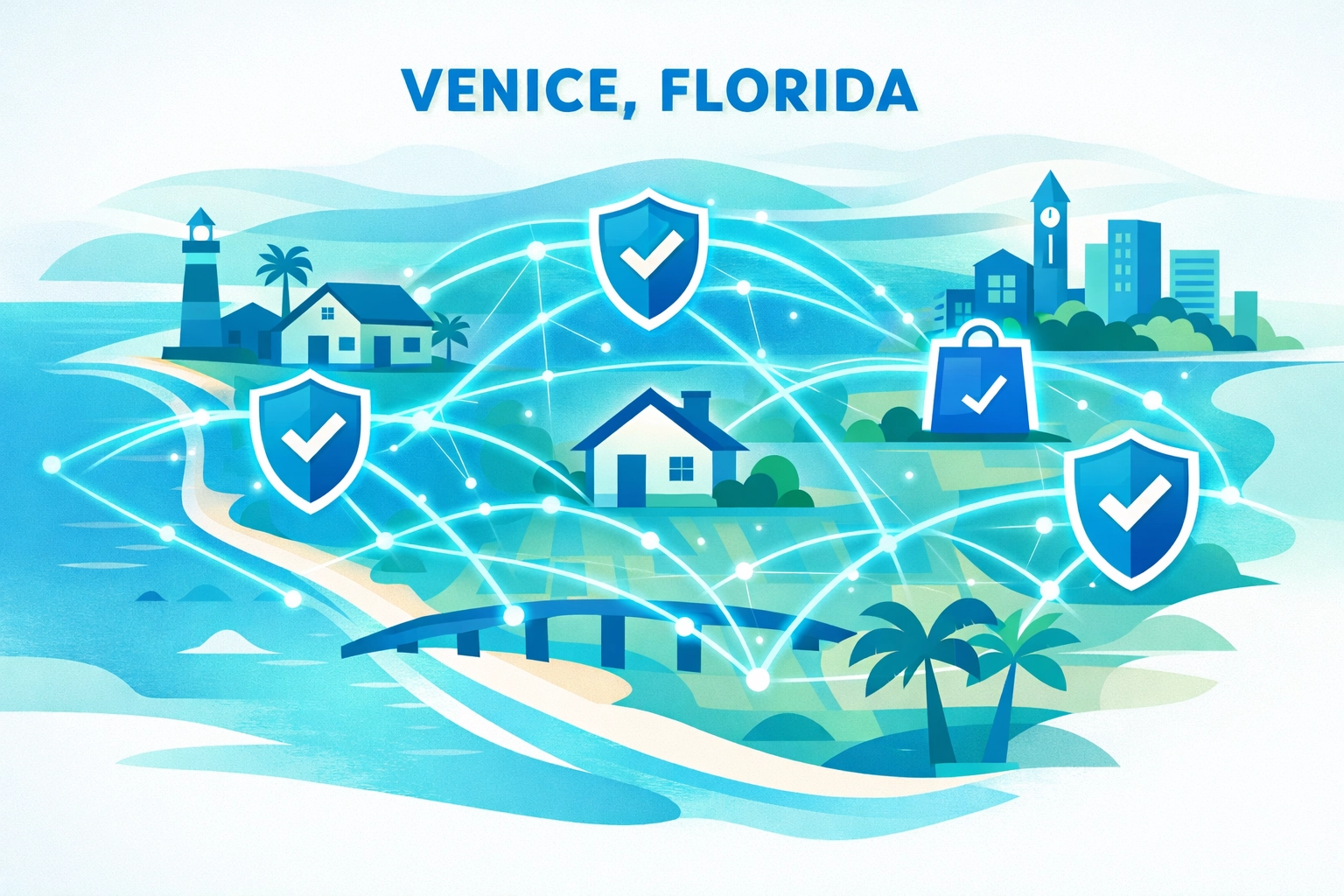
The businesses that thrive here, whether you're running a medical practice on Tamiami Trail, a real estate office near the beach, or a retail shop downtown, are the ones that keep their technology reliable without making it complicated.
When your computer repair Venice FL provider uses smart technology to prevent problems, you get:
- Fewer interruptions during your busiest seasons
- Better protection against increasingly sophisticated scams
- More reliable systems when you need them most
- Less stress (always a good thing)
And let's be honest, in Venice, when something goes down, you can't always get immediate on-site help. Traffic, distance, availability, it all adds up. Having systems that prevent problems in the first place? That's worth its weight in gold. Or at least in fish tacos from Sharky's.
A Little Computer Humor to Lighten the Mood
Alright, we've covered a lot of serious ground. Time for a quick laugh break, because if we can't joke about technology, what's the point?
Q: Why did the computer go to the doctor?
A: Because it had a virus! (And no, turning it off and on again didn't help this time.)
Q: What do you call a computer that sings?
A: A Dell! (Sorry, we had to.)
Q: Why was the computer cold?
A: It left its Windows open! (This joke works better in Wisconsin, but we're using it anyway.)
Q: How does a computer get drunk?
A: It takes screenshots! (Okay, that one's terrible, but it made you smile, didn't it?)
Tech Trivia Time: Did you know that the first computer bug was an actual bug? In 1947, engineers found a moth stuck in a computer at Harvard. They taped it into their logbook and wrote "First actual case of bug being found." So the next time your computer acts up, at least you probably don't have moths in there. Probably.

What Makes a Great IT Provider in 2026
Here's the bottom line: The best managed IT services in Venice FL aren't just fixing problems: they're preventing them. They're not just answering your calls: they're calling you with solutions before you knew there was an issue.
AI and smart technology are tools, not magic. But in the right hands, they make a huge difference between frustration and smooth sailing.
When you're evaluating your current provider (or shopping for a new one), look for:
- Clear communication in plain English
- Proactive problem-solving, not just reactive fixes
- Modern tools that actually prevent downtime
- Local presence combined with cutting-edge technology
- Someone who respects your time and explains things without condescension
Your Next Steps
So what should you do with all this information? Simple:
Step 1: Have a conversation with your current IT provider. Ask the questions we covered. See how they respond.
Step 2: Don't accept vague answers. If they claim to use AI but can't explain how it helps you, dig deeper.
Step 3: If you're not confident in the answers you're getting, it might be time to explore other options. There are plenty of fish in the sea: and plenty of IT providers in Venice, FL. But not all of them are created equal.
Technology should make your life easier, not harder. Your IT support should prevent problems, not just patch them up after the fact. And in 2026, that means having a provider who's using smart tools to stay ahead of trouble.
Got questions about what you should be asking your IT provider? Want to know if your current setup is really protecting you as well as it could? Give John Reed a call at Computers Done Right. We're happy to have an honest conversation about where your technology stands: no sales pitch required, just straight talk from one Venice neighbor to another.
Because at the end of the day, your computers should work for you, not the other way around. And that's not artificial intelligence; that's just common sense.