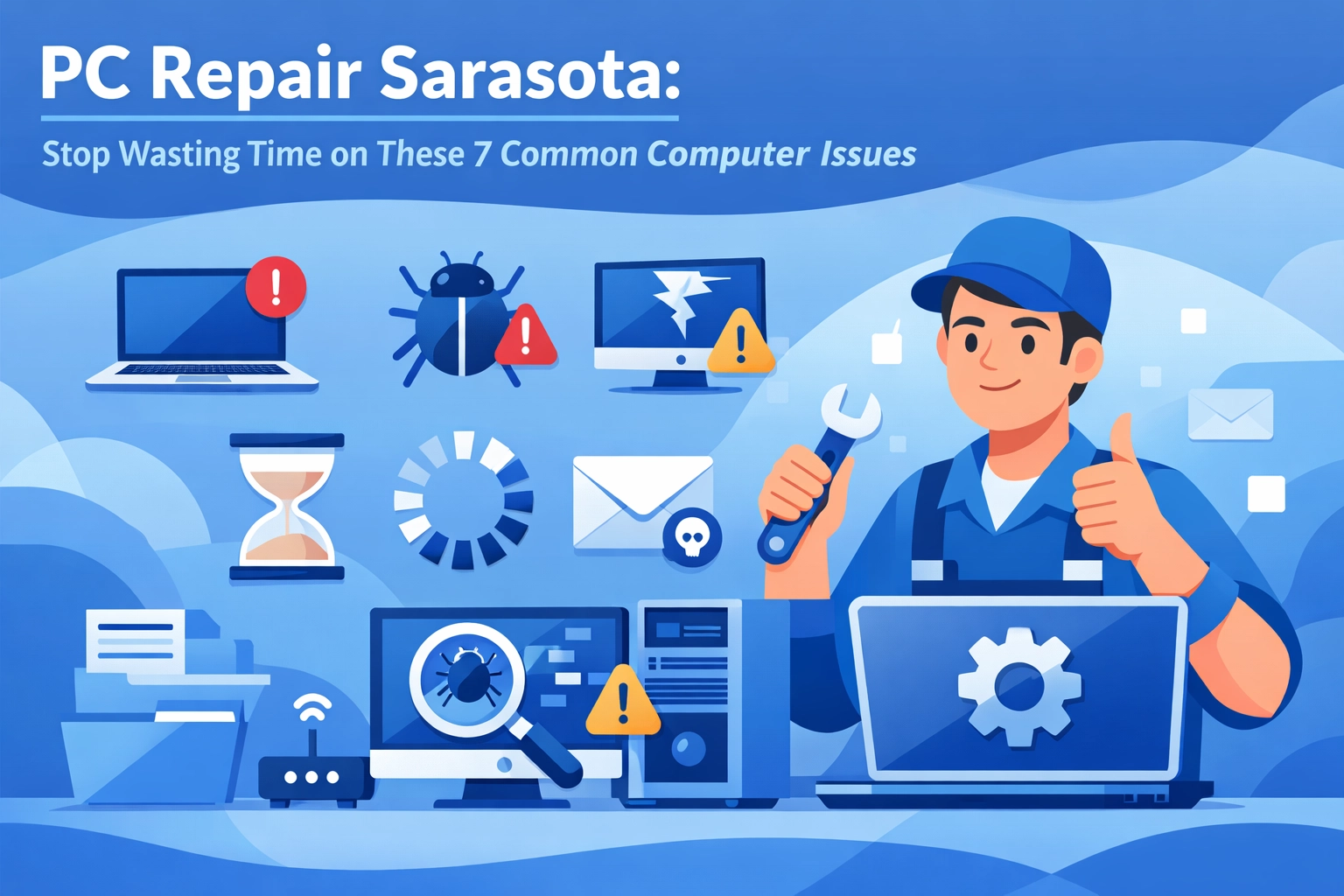

Let's be honest, when your computer starts acting up, it feels like the universe is conspiring against you. You've got work to do, emails to send, and suddenly your PC decides it's time for an unscheduled nap. Sound familiar?
If you're in Sarasota and dealing with a sluggish, cranky computer, you're not alone. We see the same handful of issues over and over again, and the good news? Most of them are totally preventable with a little proactive care. Let's walk through the seven most common computer problems that waste your time, and what you can actually do about them.
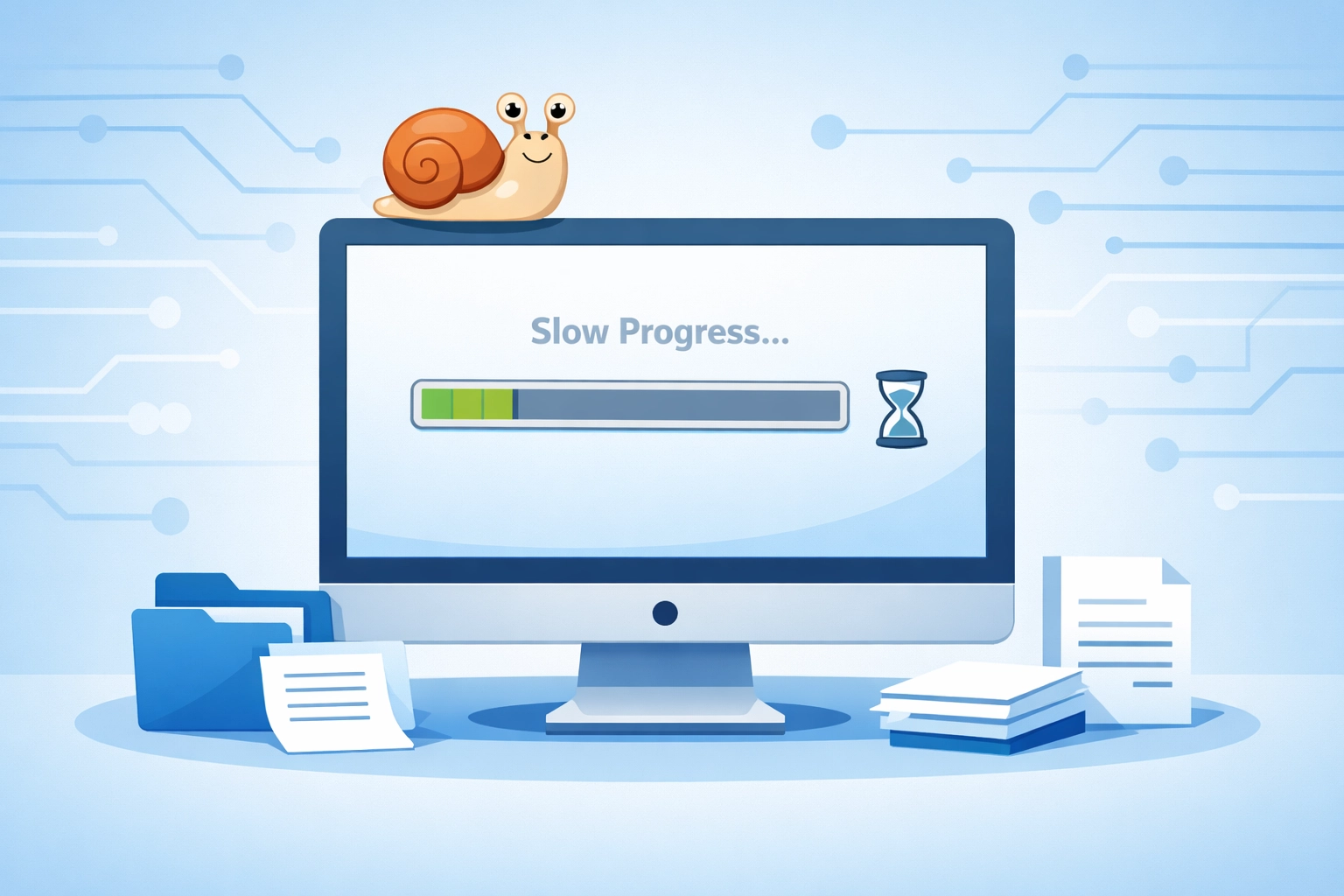
1. The Slowpoke Computer (A.K.A. "Why Is Everything Taking Forever?")
This is the #1 complaint we hear at our Sarasota shop: "My computer used to be fast, and now it takes ten minutes just to open my email!"
Here's what's usually happening: Your computer is like a filing cabinet. Over time, it gets stuffed with old files, outdated programs, and digital clutter you forgot existed. Add in programs that automatically start when you boot up (even though you never asked them to), and you've got a recipe for molasses-speed computing.
The Fix: A proper system tune-up can work wonders. We're talking about cleaning out temporary files, removing programs you don't use, and making sure your startup sequence isn't weighed down with unnecessary junk. Regular maintenance, think of it like changing the oil in your car, keeps things running smoothly.
2. The Mystery Crash (Everything Just… Stops)
You're in the middle of something important, and boom, blue screen. Or your computer just freezes solid, and no amount of clicking, cursing, or gentle coaxing will bring it back to life.
Random crashes can happen for a bunch of reasons: overheating, failing hardware, corrupted software, or even a hard drive that's on its last legs. The tricky part? Figuring out which one is the culprit.
The Fix: This is where professional computer repair in Sarasota comes in handy. We run diagnostics to figure out what's actually wrong (instead of playing guessing games). Sometimes it's as simple as replacing a worn-out fan. Other times, it's catching a failing hard drive before you lose everything on it.
3. The Virus That Won't Quit
Pop-ups everywhere. Strange toolbars you never installed. Your homepage changed to something you've never heard of. Or worse, a message claiming your computer is "locked" until you pay a ransom.
Viruses and malware are sneaky. They slow down your system, steal your information, and generally make your life miserable. And no, that free antivirus software you downloaded five years ago probably isn't cutting it anymore.
The Fix: Proper virus removal isn't just about deleting the bad stuff, it's about making sure it's actually gone and can't come back. We clean out infections, patch security holes, and set you up with better protection going forward. Think of it as pest control, but for your PC.
4. The "I Can't Connect to the Internet" Nightmare
Nothing quite matches the frustration of staring at a "No Internet Connection" message when you need to get online. Maybe your Wi-Fi keeps dropping. Maybe it won't connect at all. Either way, you're stuck.
Network issues can be caused by your router, your computer's network card, outdated drivers, or even conflicts with security software. And if you're a Sarasota business owner, internet downtime isn't just annoying, it's costing you money.
The Fix: We troubleshoot everything from your wireless settings to your physical hardware. Sometimes it's a simple fix (updating a driver). Other times, it's worth upgrading your network setup entirely so you're not constantly fighting the same battle.
5. The Boot-Up Blues (When Your Computer Won't Start)
You press the power button and… nothing. Or maybe you get some beeps, flashing lights, or an error message that makes zero sense. Whatever the case, your computer isn't booting up, and you've got work to do.
Booting issues can stem from hardware failures (like a dead motherboard), corrupted operating systems, or even something as simple as a loose cable inside the tower.
The Fix: This one usually requires hands-on diagnostics. We figure out whether it's a hardware problem, a software problem, or something in between, and then we get you back up and running. The key is catching these issues early. If your computer has been taking longer and longer to start up over the past few weeks, don't wait until it won't start at all.
6. The Overheating Inferno (When Your PC Becomes a Space Heater)
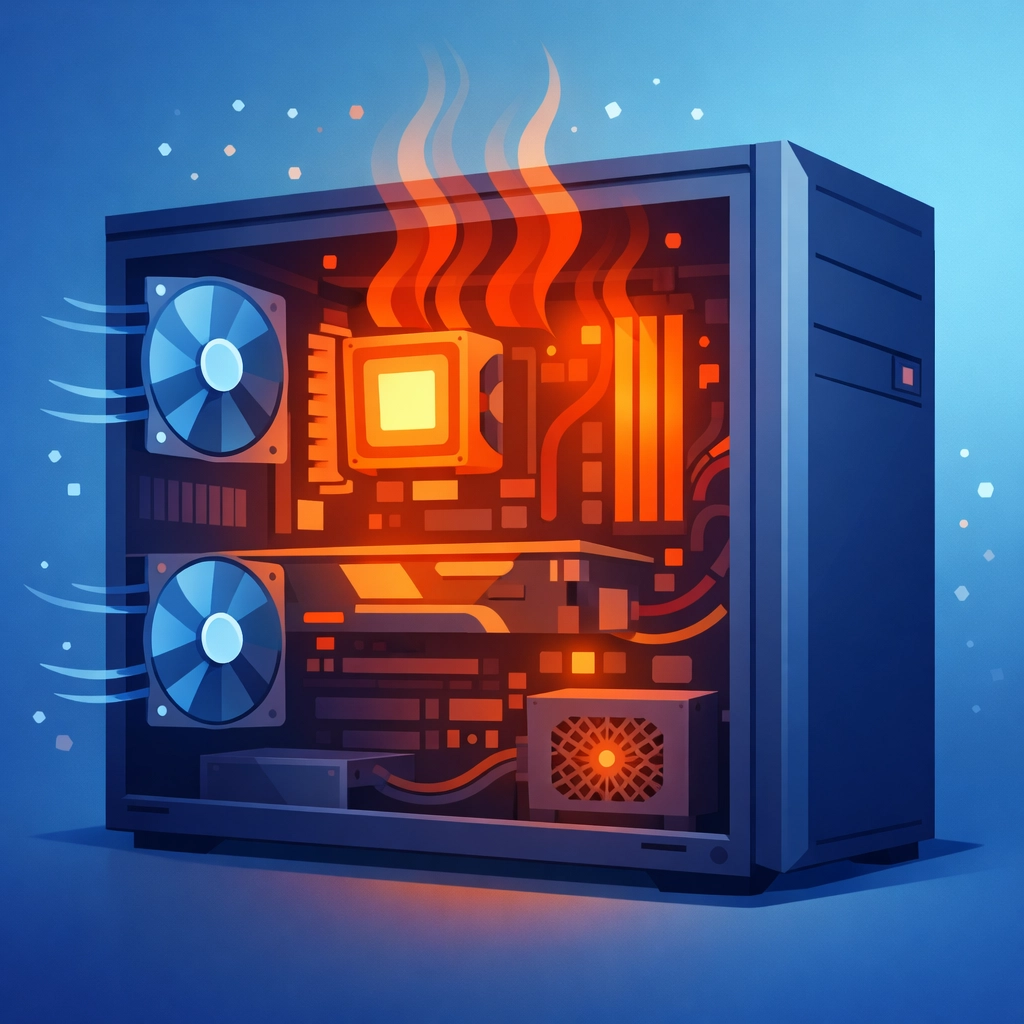
Is your laptop hot enough to fry an egg? Does your desktop sound like a jet engine preparing for takeoff? That's overheating, and it's a bigger deal than you might think.
When computers overheat, they slow down (that's the computer trying to protect itself). If the problem continues, components can fail permanently. Overheating usually happens because dust has clogged up the cooling fans, or the thermal paste (the stuff that helps transfer heat away from your processor) has dried out.
The Fix: Regular cleaning is your friend. We open up your machine, blow out the dust bunnies, and make sure everything that's supposed to cool your system is actually doing its job. It's one of the easiest ways to extend the life of your computer.
7. The Mystery of the Vanishing Storage Space
"I swear I had plenty of space last week. Where did it all go?"
Files pile up faster than you realize. Between photos, downloads, old email attachments, and programs that take up way more room than they should, your storage can fill up before you know it. And when your hard drive gets too full, your computer slows down, or worse, stops working properly altogether.
The Fix: A good system tune-up includes clearing out unnecessary files and helping you organize what's left. If you're consistently running out of room, it might be time to upgrade to a larger hard drive (or add an external drive for backups, which you should absolutely have anyway).
Why Proactive Maintenance Beats Emergency Repairs Every Time
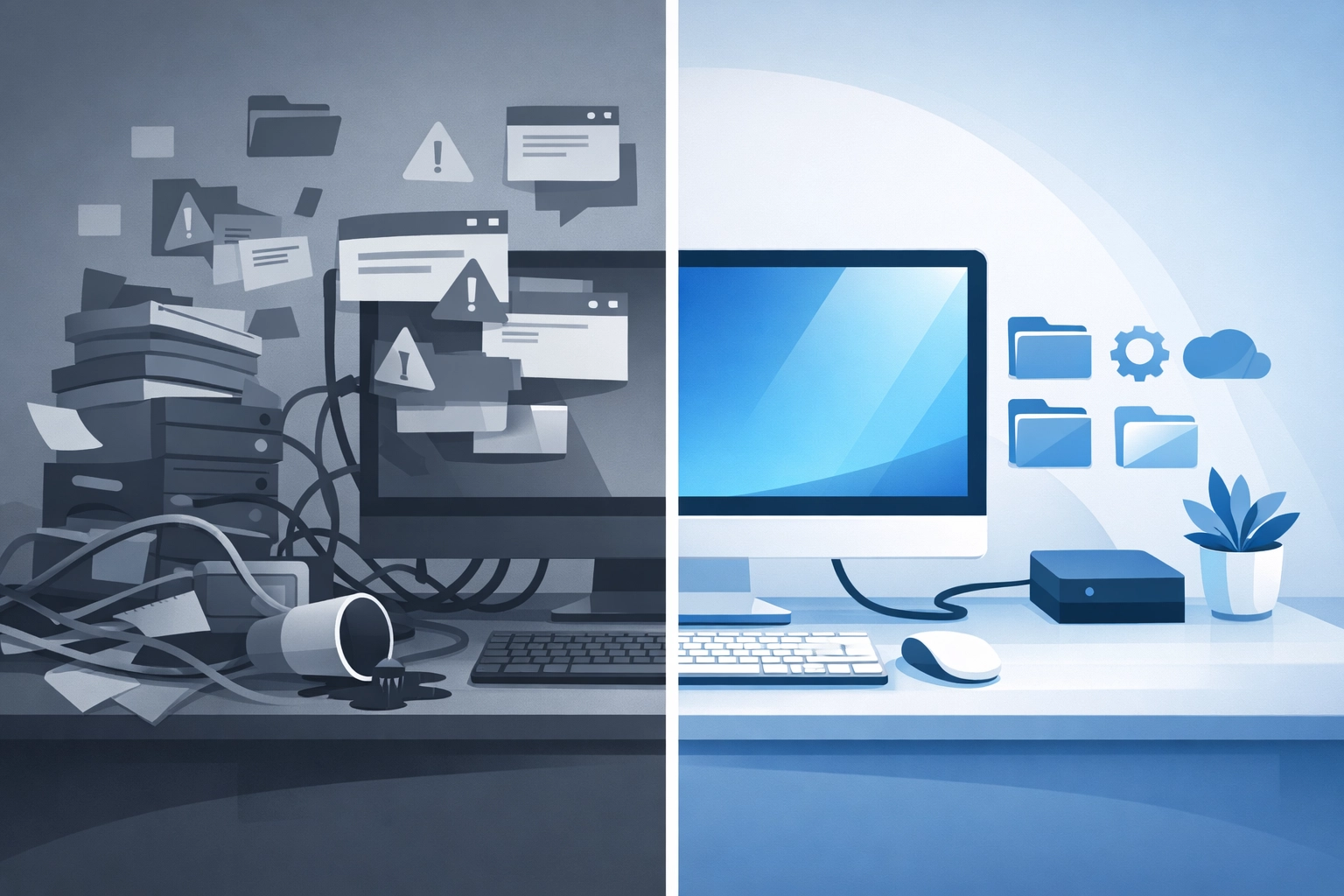
Here's the thing about PC repair in Sarasota (or anywhere, really): Most of the problems we see could have been avoided with regular maintenance. It's like going to the dentist, sure, you can wait until you have a toothache, but wouldn't it be better to prevent the cavity in the first place?
Regular tune-ups catch small problems before they become big, expensive headaches. We're talking about:
- Cleaning out dust and debris that causes overheating
- Removing old files and programs that slow you down
- Updating software and security patches
- Checking hardware for early warning signs of failure
- Making sure your backups are actually working (because "I thought I had a backup" is a phrase we hear way too often)
Think of it this way: Would you drive your car for years without ever changing the oil? Probably not. Your computer deserves the same kind of care.
A Little Computer Humor to Brighten Your Day
Why did the computer show up late to work?
It had a hard drive.
What do you call a computer that sings?
A Dell.
Why did the PowerPoint presentation cross the road?
To get to the other slide.
Okay, okay, we'll stop. But here's some actual trivia: Did you know the first computer mouse was made of wood? Douglas Engelbart invented it in 1964, and it had just one button. These days, we've got wireless mice with more buttons than we know what to do with: proof that technology really does move forward (even if it doesn't always feel like it when your PC is acting up).
Don't Let Computer Problems Slow You Down
Whether you're a Sarasota business owner who can't afford downtime or a retiree who just wants to video chat with the grandkids without technical drama, computer problems are more than just annoying: they're a waste of your valuable time.
The good news? You don't have to deal with it alone. At Computers Done Right, we've been helping Sarasota residents and businesses keep their computers running smoothly for years. We speak plain English (not "tech speak"), and we'll always be straight with you about what you need and what you don't.
If your computer is giving you grief, don't wait until a small problem becomes a big disaster. Give us a call, and let's get your PC back to doing what it's supposed to do: working for you, not against you.
Want to talk about what's going on with your computer? Reach out to John Reed at Computers Done Right and let's figure out the best solution for your situation.