

Let's be honest: that headline sounds like clickbait, right? But here's the thing: there actually IS a quick fix that prevents a massive chunk of computer crashes, and most computer stores in Florida would rather charge you $150 for "diagnostics" than tell you about it.
The secret? Your computer is probably just too hot.
The Florida Heat Factor: Why Your PC Crashes More in the Sunshine State
Living in Florida means dealing with humidity, sand, and temperatures that make your car feel like a pizza oven. Your computer faces the same challenges, except it's working 24/7 in your air-conditioned office while fighting against dust bunnies and overworked cooling fans.
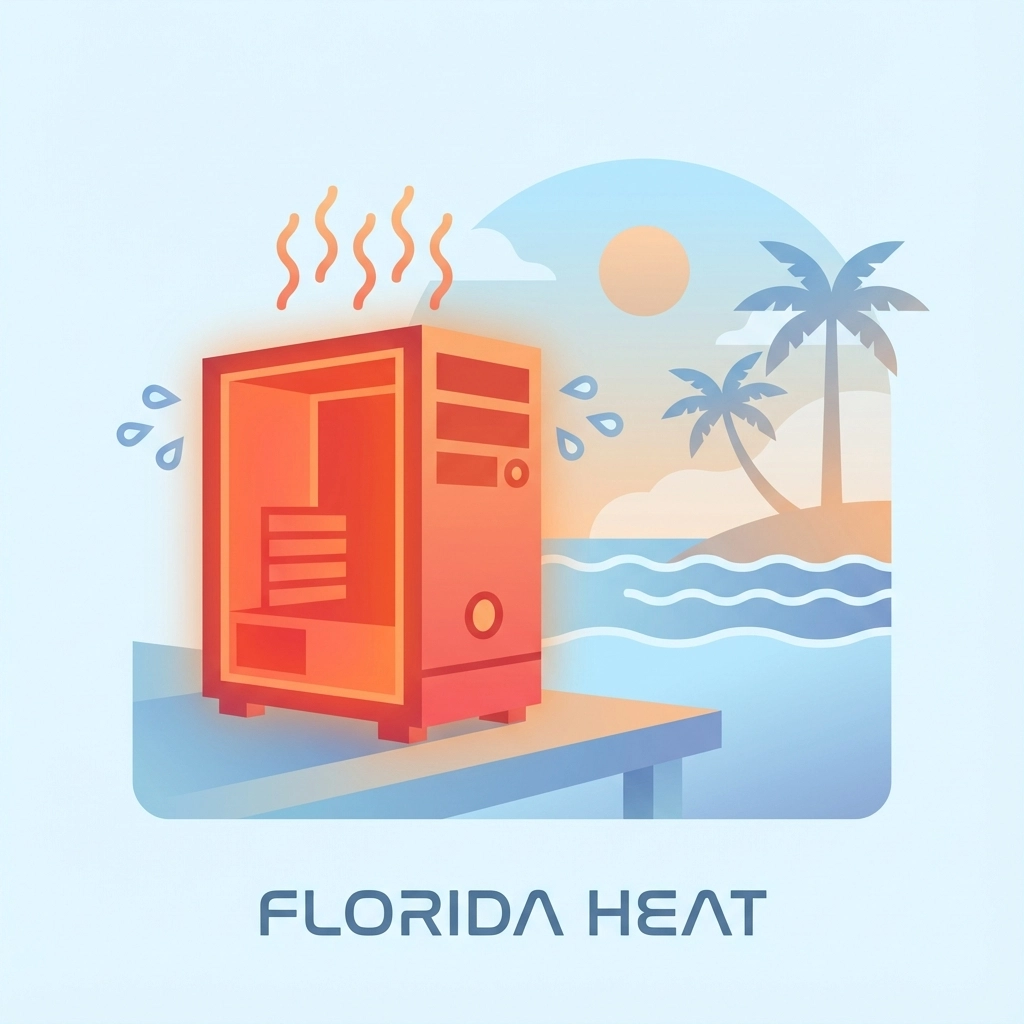
Overheating is the #1 cause of random computer crashes, and it's especially brutal here in Florida where your AC is fighting a losing battle against 95-degree days. When your computer's internal temperature hits around 70-80°C (158-176°F), it starts shutting down to protect itself: just like you'd jump in the pool when it gets too hot outside.
The 5-Minute Fix That Actually Works
Here's what most computer stores won't tell you because it doesn't require their expensive diagnostic fees:
Step 1: Power Down and Cool Off (2 minutes)
Turn off your computer completely and let it cool for a couple of minutes. If it's been crashing, it's probably running hot enough to fry an egg: metaphorically speaking.
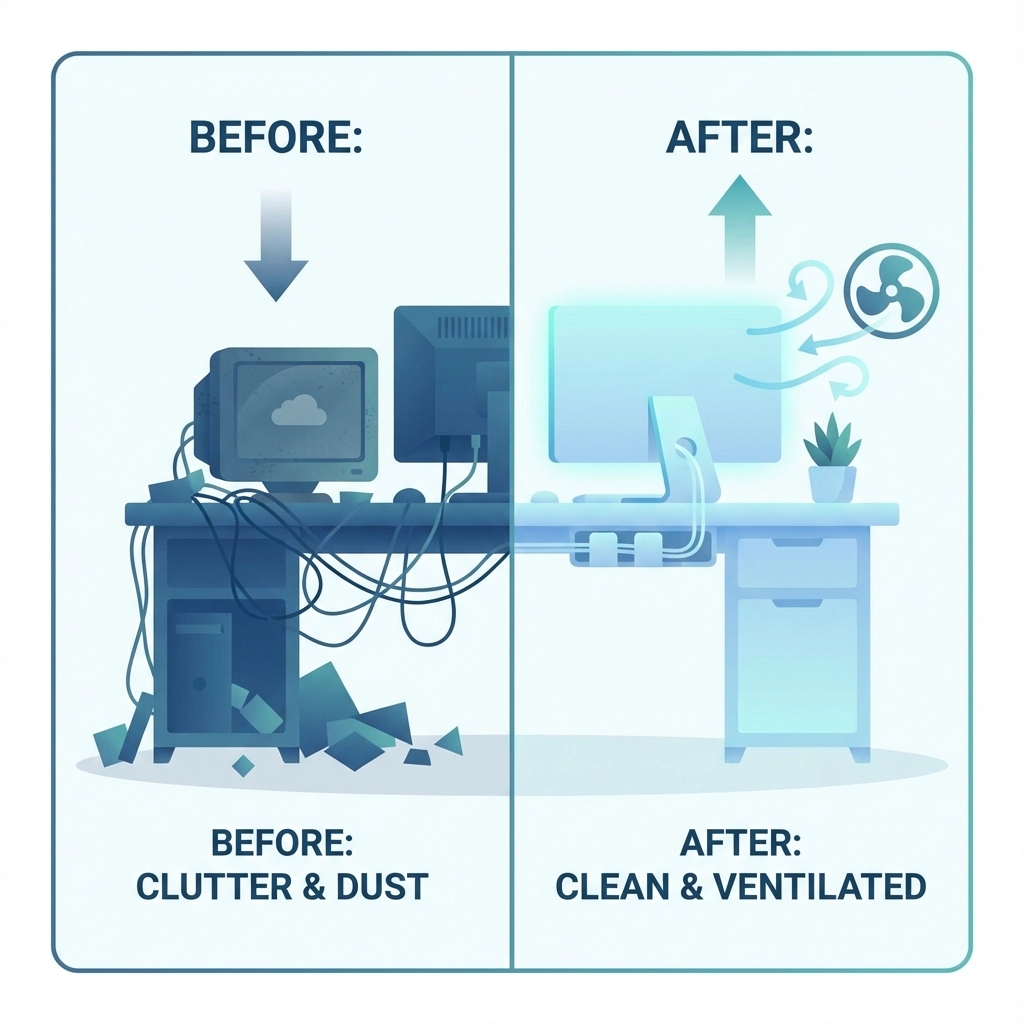
Step 2: The Great Dust Bunny Evacuation (3 minutes)
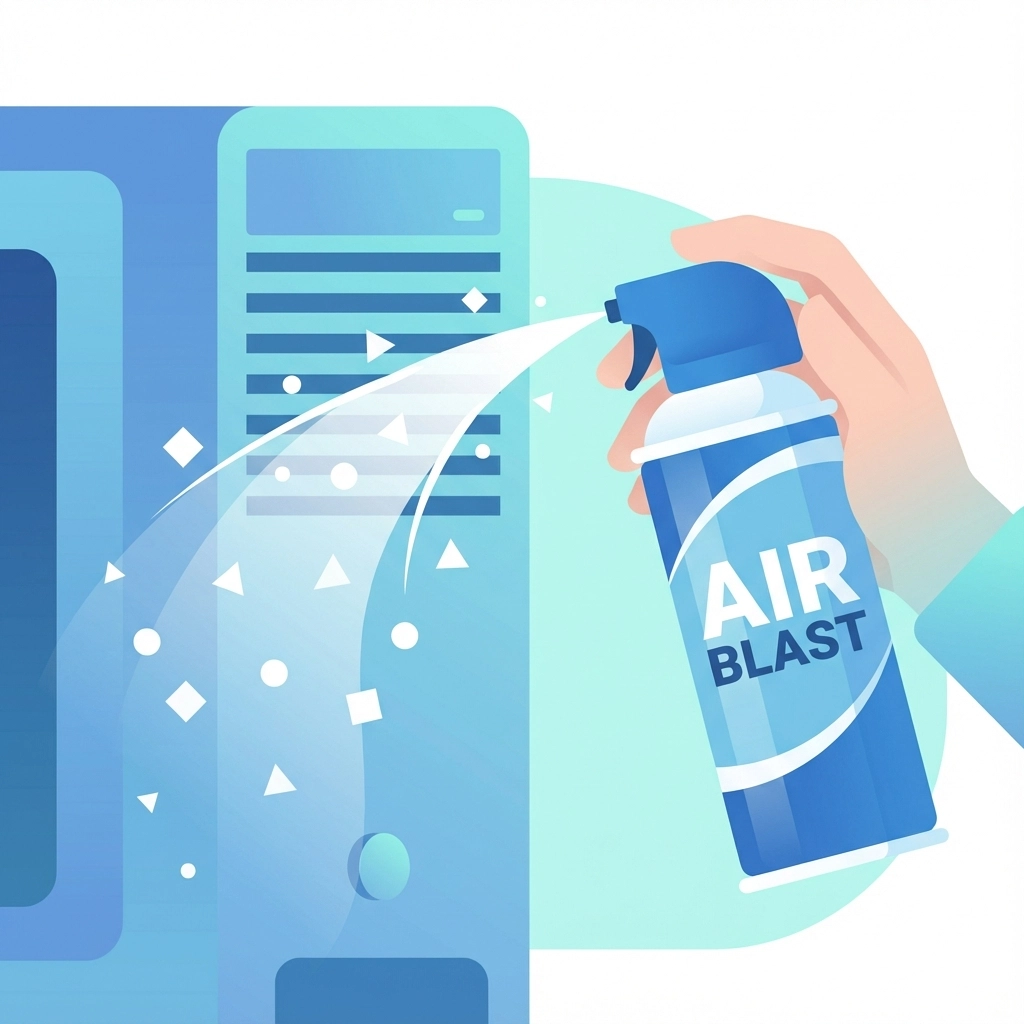
Grab a can of compressed air from any Publix, Walmart, or CVS in Florida. Gently blow out the dust from:
- Air vents (usually on the sides or back)
- Fans (you'll see them through the vents)
- Keyboard if it's a laptop
Important: Don't use a regular vacuum: static electricity can kill your computer faster than a lightning strike during Florida's afternoon thunderstorms.
Step 3: Check Your Environment
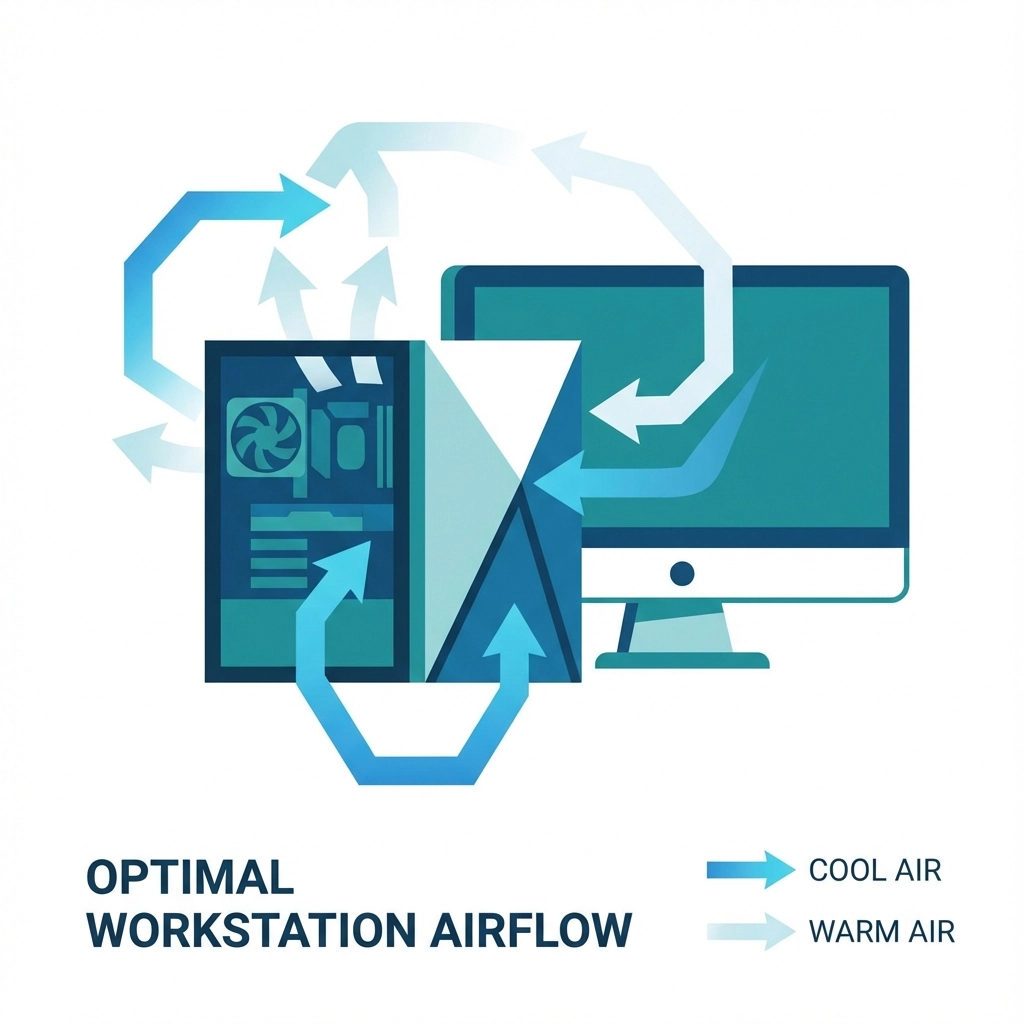
Make sure your computer has proper airflow. If your desktop is shoved under your desk like a forgotten beach umbrella, move it out where it can breathe.
That's it. Seriously.
Why This Works So Well
Your computer generates heat like a small space heater. In Florida's climate, add some dust (which acts like a blanket), and you've created a perfect storm for overheating. When components get too hot, they malfunction: causing those random crashes, blue screens, and mysterious shutdowns that make you want to throw your laptop into the Gulf of Mexico.
The numbers don't lie: According to industry data, overheating accounts for roughly 70-80% of random computer crashes. Clean airflow can prevent most of these issues before they start.
Signs Your Computer is Having a Florida Meltdown
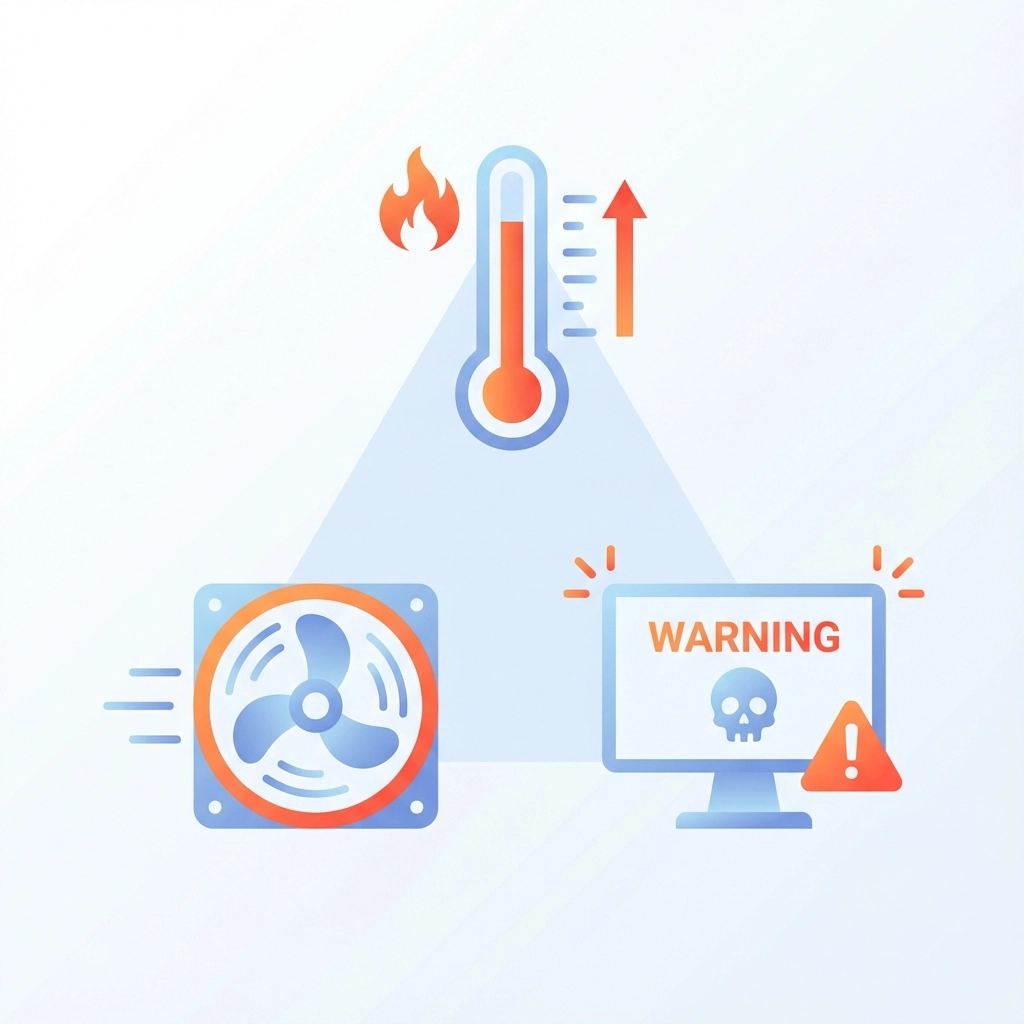
Watch for these warning signs that your PC is struggling with the heat:
- Fan sounds like a jet engine: If your computer's fans are working overtime, it's trying to cool down
- Hot to the touch: Your laptop shouldn't feel like a fresh-baked Key lime pie
- Random shutdowns: Especially during intensive tasks like video calls or gaming
- Sluggish performance: Heat makes processors slow down to avoid damage
- Blue screens of death: Often temperature-related in Florida's climate
Beyond the Quick Fix: Keeping Your Computer Cool in Paradise
While the 5-minute dust-cleaning fix works great as emergency first aid, here are some longer-term strategies for keeping your computer happy in Florida:
Location, Location, Location
Just like real estate, where you put your computer matters. Keep it away from:
- Direct sunlight (those afternoon rays are brutal)
- Heat sources like space heaters or sunny windows
- Enclosed spaces without ventilation
- The floor where dust bunnies multiply like tourists in Disney World
The Humidity Factor
Florida's humidity can cause internal condensation when your AC kicks in. If possible, keep your computer in a consistently climate-controlled environment.
Regular Maintenance Schedule
- Clean dust out monthly during peak summer months
- Check air vents weekly for blockages
- Monitor running temperature using built-in tools
- Replace thermal paste every 2-3 years (this one requires professional help)
When the 5-Minute Fix Isn't Enough
Sometimes overheating damage goes beyond what a quick cleaning can fix. If you're still experiencing crashes after addressing the heat issue, you might be dealing with:
- Hardware damage: Repeated overheating can permanently damage components
- Failing hard drives: Heat kills hard drives faster than anything else
- Memory issues: RAM doesn't like hot temperatures
- Power supply problems: Heat can cause power supplies to fail
This is where professional diagnostics become necessary. Unlike the "throw parts at it and see what sticks" approach some shops use, proper troubleshooting involves systematic testing to identify the real problem.
Computer Humor Break: Florida Edition
Q: Why don't computers work well on Miami Beach?
A: Too much sand in their processors!
Q: What's the difference between a Florida computer and a snowbird?
A: The snowbird actually leaves when it gets too hot!
Fun Florida Computer Trivia: Did you know that NASA's computers at Kennedy Space Center have special cooling systems because regular PCs can't handle Florida's heat and humidity? Even rocket scientists know you need to keep things cool!
Tech Pun Alert: Why did the computer move from Tampa to Alaska? It needed some byte-sized portions of cool air! (We're not sorry.)
The Real Reason Computer Stores Don't Share This
Here's the uncomfortable truth: a $3 can of compressed air and 5 minutes of your time doesn't generate the same revenue as a $150 diagnostic fee plus parts and labor. Many computer stores in Florida make their money on services that could be prevented with simple maintenance.
That doesn't mean all computer problems are DIY-fixable: many aren't. But overheating is so common and so easily prevented that it's worth trying the simple fix first.
Prevention is Better Than Repair
The best crash is the one that never happens. Regular maintenance keeps your computer running smoothly and extends its lifespan significantly. In Florida's challenging climate, this is especially important.
Think of it like maintaining your car's AC system: you wouldn't wait until it breaks down in July to service it, right? Your computer deserves the same preventive care.
When to Call the Professionals
While the 5-minute overheating fix works for many crash issues, some problems require professional attention:
- Crashes persist after cleaning
- Hardware damage from prolonged overheating
- Complex software conflicts
- Data recovery needs
- Business-critical systems that can't afford downtime
At Computers Done Right, we believe in empowering our Florida customers with knowledge. We'd rather you fix simple problems yourself and call us for the complex stuff that actually requires expertise.
Your Computer's Florida Survival Guide
Living in paradise doesn't mean your technology has to suffer. With proper care and attention to cooling, your computer can thrive in Florida's unique climate. The 5-minute fix is just the beginning: regular maintenance, proper placement, and understanding your computer's needs will keep it running smoothly through hurricane season and beyond.
Remember: a clean, cool computer is a happy computer. And happy computers don't crash during important video conferences or while you're working on that crucial project deadline.
For complex issues that go beyond basic maintenance, or if you need professional assessment of heat-related damage, give us a call. We're here to help Florida residents keep their technology running smoothly: whether that's with a simple tip or comprehensive repair services.
Stay cool, Florida: and keep your computers cooler!